Filtering IP Addresses for Management Access
Web Interface
To create a list of IP addresses authorized for management access:
1.
Click Security, IP Filter.
2.
Select Add from the Action list.
3.
Select the management interface to filter (Web, SNMP, Telnet, All).
4.
Enter the IP addresses or range of addresses that are allowed management
access to an interface.
5.
Click Apply
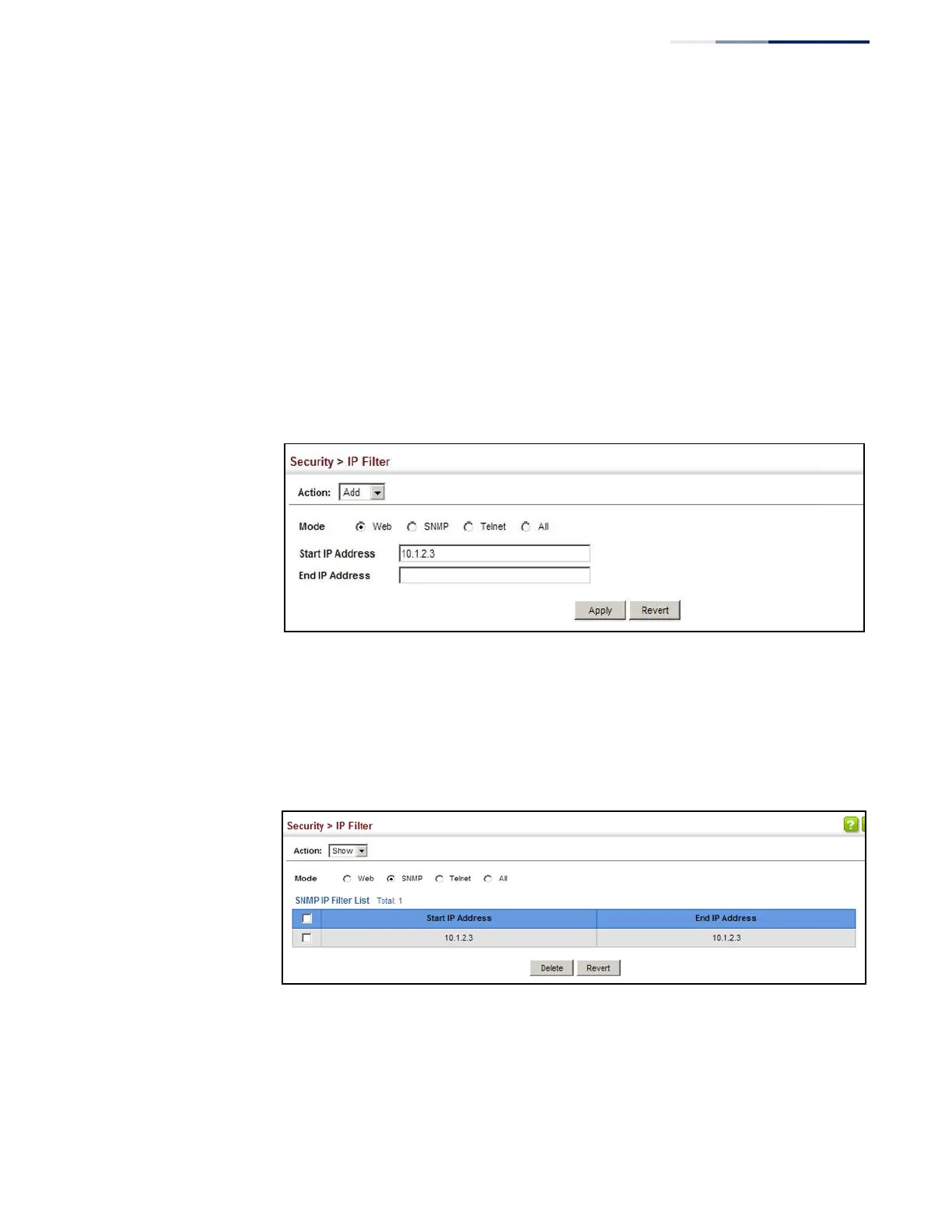
Figure 187: Creating an IP Address Filter for Management Access
To show a list of IP addresses authorized for management access:
1.
Click Security, IP Filter.
2.
Select Show from the Action list.
Figure 188: Showing IP Addresses Authorized for Management Access















 To Next Page