Enabling DHCP
Dynamic Provision
Use the IP Service > DHCP > Dynamic Provision to enable dynamic provisioning via
DHCP.
Command Usage
DHCPD is the daemon used by Linux to dynamically configure TCP/IP information
for client systems. To support DHCP option 66/67, you have to add corresponding
statements to the configuration file of DHCPD. Information on how to complete
this process are described in “Downloading a Configuration File and Other
Parameters Provided by a DHCP Server” as described in the CLI Reference Guide.
Some alternative commands which can be added to the DHCPD to complete the
dynamic provisioning process are also described under the
ip dhcp dynamic-
provision
command in the CLI Reference Guide.
By default, the parameters for DHCP option 66/67 are not carried by the reply sent
from the DHCP server. To ask for a DHCP reply with option 66/67, the client can
inform the server that it is interested in option 66/67 by sending a DHCP request
that includes a 'parameter request list' option. Besides this, the client can also send
a DHCP request that includes a 'vendor class identifier' option to the server so that
the DHCP server can identify the device, and determine what information should
be given to requesting device.
Parameters
These parameters are displayed:
◆
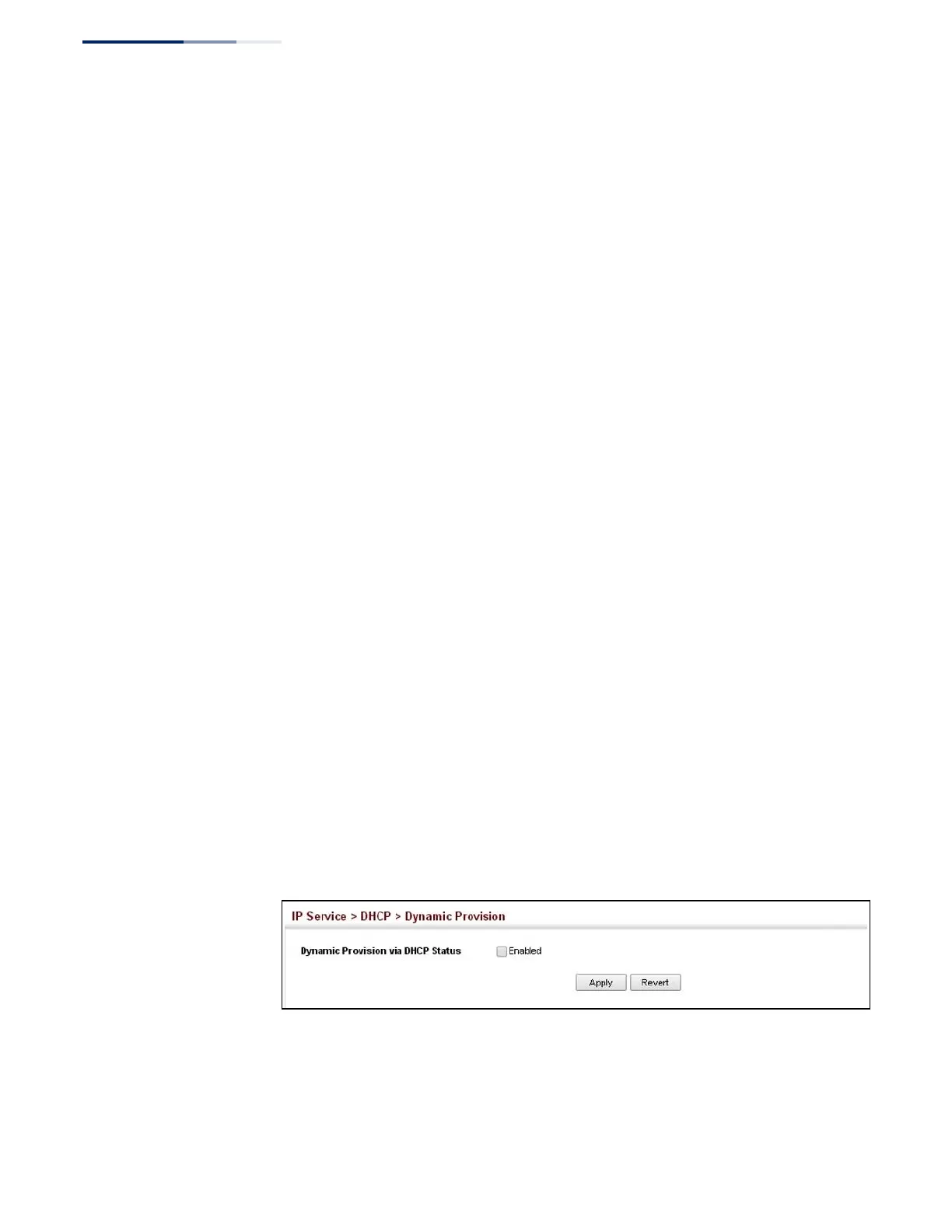
Dynamic Provision via DHCP Status
– Enables dynamic provisioning via
DHCP. (Default: Disabled)
Web Interface
To enable dynamic provisioning via DHCP:
1.
Click IP Service, DHCP, Dynamic Provision.
2.
Mark the Enable box if dynamic provisioning is configured on the DHCP
deamon, and required for bootup.
3.
Click Apply.
Figure 357: Enabling Dynamic Provisioning via DHCP















 To Next Page