Parameters
The following parameters are displayed:
◆
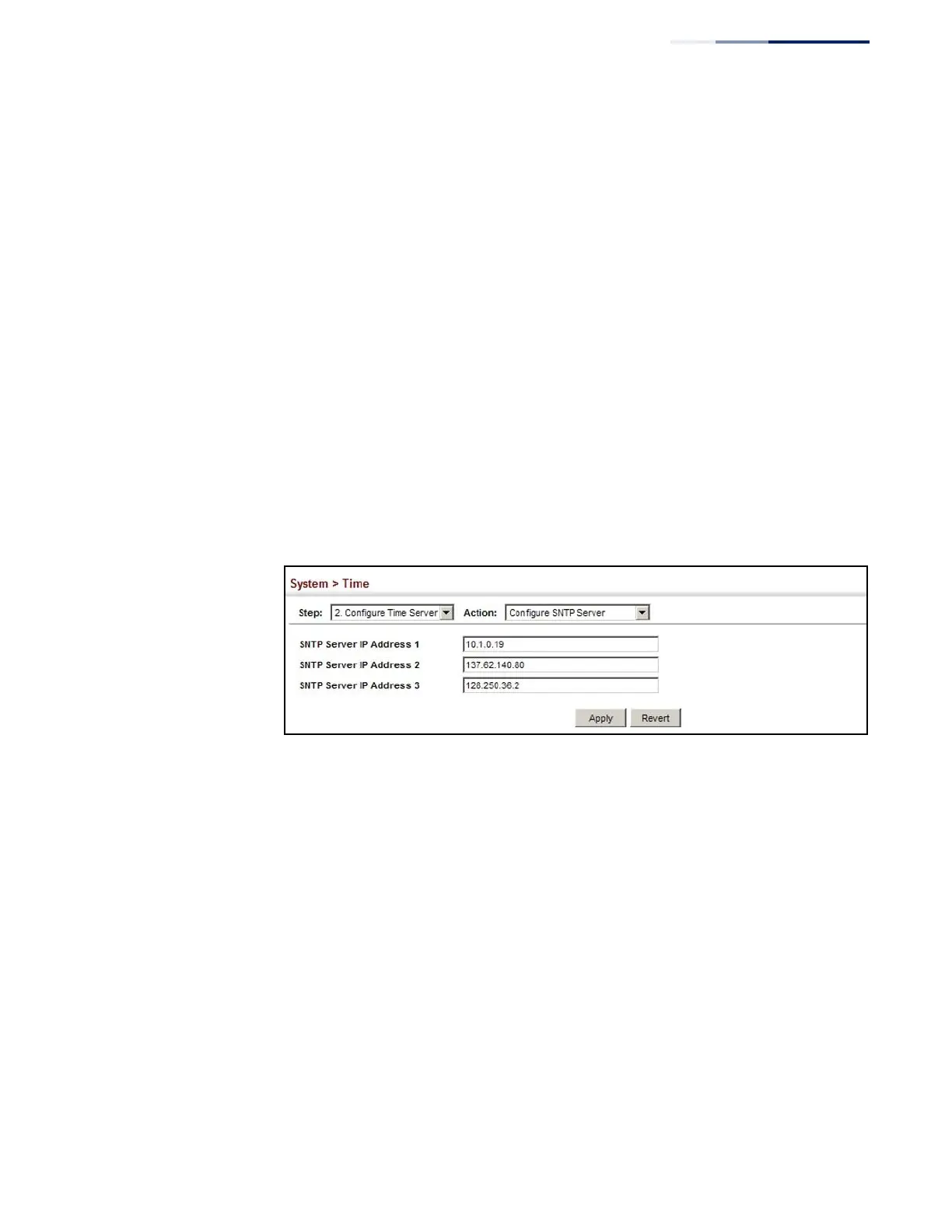
SNTP Server IP Address – Sets the IPv4 address for up to three time servers.
The switch attempts to update the time from the first server, if this fails it
attempts an update from the next server in the sequence.
Web Interface
To set the SNTP time servers:
1.
Click System, then Time.
2.
Select Configure Time Server from the Step list.
3.
Select Configure SNTP Server from the Action list.
4.
Enter the IP address of up to three time servers.
5.
Click Apply.
Figure 14: Specifying SNTP Time Servers
Specifying NTP Time Servers
Use the System > Time (Configure Time Server – Add NTP Server) page to add the IP
address for up to 50 NTP time servers.
Parameters
The following parameters are displayed:
◆
NTP Server IP Address – Sets the IPv4 address for up to three time servers. The
switch will poll the specified time servers for updates when the clock
maintenance type is set to NTP on the System > Time (Configure General) page.
It issues time synchronization requests at a fixed interval of 1024 seconds. The
switch will poll all the time servers configured, the responses received are
filtered and compared to determine the most reliable and accurate time update
for the switch.
◆
Version – Specifies the NTP version supported by the server. (Fixed: Version 3)















 To Next Page