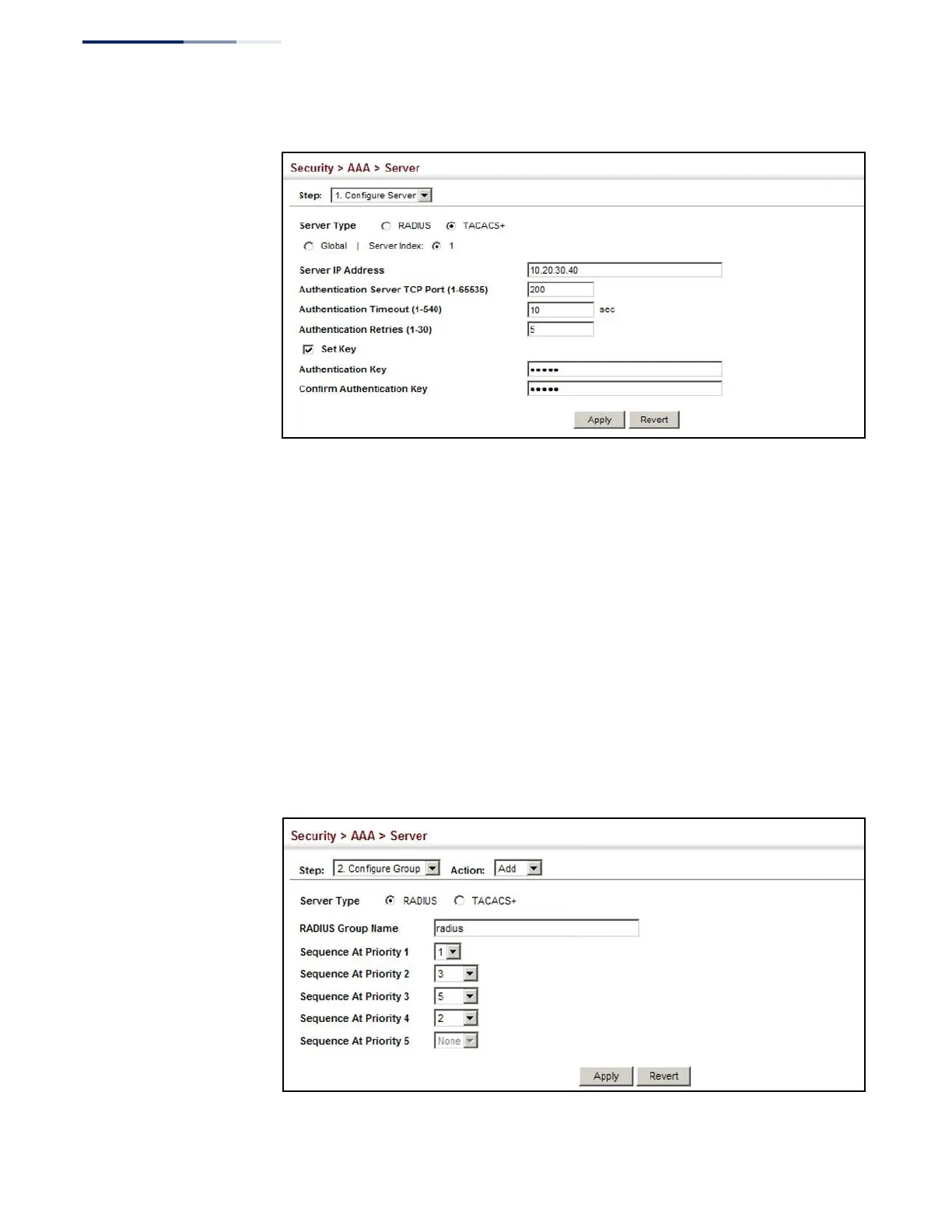
Figure 145: Configuring Remote Authentication Server
(TACACS+)
To configure the RADIUS or TACACS+ server groups to use for accounting and
authorization:
1.
Click Security, AAA, Server.
2.
Select Configure Group from the Step list.
3.
Select Add from the Action list.
4.
Select RADIUS or TACACS+ server type.
5.
Enter the group name, followed by the index of the server to use for each
priority level.
6.
Click Apply.
Figure 146: Configuring AAA Server Groups















 To Next Page