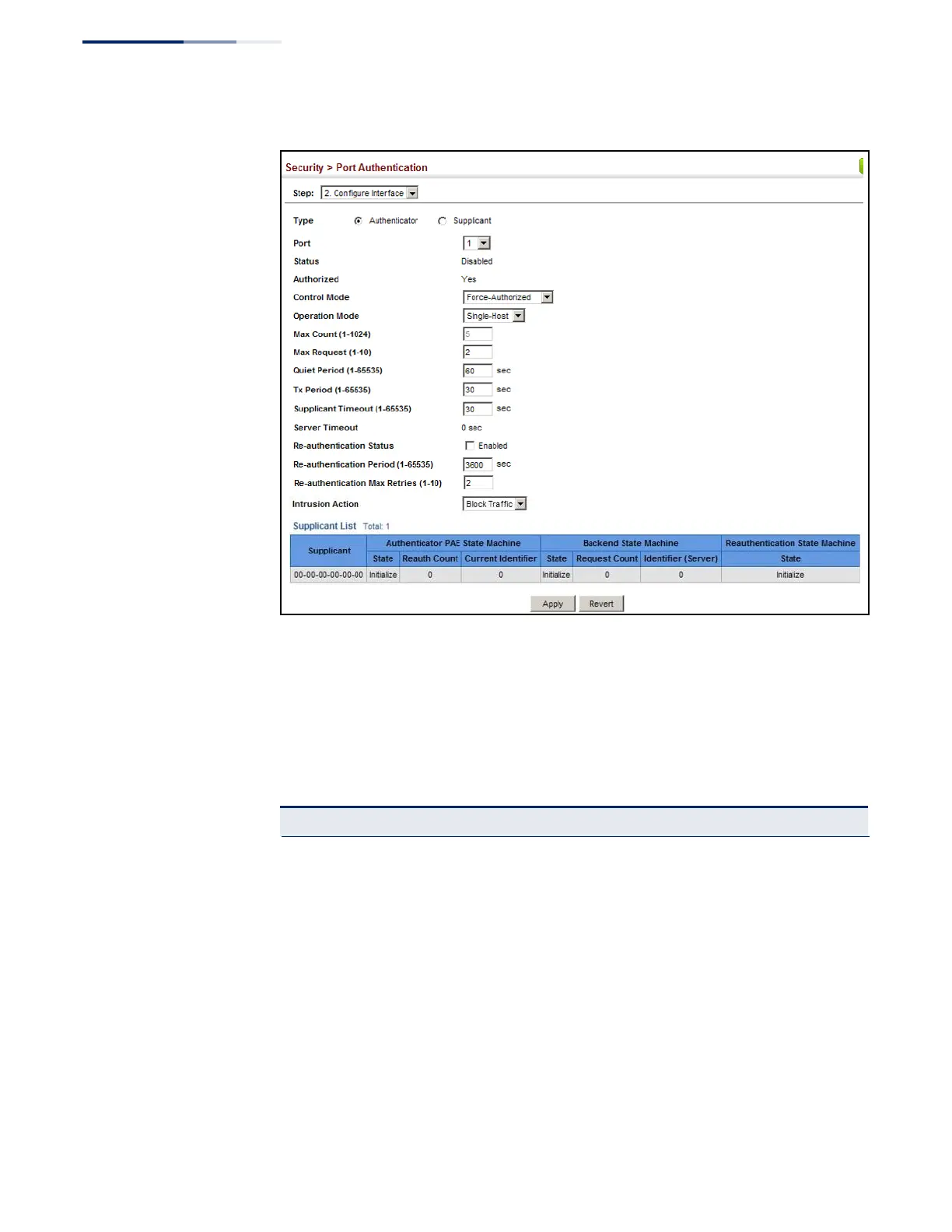
Figure 192: Configuring Interface Settings for 802.1X Port Authenticator
Displaying
802.1X Statistics
Use the Security > Port Authentication (Show Statistics) page to display statistics for
dot1x protocol exchanges for any port.
Parameters
These parameters are displayed:
Table 17: 802.1X Statistics
Authenticator
Rx EAPOL Start The number of EAPOL Start frames that have been received by this
Authenticator.
Rx EAPOL Logoff The number of EAPOL Logoff frames that have been received by
this Authenticator.
Rx EAPOL Invalid The number of EAPOL frames that have been received by this
Authenticator in which the frame type is not recognized.
Rx EAPOL Total The number of valid EAPOL frames of any type that have been
received by this Authenticator.
Rx Last EAPOLVer The protocol version number carried in the most recent EAPOL
frame received by this Authenticator.
Rx Last EAPOLSrc The source MAC address carried in the most recent EAPOL frame
received by this Authenticator.















 To Next Page