DHCP Snooping
VLAN Configuration
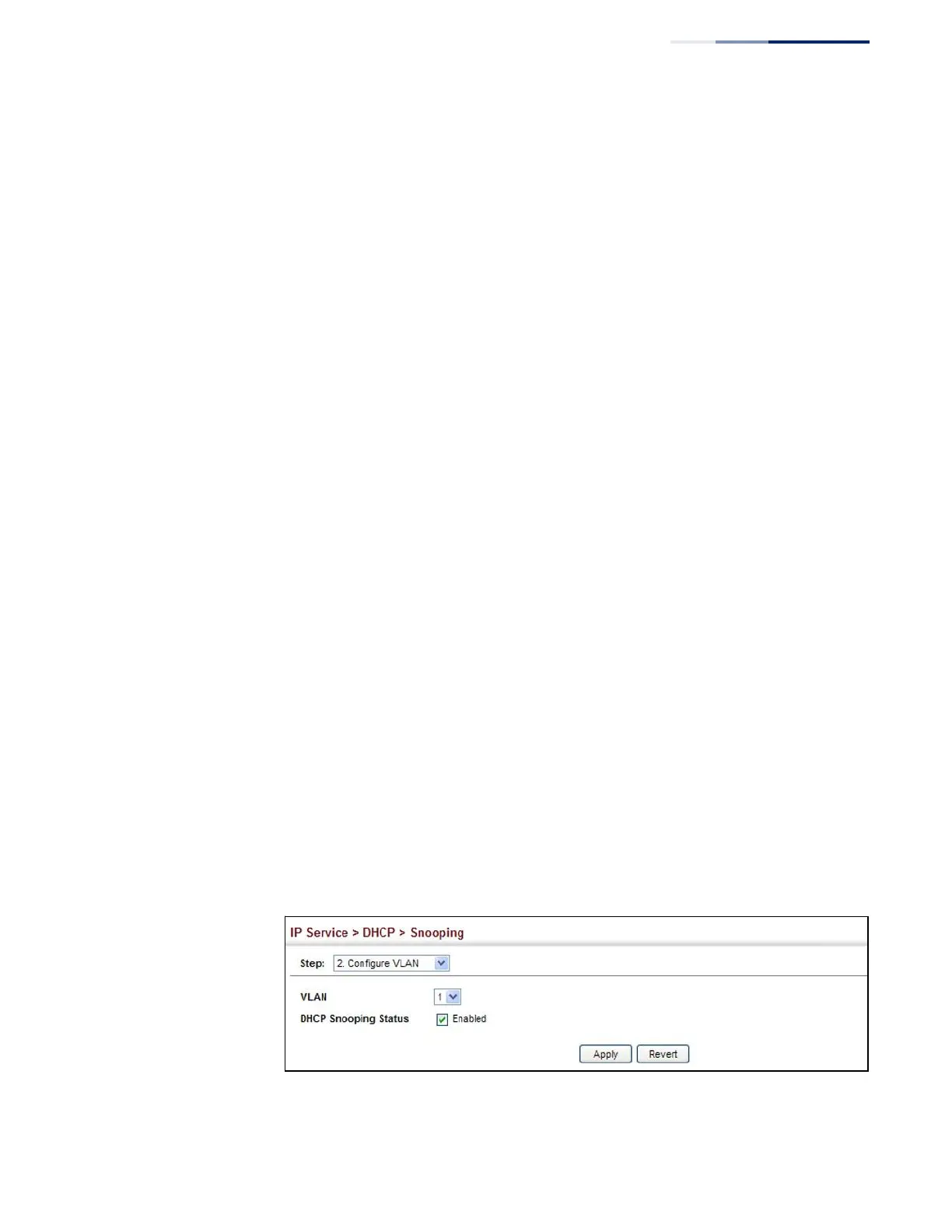
Use the Security > DHCP Snooping (Configure VLAN) page to enable or disable
DHCP snooping on specific VLANs.
Command Usage
◆
When DHCP snooping is enabled globally on the switch, and enabled on the
specified VLAN, DHCP packet filtering will be performed on any untrusted ports
within the VLAN.
◆
When the DHCP snooping is globally disabled, DHCP snooping can still be
configured for specific VLANs, but the changes will not take effect until DHCP
snooping is globally re-enabled.
◆
When DHCP snooping is globally enabled, and DHCP snooping is then disabled
on a VLAN, all dynamic bindings learned for this VLAN are removed from the
binding table.
Parameters
These parameters are displayed:
◆
VLAN – ID of a configured VLAN. (Range: 1-4094)
◆
DHCP Snooping Status – Enables or disables DHCP snooping for the selected
VLAN. When DHCP snooping is enabled globally on the switch, and enabled on
the specified VLAN, DHCP packet filtering will be performed on any untrusted
ports within the VLAN. (Default: Disabled)
Web Interface
To configure global settings for DHCP Snooping:
1.
Click IP Service, DHCP, Snooping.
2.
Select Configure VLAN from the Step list.
3.
Enable DHCP Snooping on any existing VLAN.
4.
Click Apply
Figure 196: Configuring DHCP Snooping on a VLAN















 To Next Page