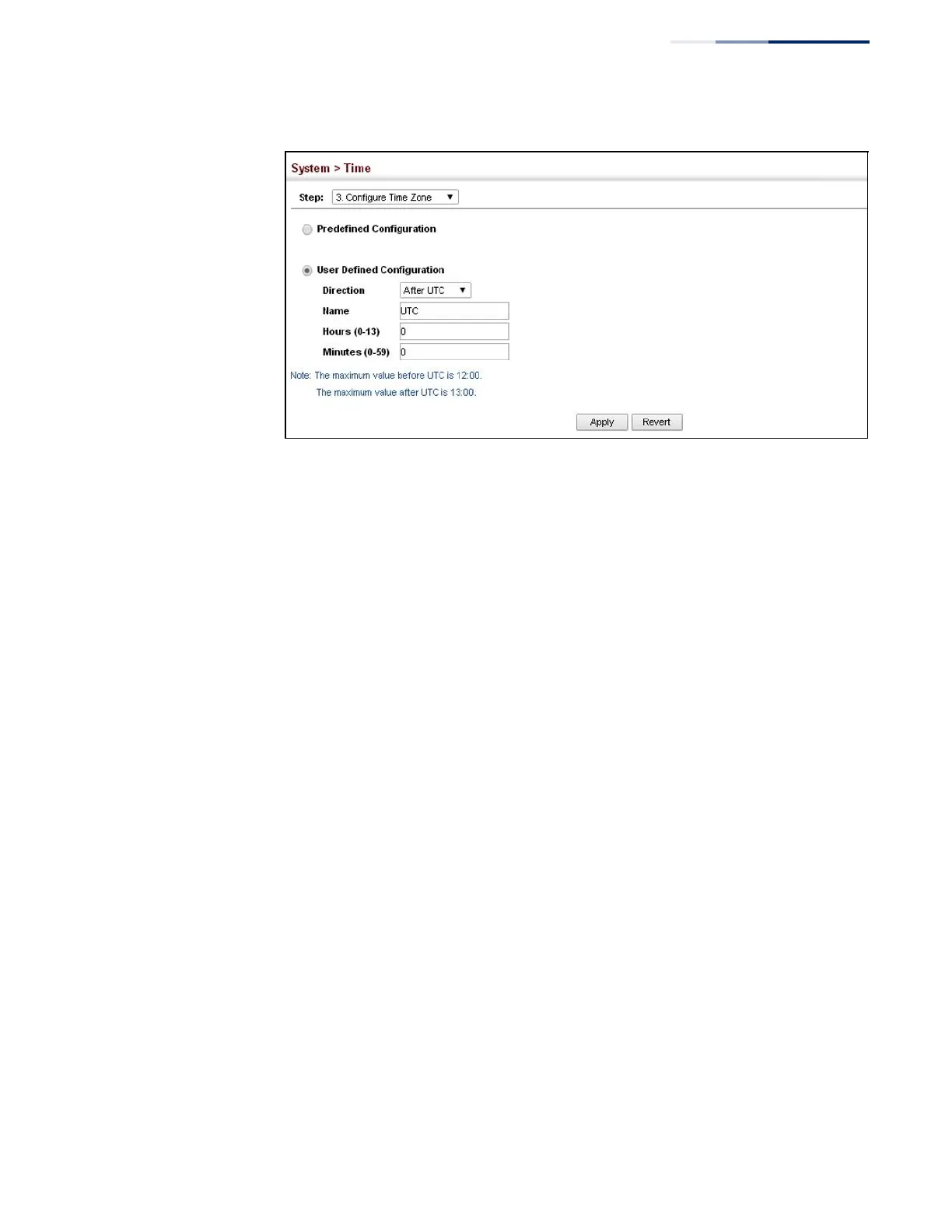
Figure 19: Setting the Time Zone
Configuring
Summer Time
Use the Summer Time page to set the system clock forward during the summer
months (also known as daylight savings time).
In some countries or regions, clocks are adjusted through the summer months so
that afternoons have more daylight and mornings have less. This is known as
Summer Time, or Daylight Savings Time (DST). Typically, clocks are adjusted
forward one hour at the start of spring and then adjusted backward in autumn.
Parameters
The following parameters are displayed in the web interface:
General Configuration
◆
Summer Time in Effect – Shows if the system time has been adjusted.
◆
Status – Shows if summer time is set to take effect during the specified period.
◆
Name – Name of the time zone while summer time is in effect, usually an
acronym. (Range: 1-30 characters)
◆
Mode – Selects one of the following configuration modes. (The Mode option
can only be managed when the Summer Time Status option has been set to
enabled for the switch.)
Predefined Mode – Configures the summer time status and settings for the switch
using predefined configurations for several major regions of the world. To specify
the time corresponding to your local time when summer time is in effect, select the
predefined summer-time zone appropriate for your location.















 To Next Page