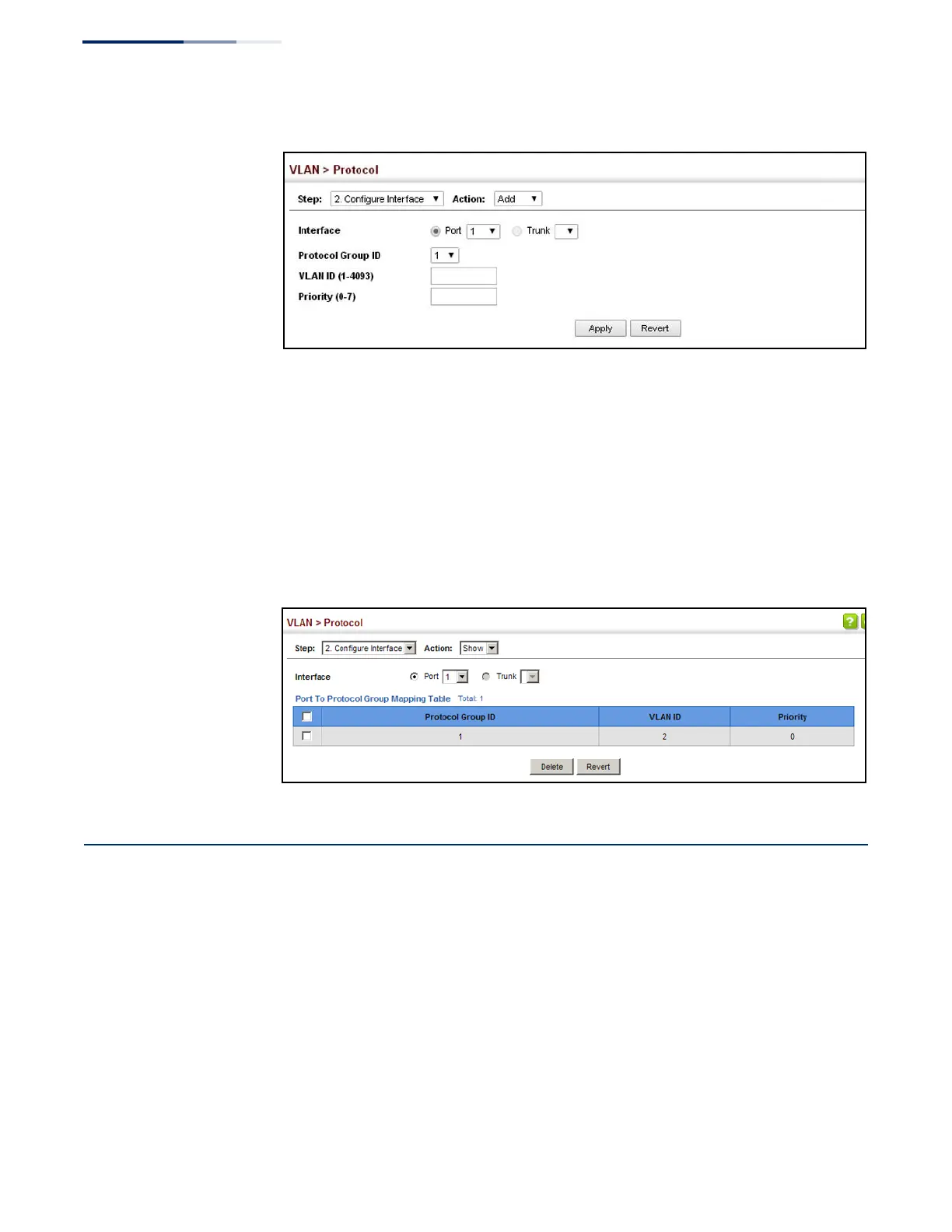
Figure 88: Assigning Interfaces to Protocol VLANs
To show the protocol groups mapped to a port or trunk:
1.
Click VLAN, Protocol.
2.
Select Configure Interface from the Step list.
3.
Select Show from the Action list.
4.
Select a port or trunk.
Figure 89: Showing the Interface to Protocol Group Mapping
Configuring MAC-based VLANs
Use the VLAN > MAC-Based page to configure VLAN based on MAC addresses. The
MAC-based VLAN feature assigns VLAN IDs to ingress untagged frames according
to source MAC addresses.
When MAC-based VLAN classification is enabled, untagged frames received by a
port are assigned to the VLAN which is mapped to the frame’s source MAC address.
When no MAC address is matched, untagged frames are assigned to the receiving
port’s native VLAN ID (PVID).
Command Usage
◆
The MAC-to-VLAN mapping applies to all ports on the switch.















 To Next Page