◆
Any number of CA type and value pairs can be specified for the civic address
location, as long as the total does not exceed 250 characters.
Parameters
These parameters are displayed:
◆
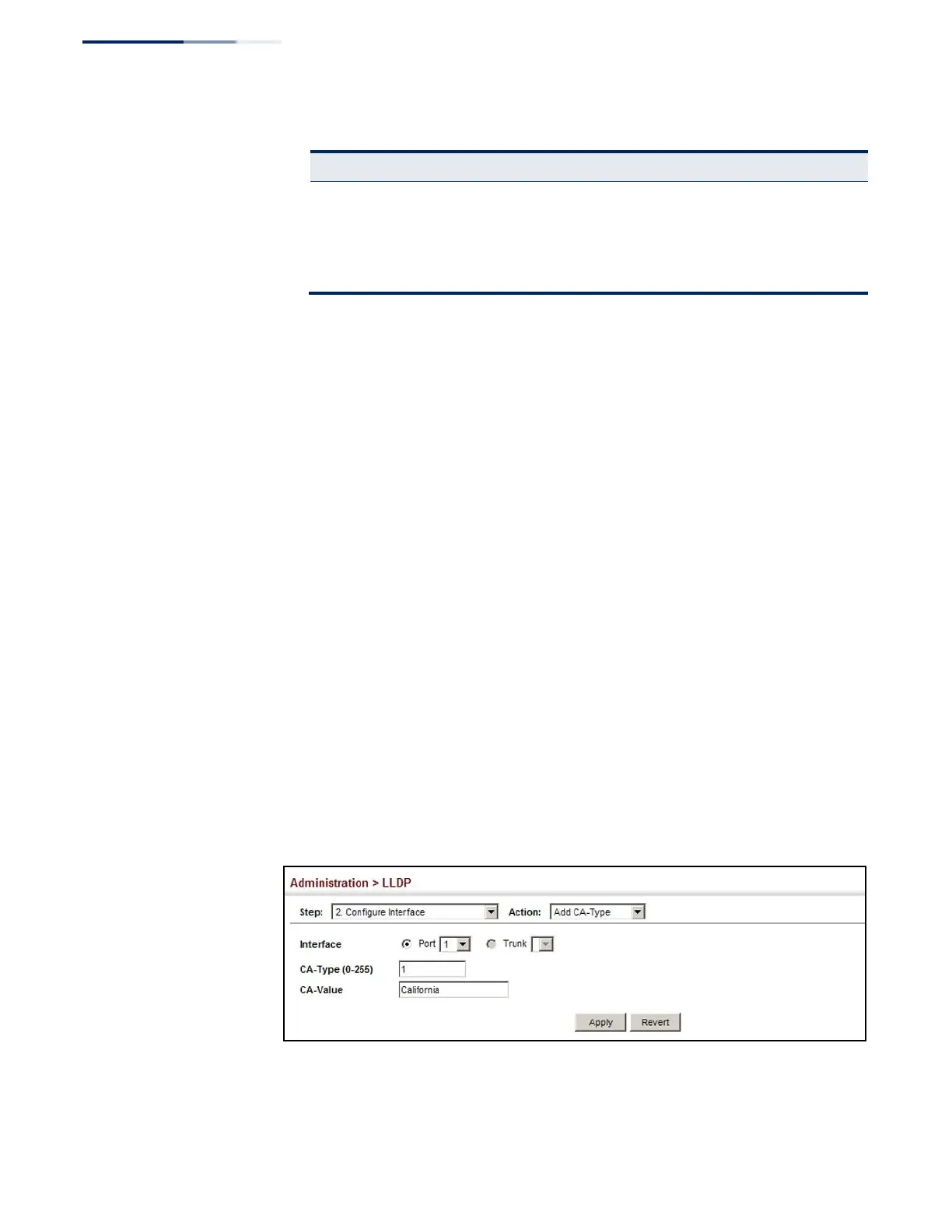
CA-Type – Descriptor of the data civic address value. (Range: 0-255)
◆
CA-Value – Description of a location. (Range: 1-32 characters)
Web Interface
To specify the physical location of the attached device:
1.
Click Administration, LLDP.
2.
Select Configure Interface from the Step list.
3.
Select Add CA-Type from the Action list.
4.
Select an interface from the Port or Trunk list.
5.
Specify a CA-Type and CA-Value pair.
6.
Click Apply.
Figure 214: Configuring the Civic Address for an LLDP Interface















 To Next Page