Other Errors The number of received UDP datagrams that could not be delivered for
reasons other than the lack of an application at the destination port.
Output The total number of UDP datagrams sent from this entity.
Web Interface
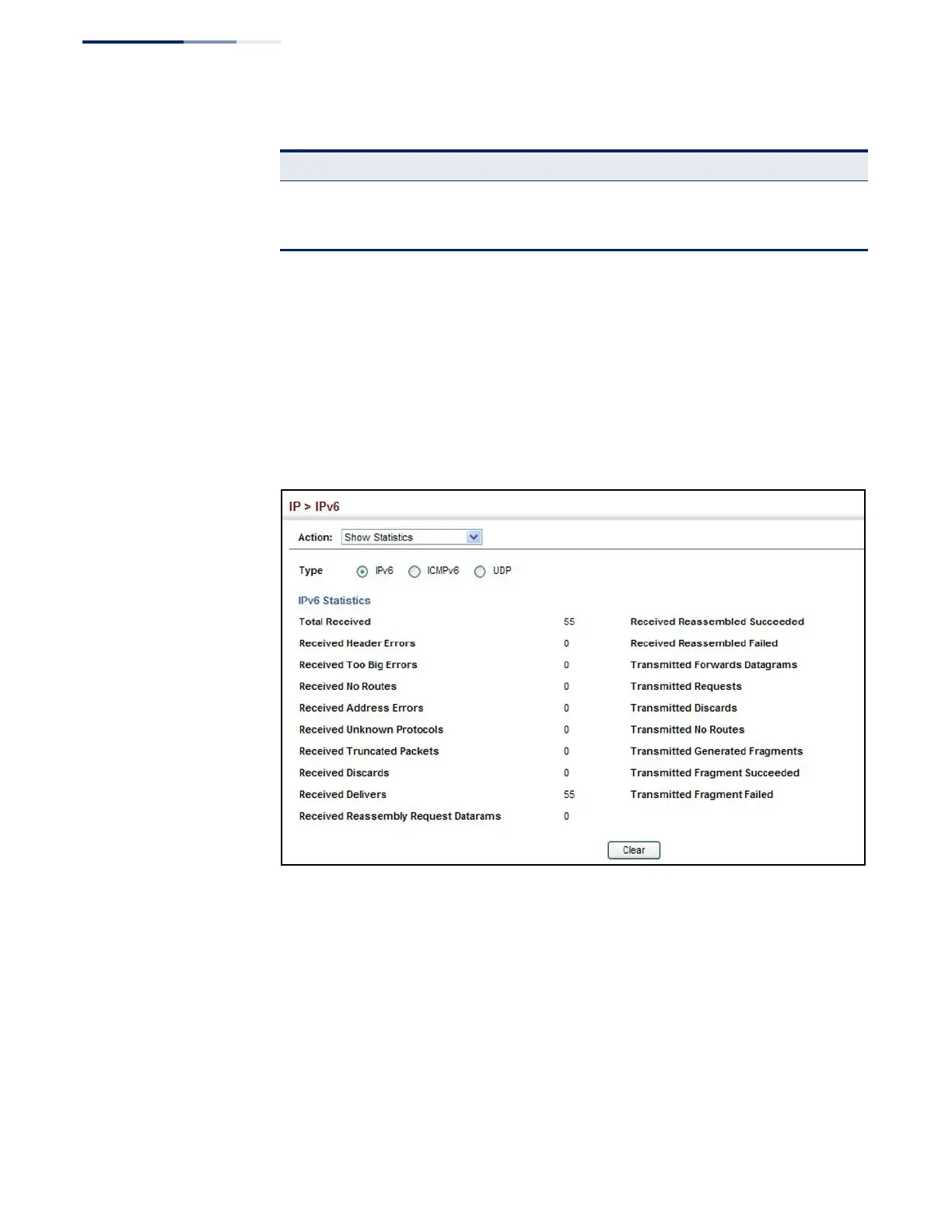
To show the IPv6 statistics:
1.
Click IP, IPv6 Configuration.
2.
Select Show Statistics from the Action list.
3.
Click IPv6, ICMPv6 or UDP.
Figure 337: Showing IPv6 Statistics
(IPv6)















 To Next Page