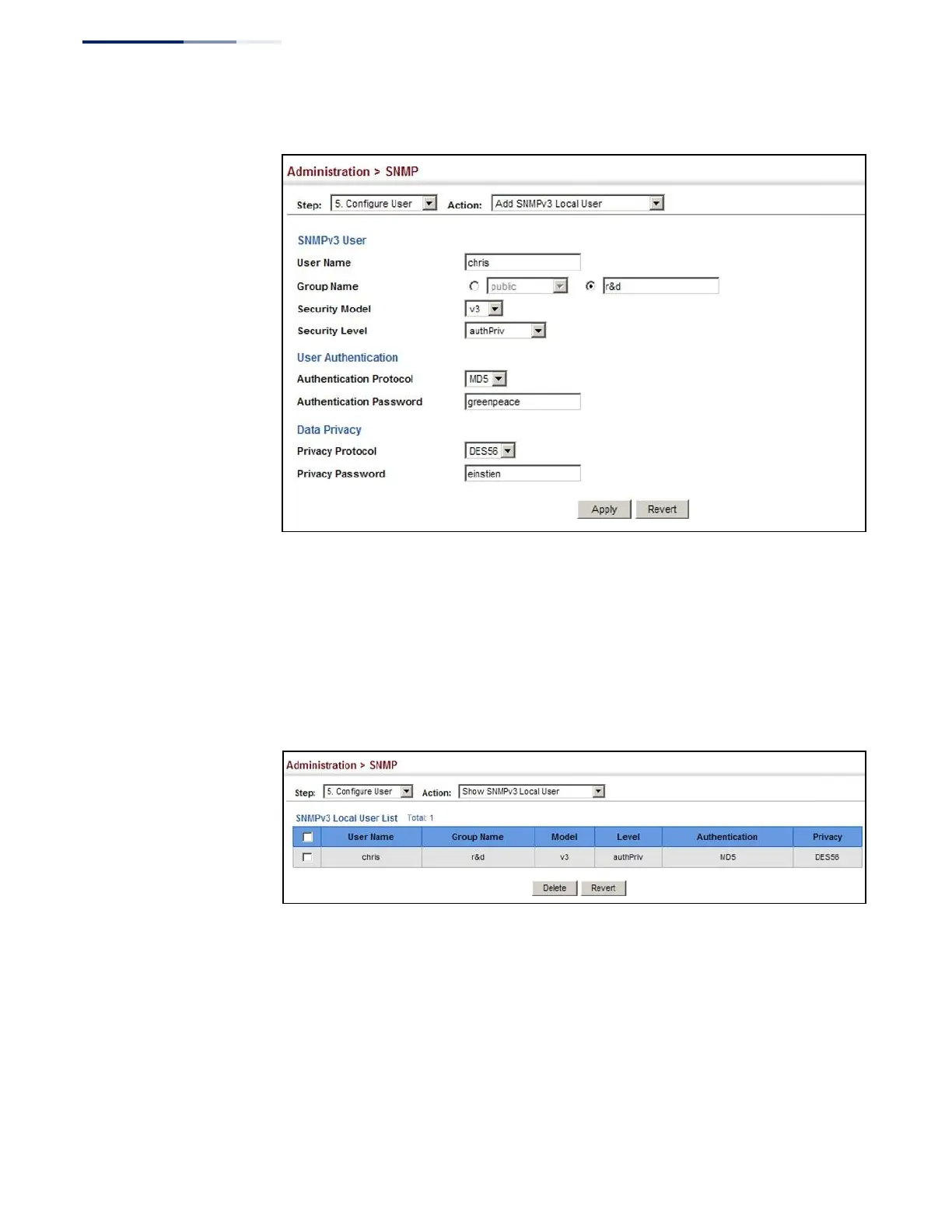
Figure 236: Configuring Local SNMPv3 Users
To show local SNMPv3 users:
1.
Click Administration, SNMP.
2.
Select Configure User from the Step list.
3.
Select Show SNMPv3 Local User from the Action list.
Figure 237: Showing Local SNMPv3 Users
To change a local SNMPv3 local user group:
1.
Click Administration, SNMP.
2.
Select Change SNMPv3 Local User Group from the Action list.
3.
Select the User Name.
4.
Enter a new group name.















 To Next Page