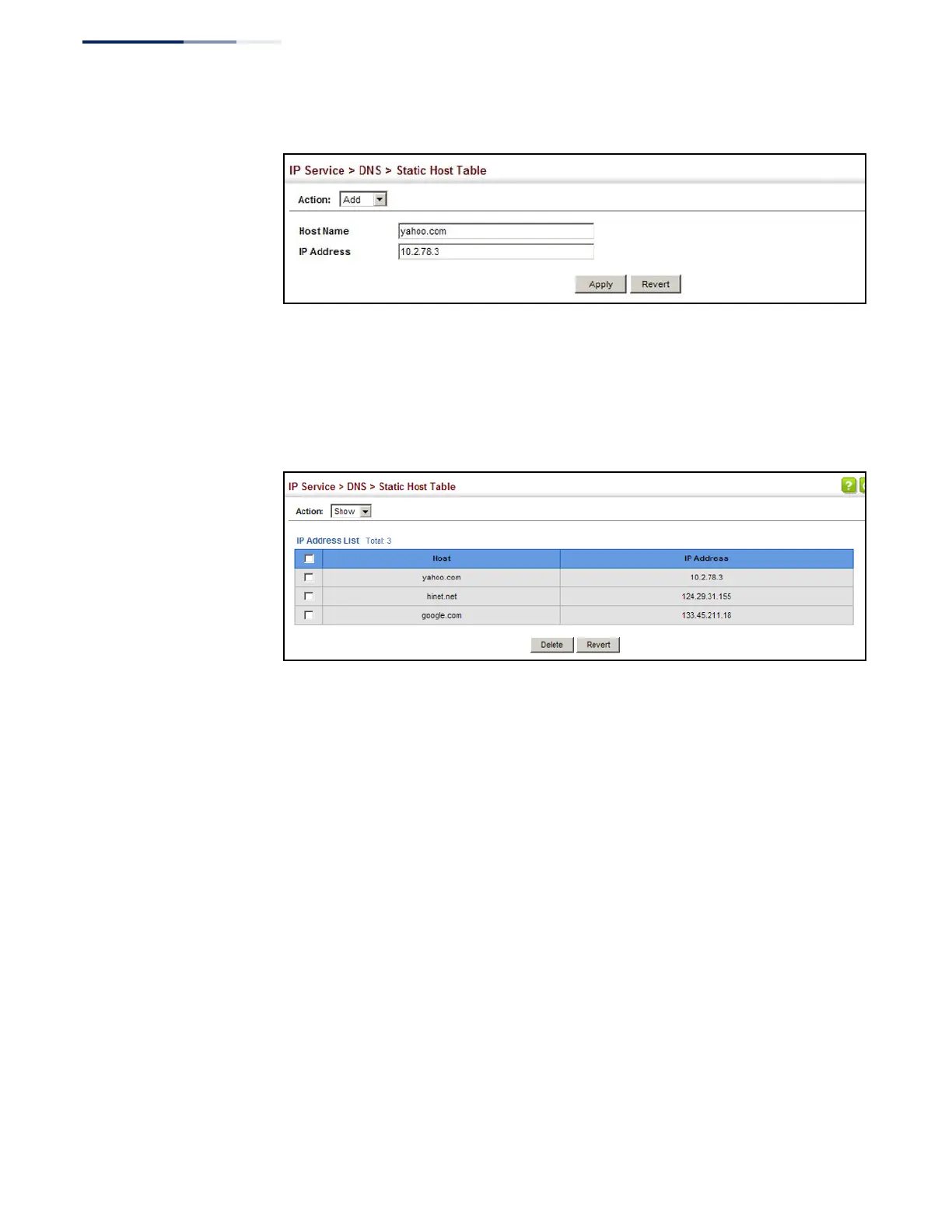
Figure 350: Configuring Static Entries in the DNS Table
To show static entries in the DNS table:
1.
Click IP Service, DNS, Static Host Table.
2.
Select Show from the Action list.
Figure 351: Showing Static Entries in the DNS Table
Displaying the DNS
Cache
Use the IP Service > DNS - Cache page to display entries in the DNS cache that have
been learned via the designated name servers.
Command Usage
Servers or other network devices may support one or more connections via
multiple IP addresses. If more than one IP address is associated with a host name
via information returned from a name server, a DNS client can try each address in
succession, until it establishes a connection with the target device.
Parameters
These parameters are displayed:
◆
No. – The entry number for each resource record.
◆
Flag – The flag is always “4” indicating a cache entry and therefore unreliable.
◆
Type – This field includes CNAME which specifies the host address for the
owner, and ALIAS which specifies an alias.
◆
IP – The IP address associated with this record.















 To Next Page