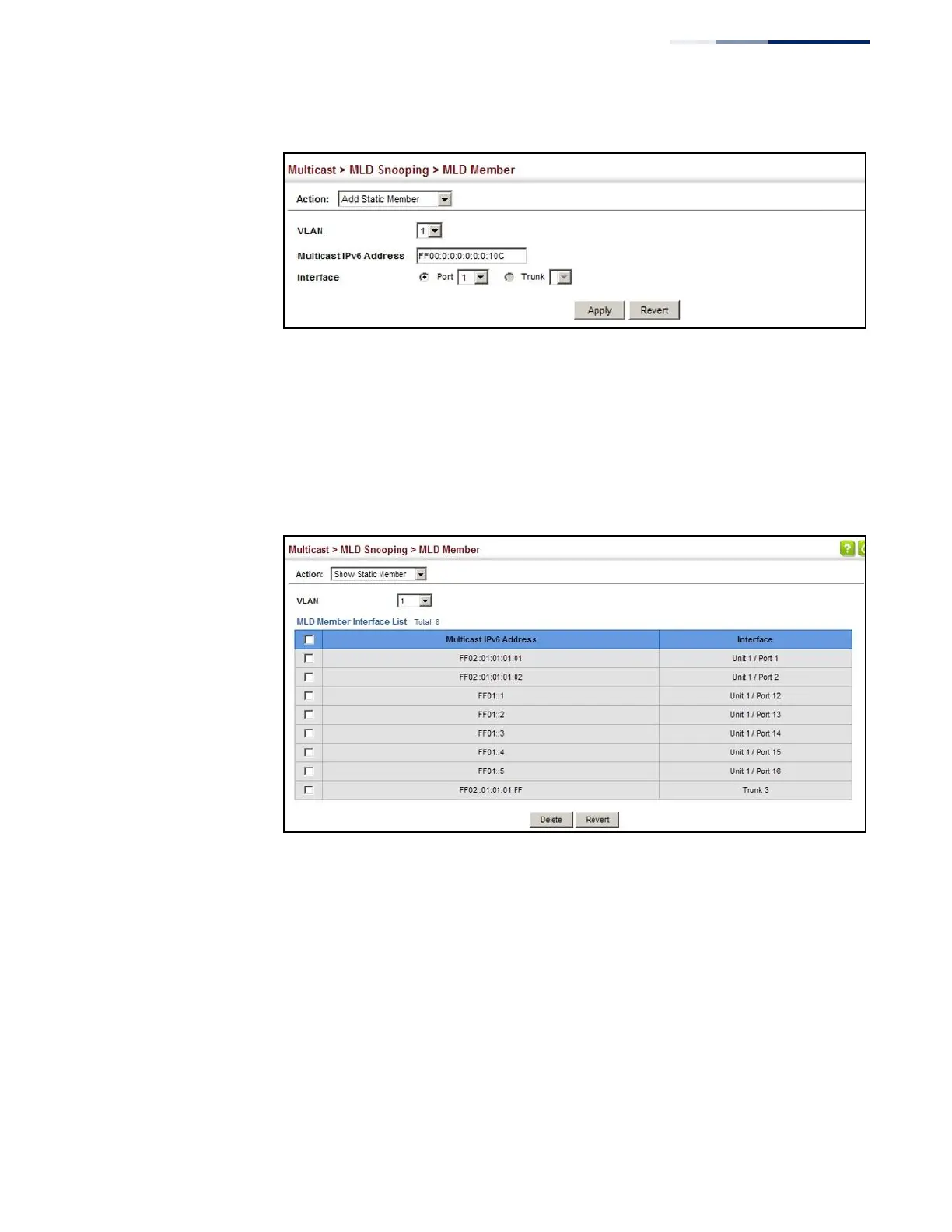
Figure 304: Assigning an Interface to an IPv6 Multicast Service
To show the static interfaces assigned to an IPv6 multicast service:
1.
Click Multicast, MLD Snooping, MLD Member.
2.
Select Show Static Member from the Action list.
3.
Select the VLAN for which to display this information.
Figure 305: Showing Static Interfaces Assigned to an IPv6 Multicast Service
To display information about all IPv6 multicast groups, MLD Snooping or multicast
routing must first be enabled on the switch. To show all of the interfaces statically
or dynamically assigned to an IPv6 multicast service:
1.
Click Multicast, MLD Snooping, MLD Member.
2.
Select Show Current Member from the Action list.
3.
Select the VLAN for which to display this information.















 To Next Page