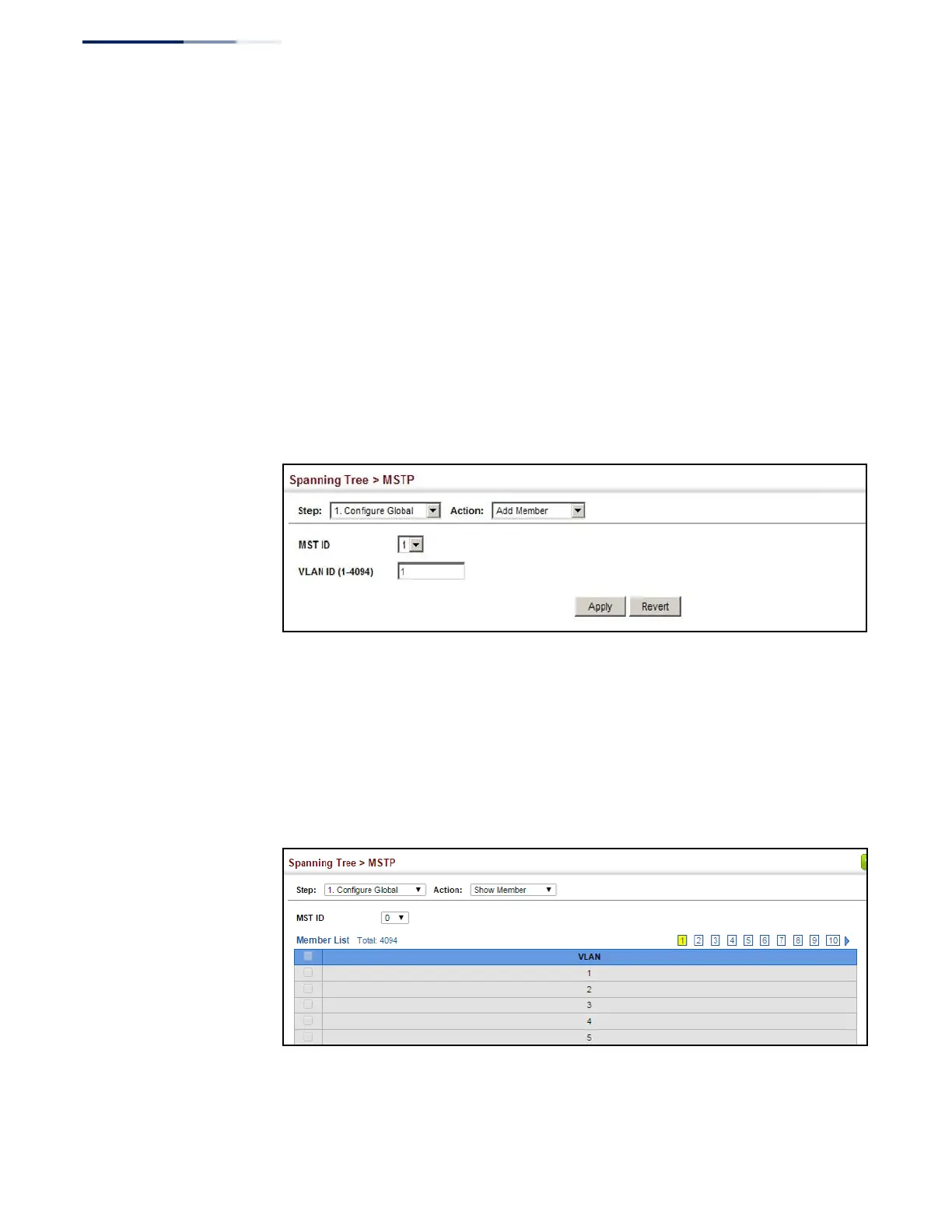
To add additional VLAN groups to an MSTP instance:
1.
Click Spanning Tree, MSTP.
2.
Select Configure Global from the Step list.
3.
Select Add Member from the Action list.
4.
Select an MST instance from the MST ID list.
5.
Enter the VLAN group to add to the instance in the VLAN ID field. Note that the
specified member does not have to be a configured VLAN.
6.
Click Apply
Figure 116: Adding a VLAN to an MST Instance
To show the VLAN members of an MSTP instance:
1.
Click Spanning Tree, MSTP.
2.
Select Configure Global from the Step list.
3.
Select Show Member from the Action list.
Figure 117: Displaying Members of an MST Instance















 To Next Page