Configuring Interface
Settings for LBD
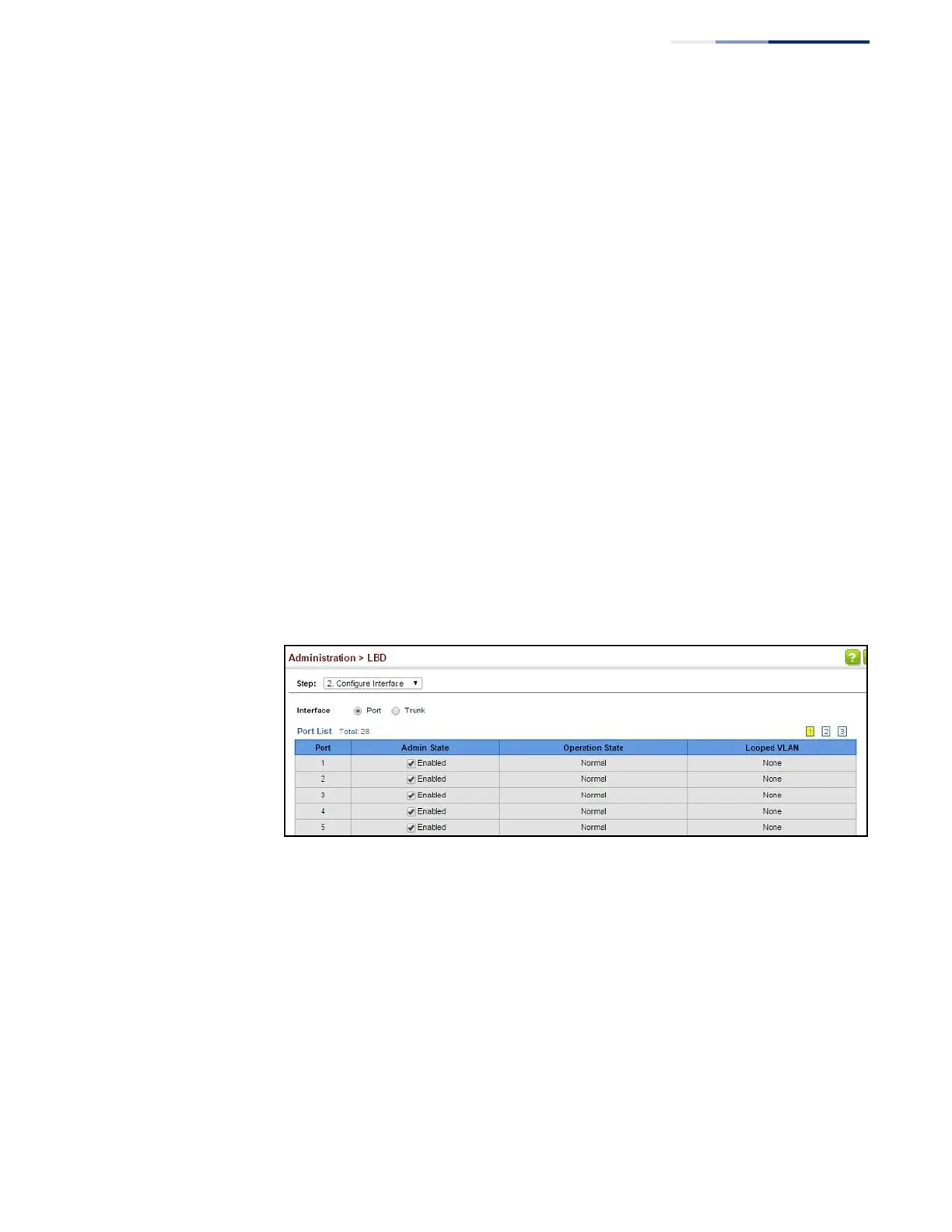
Use the Administration > LBD (Configure Interface) page to enable loopback
detection on an interface, to display the loopback operational state, and the VLANs
which are looped back.
Parameters
These parameters are displayed:
◆
Port (Range: 1-52)
◆
Trunk (Range: 1-8)
◆
Admin State
◆
Operation State
◆
Looped VLAN
Web Interface
To configure interface settings for LBD:
1.
Click Administration, LBD, Configure Interface.
2.
Make the required configuration changes.
3.
Click Apply.
Figure 278: Configuring Interface Settings for LBD















 To Next Page