4.
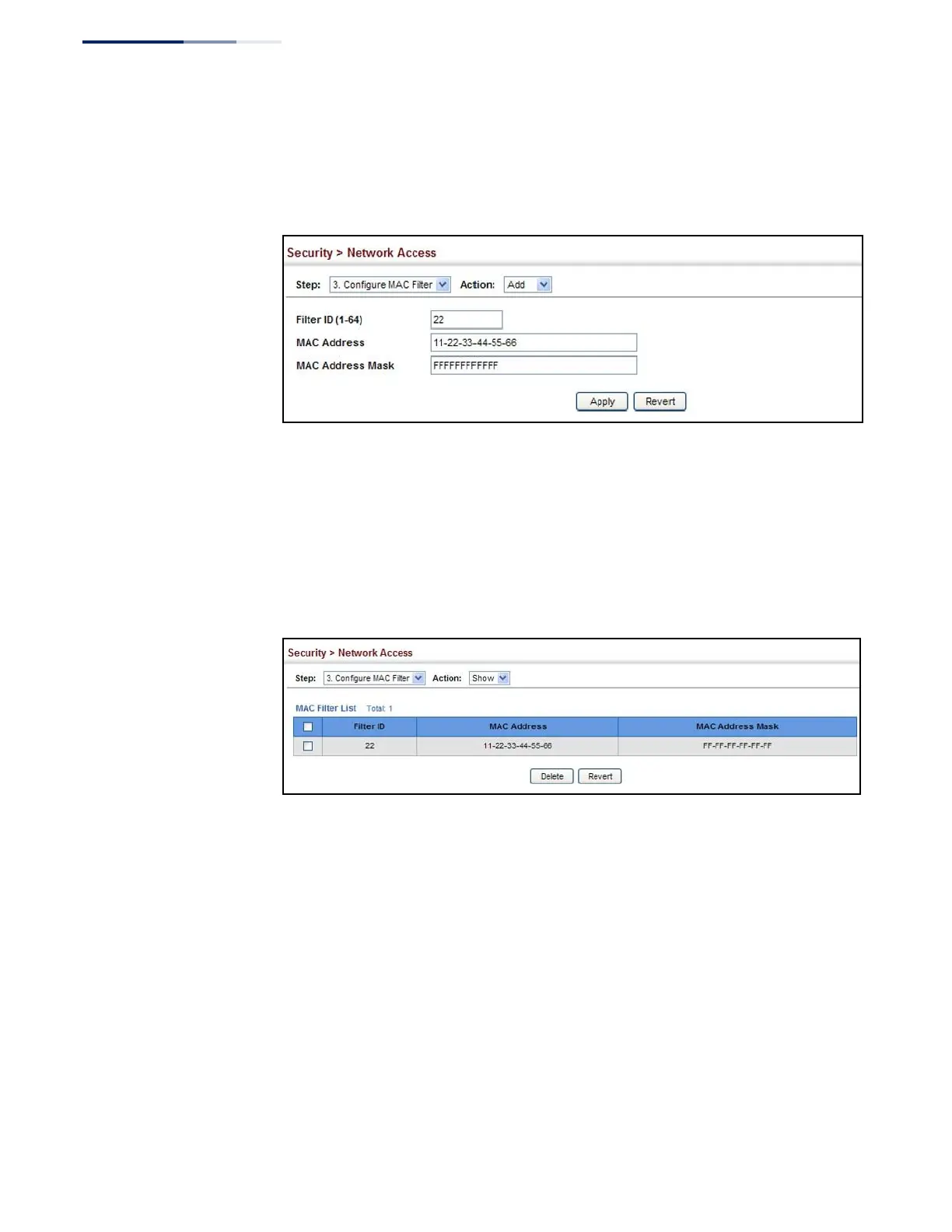
Enter a filter ID, MAC address, and optional mask.
5.
Click Apply.
Figure 166: Configuring a MAC Address Filter for Network Access
To show the MAC address filter table for MAC authentication:
1.
Click Security, Network Access.
2.
Select Configure MAC Filter from the Step list.
3.
Select Show from the Action list.
Figure 167: Showing the MAC Address Filter Table for Network Access
Displaying Secure
MAC Address
Information
Use the Security > Network Access (Show Information) page to display the
authenticated MAC addresses stored in the secure MAC address table. Information
on the secure MAC entries can be displayed and selected entries can be removed
from the table.
Parameters
These parameters are displayed:
◆
Query By – Specifies parameters to use in the MAC address query.
■
Sort Key – Sorts the information displayed based on MAC address, port
interface, or attribute.
■
MAC Address – Specifies a specific MAC address.















 To Next Page