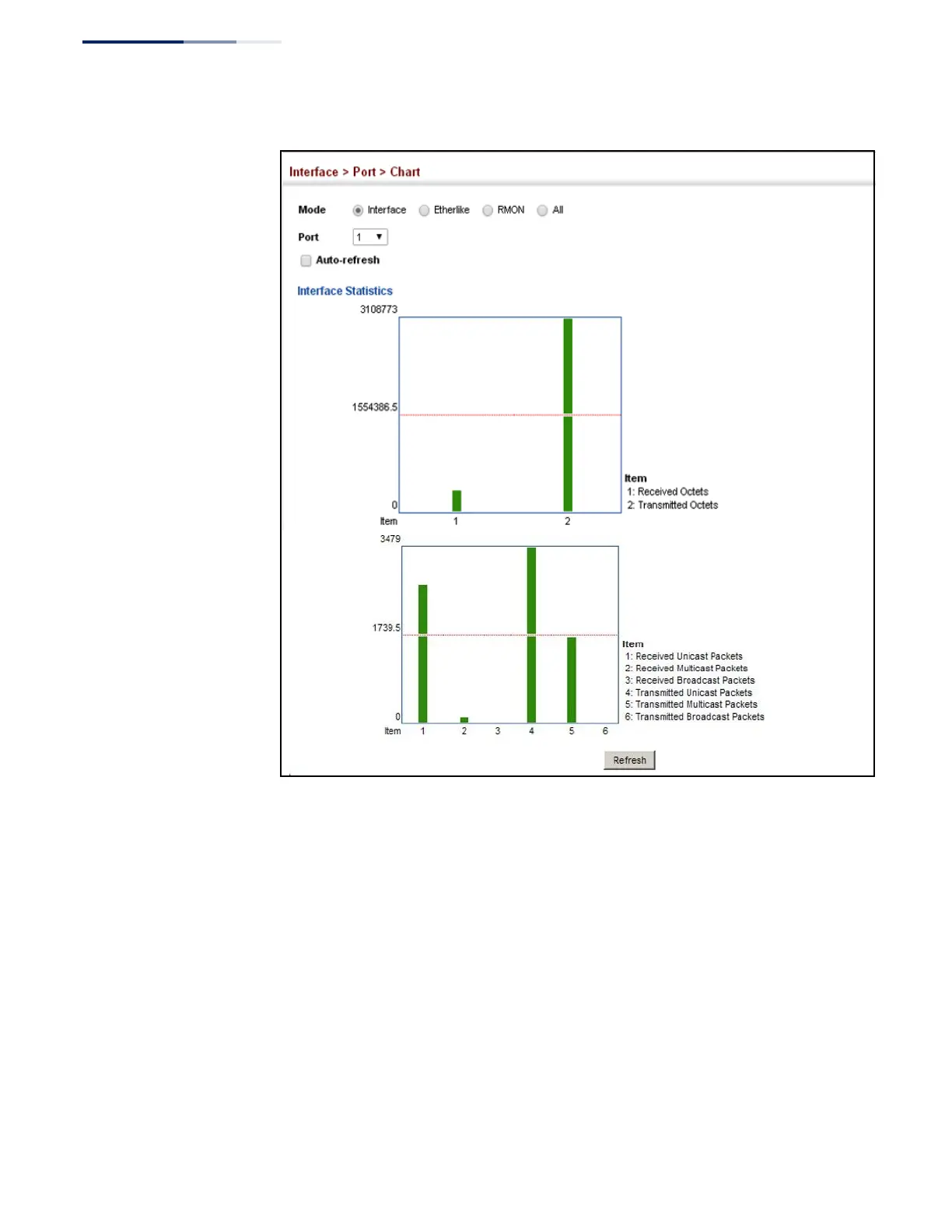
Figure 34: Showing Port Statistics
(Chart)
Displaying Statistical
History
Use the Interface > Port > History or Interface > Trunk > History page to display
statistical history for the specified interfaces.
Command Usage
◆
For a description of the statistics displayed on these pages, see
“Showing Port or Trunk Statistics” on page 102.
◆
To configure statistical history sampling, use the “Displaying Statistical
History” on page 106.
Parameters
These parameters are displayed:
Add
◆
Port – Port number. (Range: 1-52)















 To Next Page