Web Interface
To configure an SNMP group:
1.
Click Administration, SNMP.
2.
Select Configure Group from the Step list.
3.
Select Add from the Action list.
4.
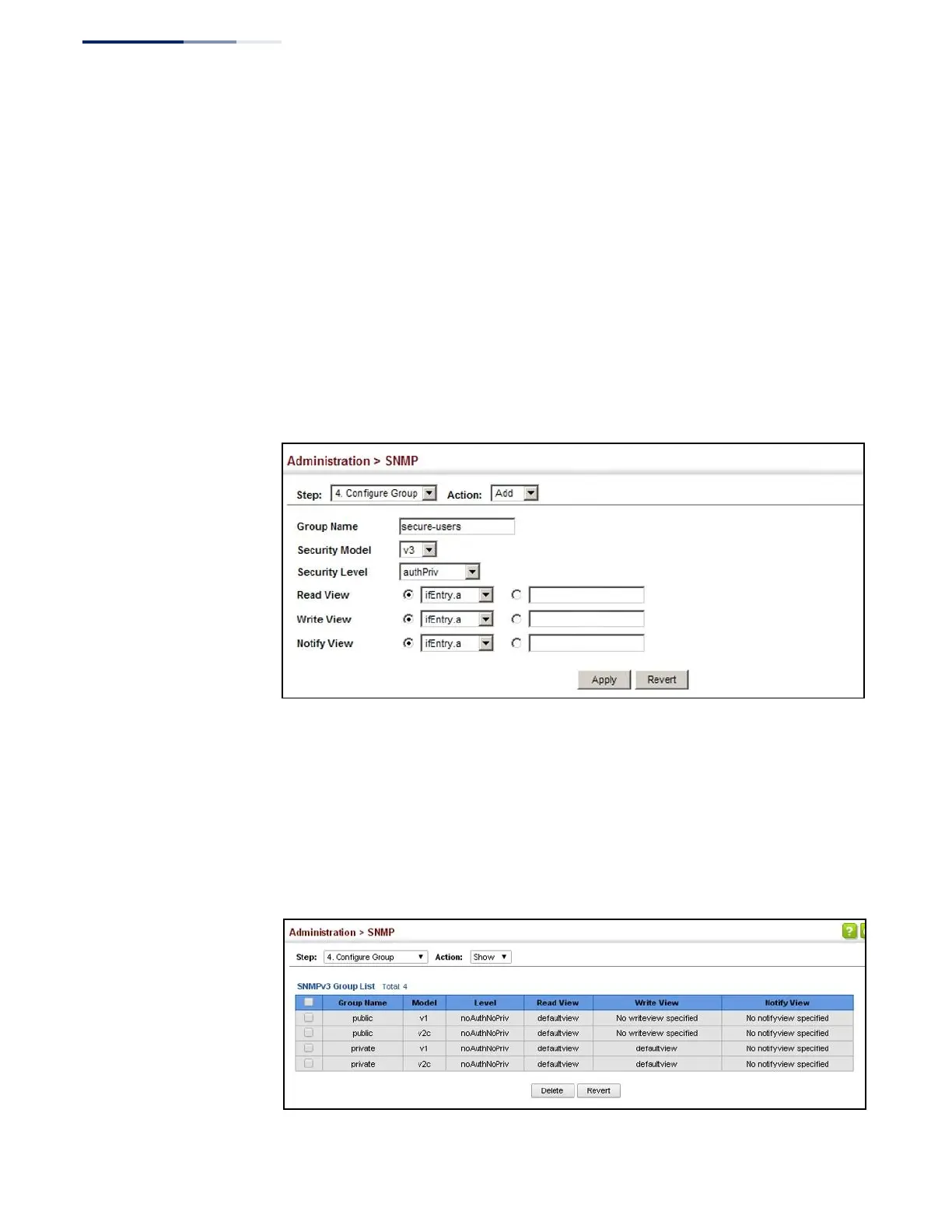
Enter a group name, assign a security model and level, and then select read,
write, and notify views.
5.
Click Apply
Figure 232: Creating an SNMP Group
To show SNMP groups:
1.
Click Administration, SNMP.
2.
Select Configure Group from the Step list.
3.
Select Show from the Action list.
Figure 233: Showing SNMP Groups















 To Next Page