Setting Community
Access Strings
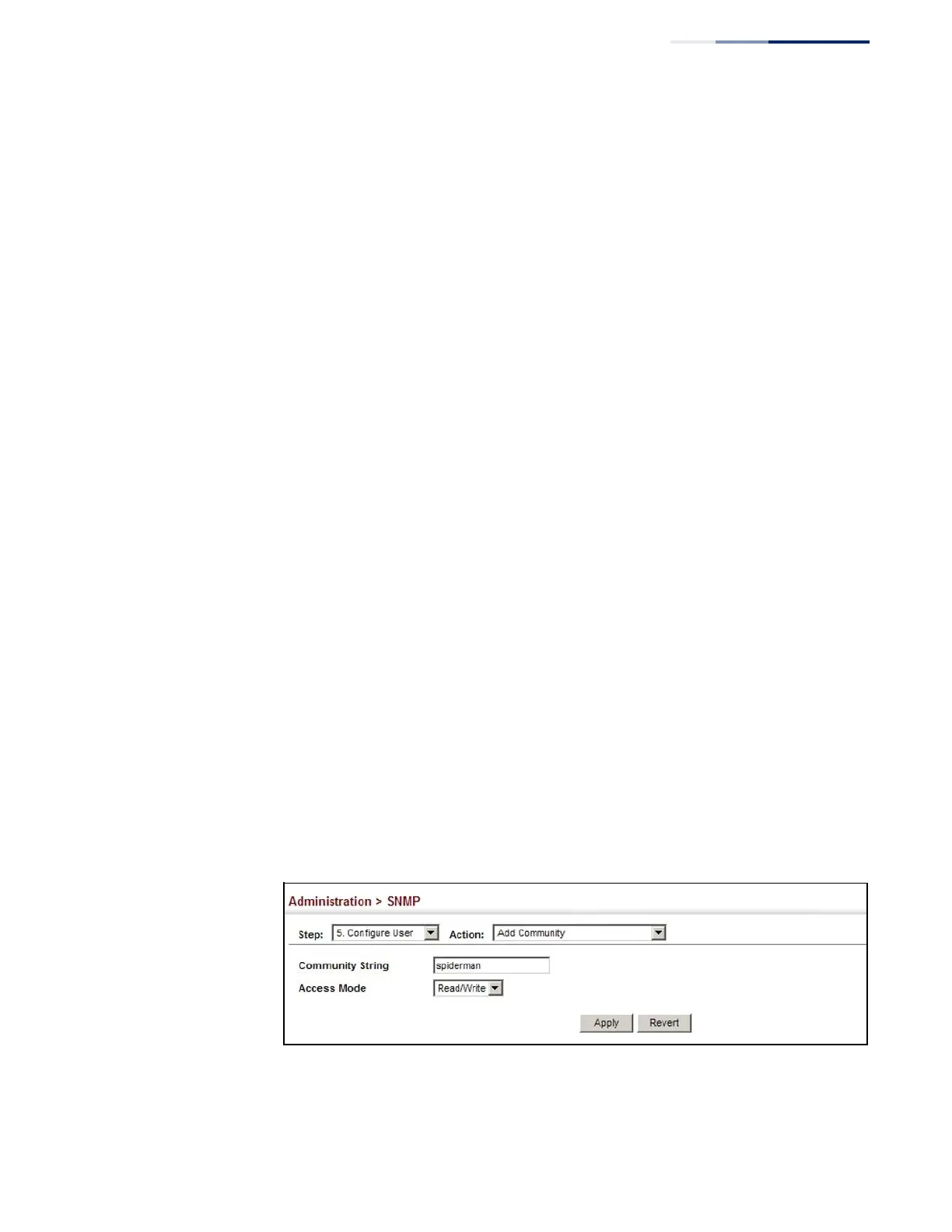
Use the Administration > SNMP (Configure User - Add Community) page to
configure up to five community strings authorized for management access by
clients using SNMP v1 and v2c. For security reasons, you should consider removing
the default strings.
Parameters
These parameters are displayed:
◆
Community String – A community string that acts like a password and permits
access to the SNMP protocol.
Range: 1-32 characters, case sensitive
Default strings: “public” (Read-Only), “private” (Read/Write)
◆
Access Mode – Specifies the access rights for the community string:
■
Read-Only – Authorized management stations are only able to retrieve
MIB objects.
■
Read/Write – Authorized management stations are able to both retrieve
and modify MIB objects.
Web Interface
To set a community access string:
1.
Click Administration, SNMP.
2.
Select Configure User from the Step list.
3.
Select Add Community from the Action list.
4.
Add new community strings as required, and select the corresponding access
rights from the Access Mode list.
5.
Click Apply
Figure 234: Setting Community Access Strings















 To Next Page