◆
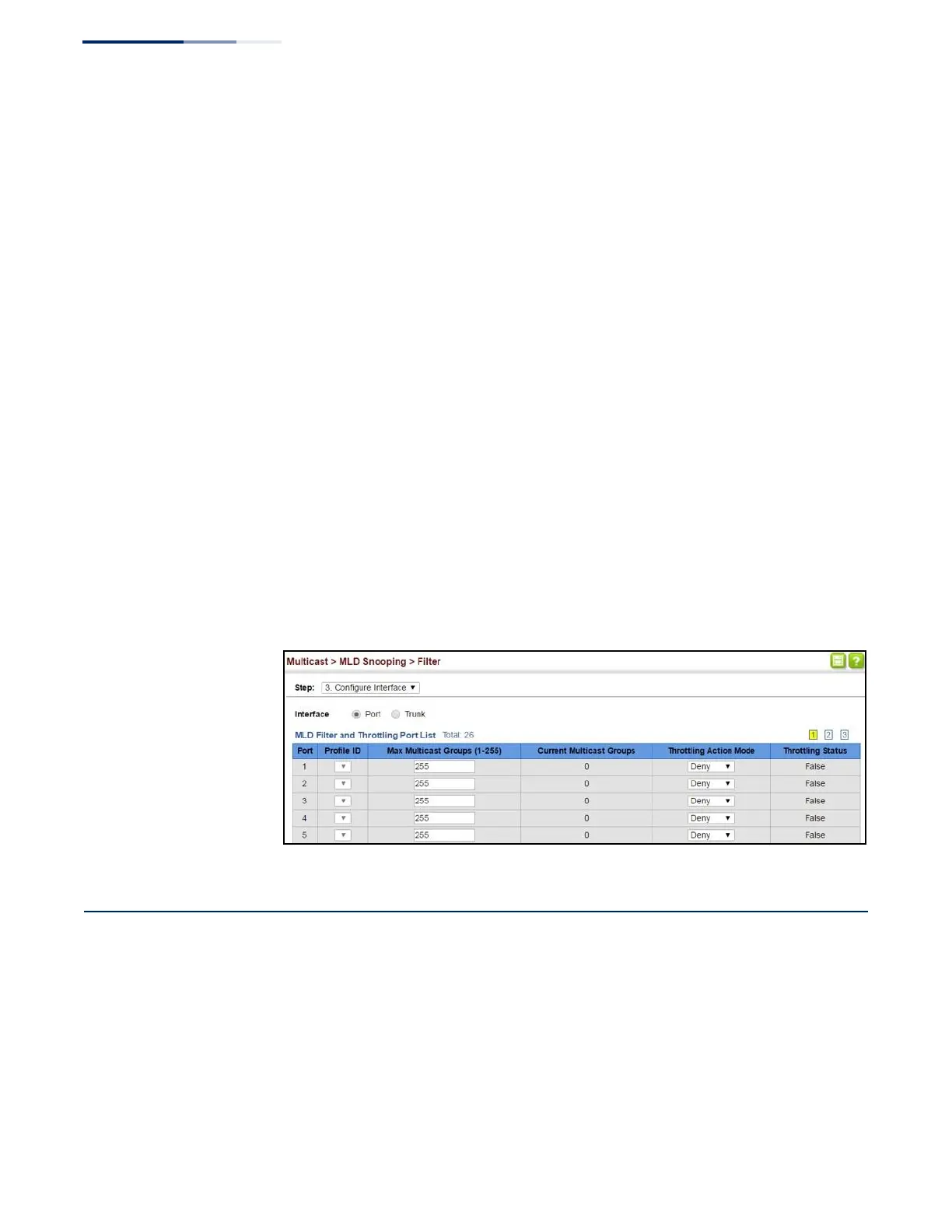
Current Multicast Groups – Displays the current multicast groups the
interface has joined.
◆
Throttling Action Mode – Sets the action to take when the maximum number
of multicast groups for the interface has been exceeded. (Default: Deny)
■
Deny - The new multicast group join report is dropped.
■
Replace - The new multicast group replaces an existing group.
◆
Throttling Status – Indicates if the throttling action has been implemented on
the interface. (Options: True or False)
Web Interface
To configure MLD filtering or throttling for a port or trunk:
1.
Click Multicast, MLD Snooping, Filter.
2.
Select Configure Interface from the Step list.
3.
Select a profile to assign to an interface, then set the maximum number of
allowed multicast groups and the throttling response.
4.
Click Apply.
Figure 319: Configuring MLD Filtering and Throttling Interface Settings
Filtering MLD Query Packets on an Interface
Use the Multicast > MLD Snooping > Query Drop page to configure an interface to
drop MLDF query packets.
Parameters
These parameters are displayed:
◆
Interface – Port or trunk identifier.
◆
Query Drop – Drops any received MLD query packets. (Default: Disabled)















 To Next Page