Web Interface
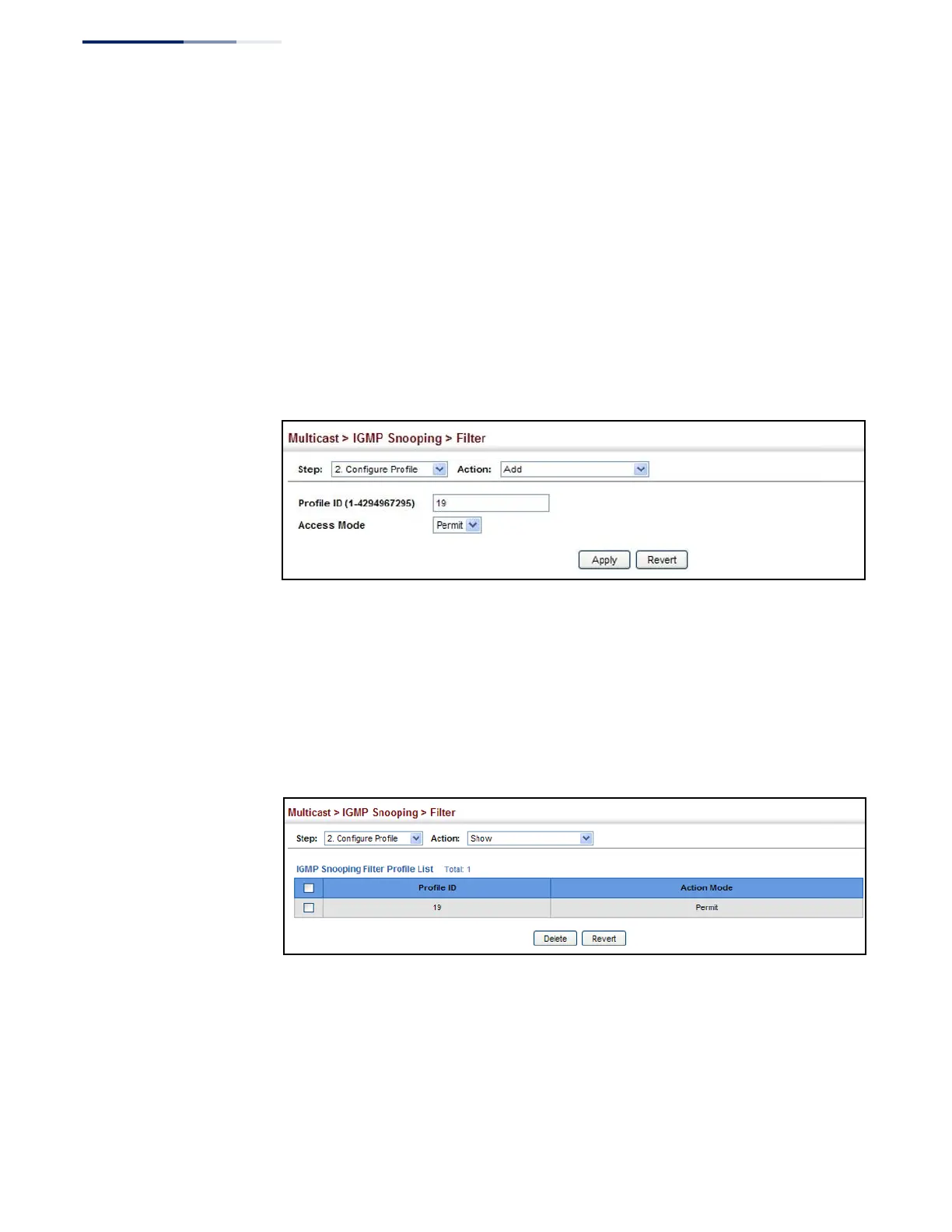
To create an IGMP filter profile and set its access mode:
1.
Click Multicast, IGMP Snooping, Filter.
2.
Select Configure Profile from the Step list.
3.
Select Add from the Action list.
4.
Enter the number for a profile, and set its access mode.
5.
Click Apply.
Figure 294: Creating an IGMP Filtering Profile
To show the IGMP filter profiles:
1.
Click Multicast, IGMP Snooping, Filter.
2.
Select Configure Profile from the Step list.
3.
Select Show from the Action list.
Figure 295: Showing the IGMP Filtering Profiles Created
To add a range of multicast groups to an IGMP filter profile:
1.
Click Multicast, IGMP Snooping, Filter.
2.
Select Configure Profile from the Step list.
3.
Select Add Multicast Group Range from the Action list.















 To Next Page