EasyManua.ls Logo

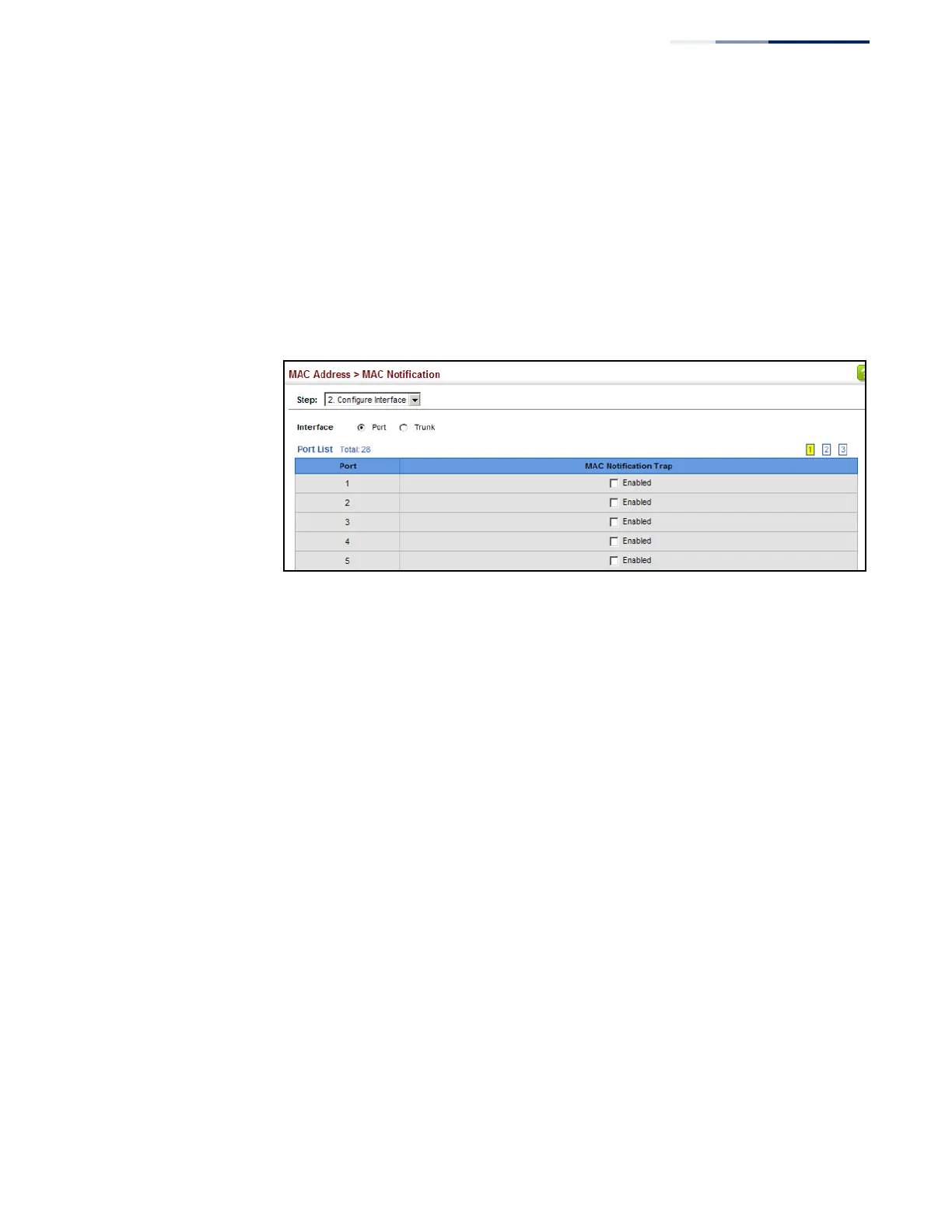
LevelOne GEL-5261 - Figure 99: Issuing MAC Address Traps (Interface Configuration)

LevelOne GEL-5261
570 pages
Print Icon
To Next Page IconTo Next Page
To Previous Page IconTo Previous Page
Loading...
179
Chapter 6
|
Address Table Settings
Issuing MAC Address Traps
To enable MAC address traps at the interface level:
1.
Click MAC Address, MAC Notification.
2.
Select Configure Interface from the Step list.
3.
Enable MAC notification traps for the required ports.
4.
Click Apply.
Figure 99: Issuing MAC Address Traps
(Interface Configuration)


Table of Contents

Related product manuals