Displaying System Information
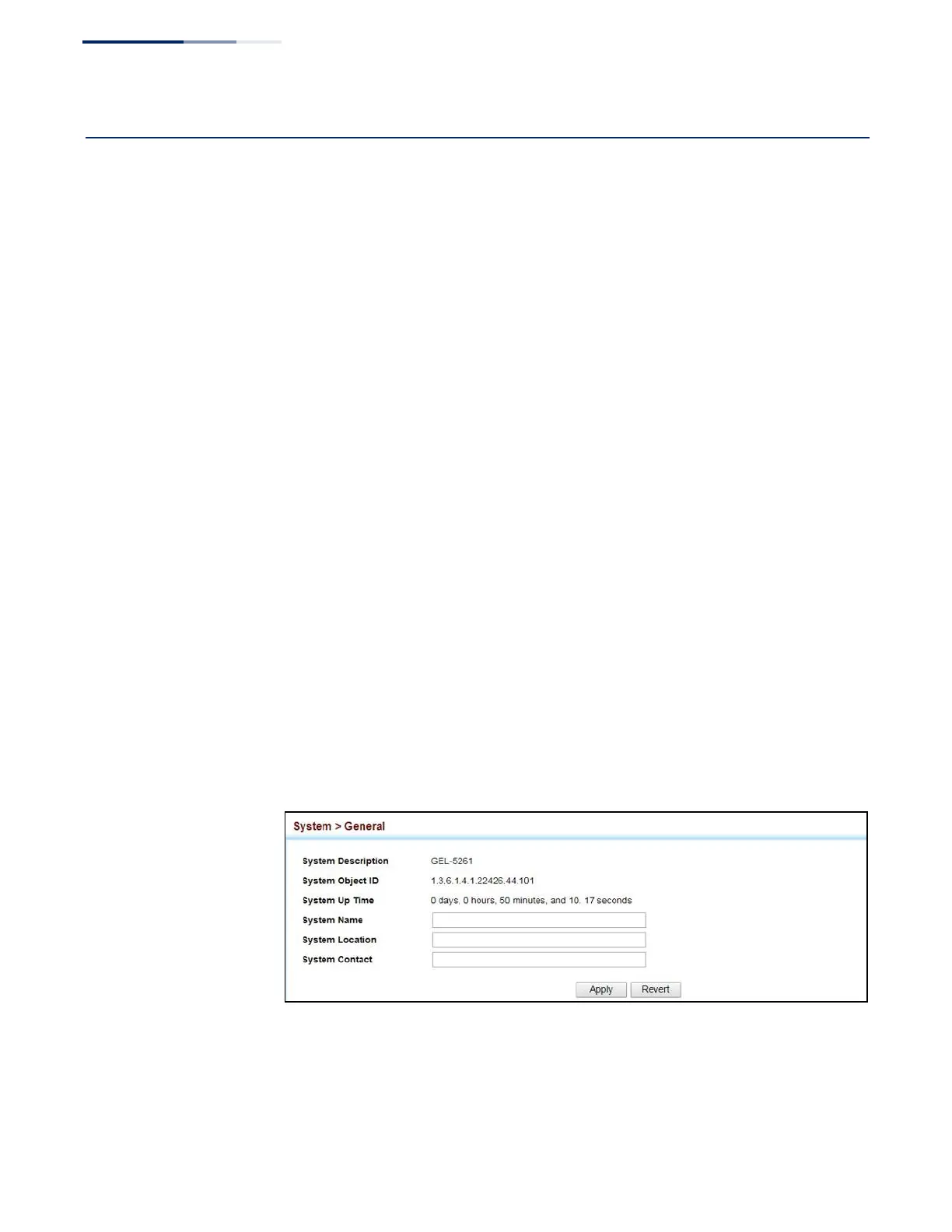
Use the System > General page to identify the system by displaying information
such as the device name, location and contact information.
Parameters
These parameters are displayed:
◆
System Description – Brief description of device type.
◆
System Object ID – MIB II object ID for switch’s network management
subsystem.
◆
System Up Time
– Length of time the management agent has been up.
◆
System Name
– Name assigned to the switch system.
◆
System Location – Specifies the system location.
◆
System Contact – Administrator responsible for the system.
Web Interface
To configure general system information:
1.
Click System, General.
2.
Specify the system name, location, and contact information for the system
administrator.
3.
Click Apply.
Figure 2: System Information















 To Next Page