cache, and forwards the IP traffic on to the next hop. As long as this entry has not
timed out, the router will be able forward traffic directly to the next hop for this
destination without having to broadcast another ARP request.
Also, if the switch receives a request for its own IP address, it will send back a
response, and also cache the MAC of the source device's IP address.
Basic ARP
Configuration
Use the Tools > ARP (Configure General) page to specify the timeout for ARP cache
entries, or to enable Proxy ARP for specific VLAN interfaces.
Command Usage
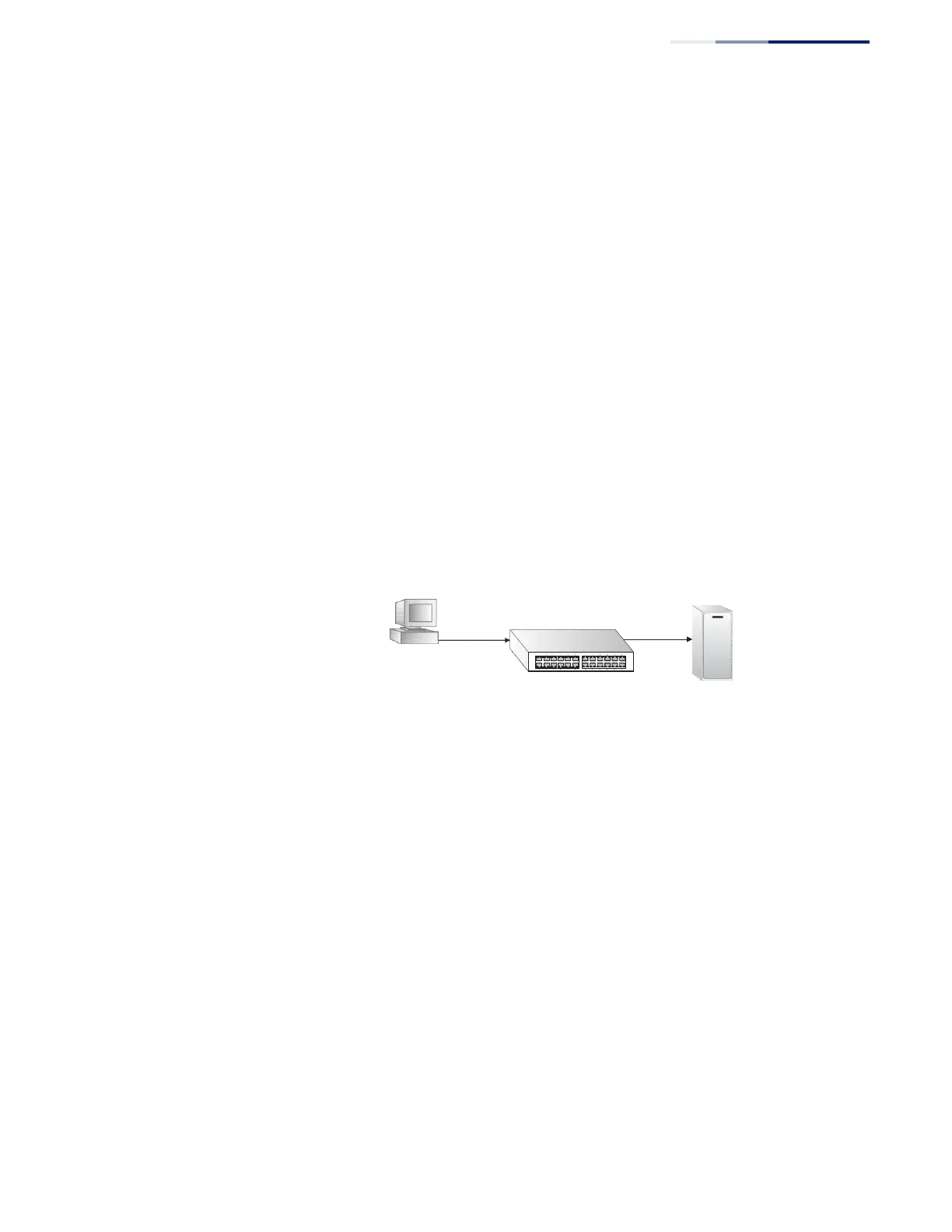
Proxy ARP
When a node in the attached subnetwork does not have routing or a default
gateway configured, Proxy ARP can be used to forward ARP requests to a remote
subnetwork. When the router receives an ARP request for a remote network and
Proxy ARP is enabled, it determines if it has the best route to the remote network,
and then answers the ARP request by sending its own MAC address to the
requesting node. That node then sends traffic to the router, which in turn uses its
own routing table to forward the traffic to the remote destination.
Figure 323: Proxy ARP
no routing,
no default
ARP
request
Proxy ARP
gateway
Remote
ARP Server
Parameters
These parameters are displayed:
◆
Proxy ARP – Enables or disables Proxy ARP for specified VLAN interfaces,
allowing a non-routing device to determine the MAC address of a host on
another subnet or network. (Default: Disabled)
End stations that require Proxy ARP must view the entire network as a single
network. These nodes must therefore use a smaller subnet mask than that used
by the router or other relevant network devices.
Extensive use of Proxy ARP can degrade router performance because it may
lead to increased ARP traffic and increased search time for larger ARP address
tables.















 To Next Page