Web Interface
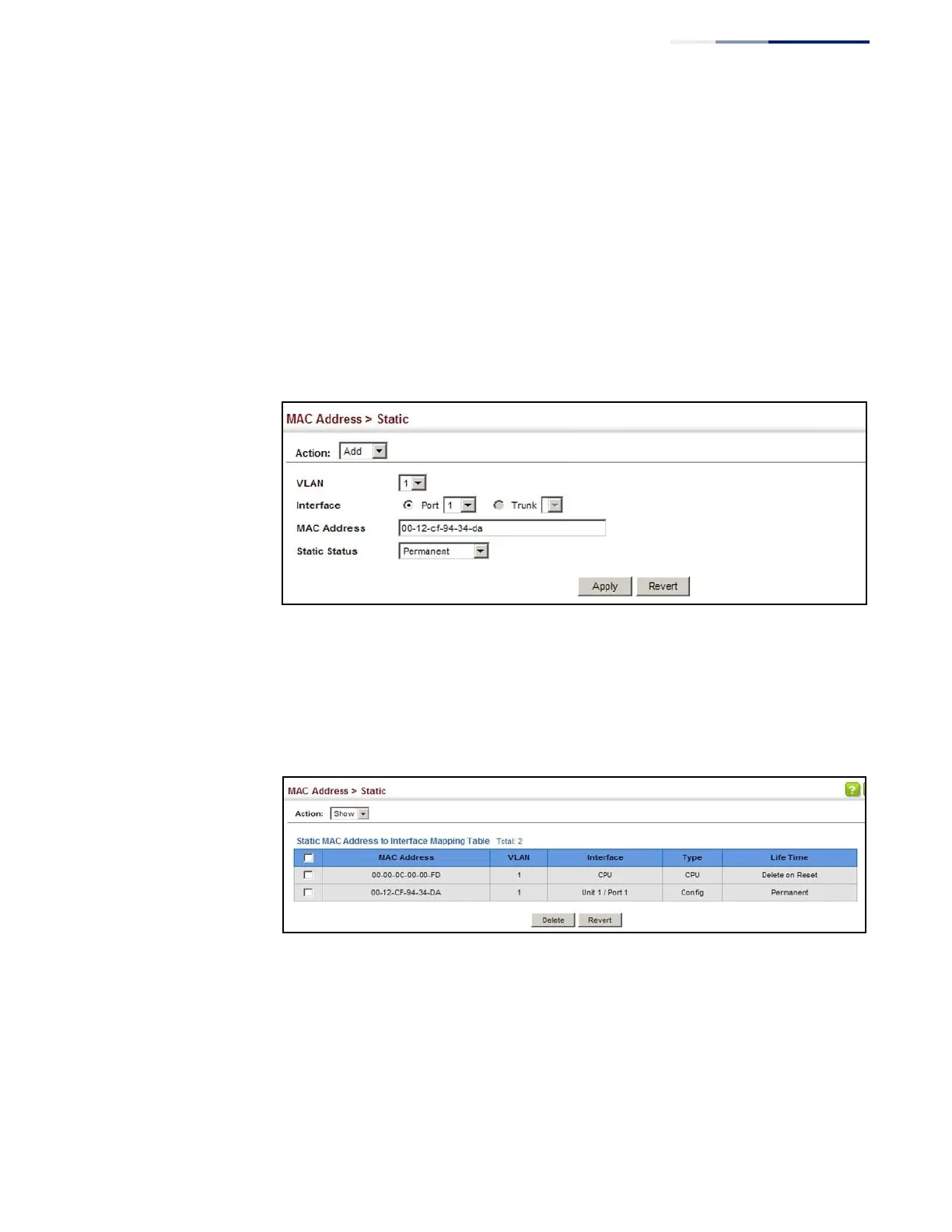
To configure a static MAC address:
1.
Click MAC Address, Static.
2.
Select Add from the Action list.
3.
Specify the VLAN, the port or trunk to which the address will be assigned, the
MAC address, and the time to retain this entry.
4.
Click Apply.
Figure 96: Configuring Static MAC Addresses
To show the static addresses in MAC address table:
1.
Click MAC Address, Static.
2.
Select Show from the Action list.
Figure 97: Displaying Static MAC Addresses















 To Next Page