Configuration Options Configurable parameters have a dialog box or a drop-down list. Once a
configuration change has been made on a page, be sure to click on the Apply
button to confirm the new setting. The following table summarizes the web page
configuration buttons.
Table 3: Web Page Configuration Buttons
Apply Sets specified values to the system.
Revert Cancels specified values and restores current
values prior to pressing “Apply.”
Saves current settings.
Displays help for the selected page.
Refreshes the current page.
Displays the site map.
Logs out of the management interface.
Sends mail to the vendor.
Links to the vendor’s web site.
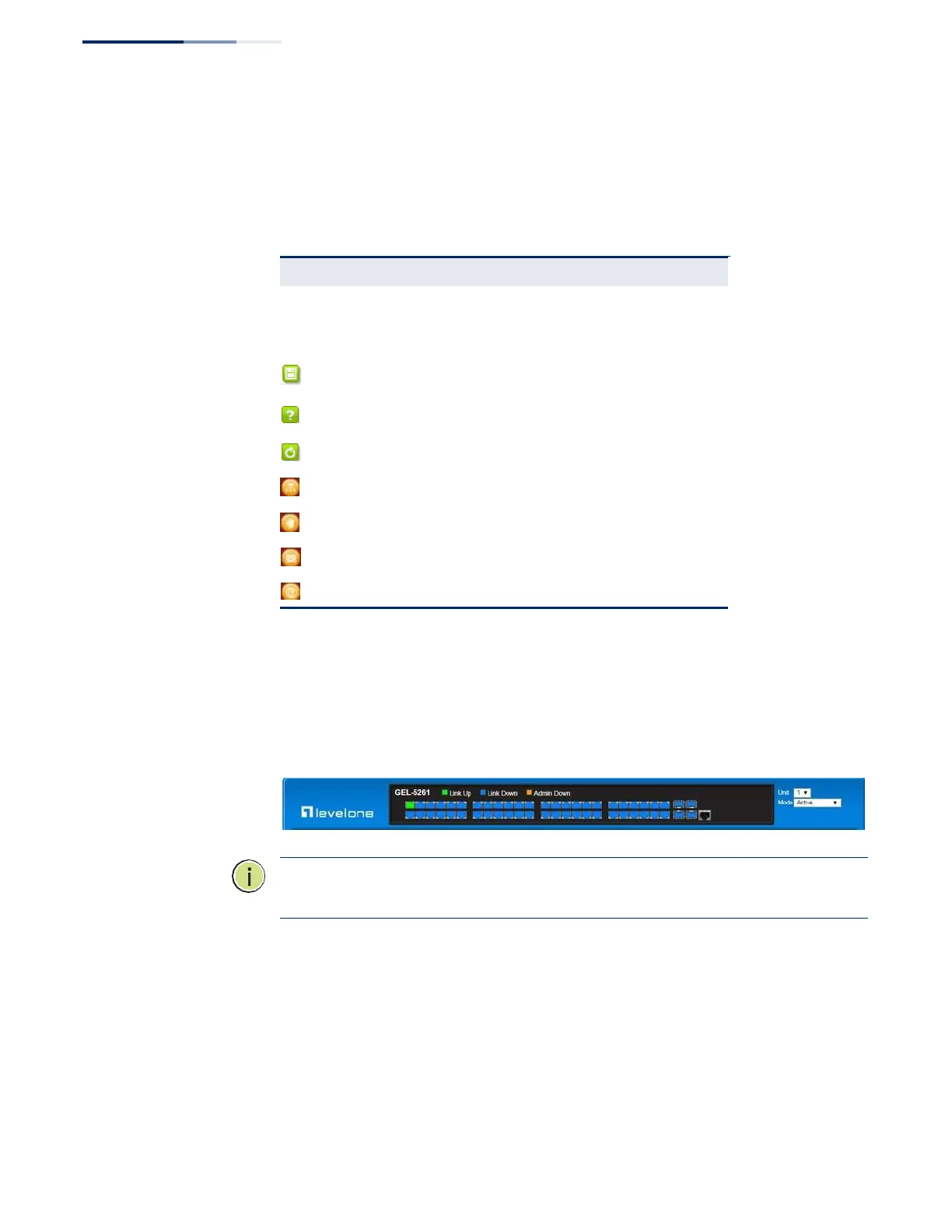
Panel Display The web agent displays an image of the switch’s ports. The Mode can be set to
display different information for the ports, including Active (i.e., up or down),
Duplex (i.e., half or full duplex), or Flow Control (i.e., with or without flow control).
Front Panel Indicators
GEL-5261
N
OTE
:
You can open a connection to the vendor’s web site by clicking on the
Level One
logo.















 To Next Page