3.
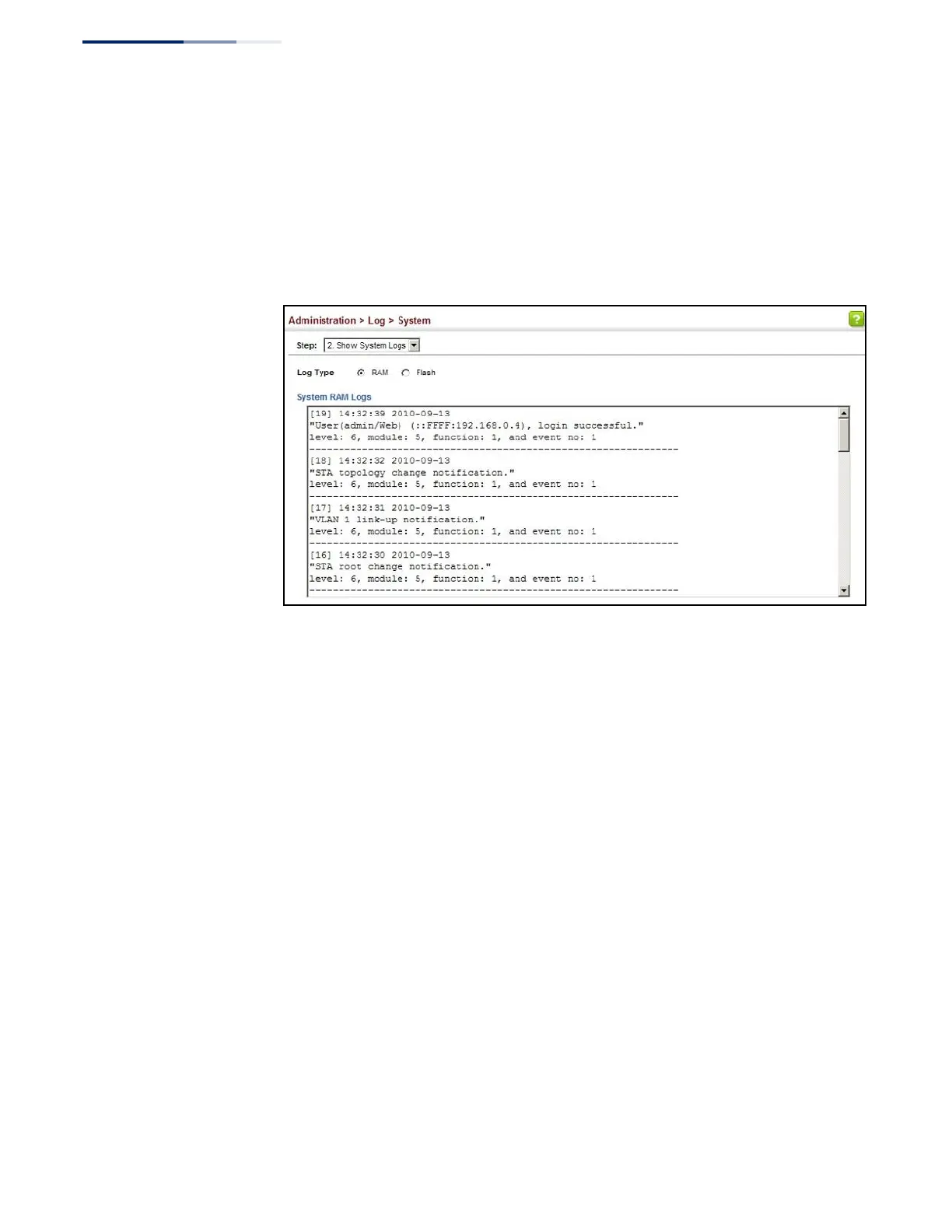
Click RAM to display log messages stored in system memory, or Flash to display
messages stored in flash memory.
This page allows you to scroll through the logged system and event messages.
The switch can store up to 2048 log entries in temporary random access
memory (RAM; i.e., memory flushed on power reset) and up to 4096 entries in
permanent flash memory.
Figure 209: Showing Error Messages Logged to System Memory
Remote Log
Configuration
Use the Administration > Log > Remote page to send log messages to syslog
servers or other management stations. You can also limit the event messages sent
to only those messages below a specified level.
Parameters
These parameters are displayed:
◆
Remote Log Status – Enables/disables the logging of debug or error messages
to the remote logging process. (Default: Disabled)
◆
Logging Facility – Sets the facility type for remote logging of syslog messages.
There are eight facility types specified by values of 16 to 23. The facility type is
used by the syslog server to dispatch log messages to an appropriate service.
The attribute specifies the facility type tag sent in syslog messages (see
RFC 3164). This type has no effect on the kind of messages reported by the
switch. However, it may be used by the syslog server to process messages, such
as sorting or storing messages in the corresponding database. (Range: 16-23,
Default: 23)
◆
Logging Trap Level – Limits log messages that are sent to the remote syslog
server for all levels up to the specified level. For example, if level 3 is specified,
all messages from level 0 to level 3 will be sent to the remote server.
(Range: 0-7, Default: 7)















 To Next Page