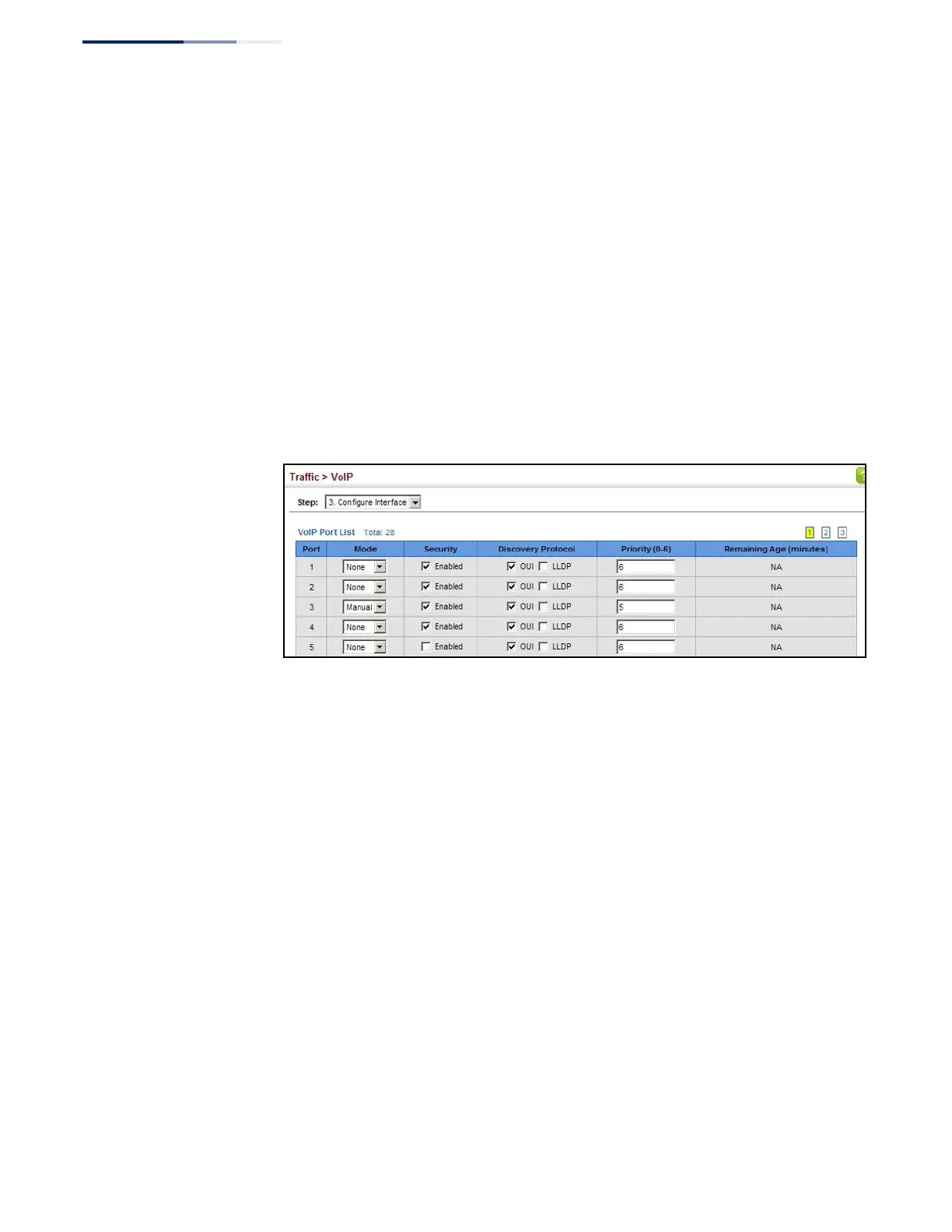
When VoIP Mode is set to Auto, the Remaining Age will be displayed.
Otherwise, if the VoIP Mode is Disabled or set to Manual, the remaining age will
display “NA.”
Web Interface
To configure VoIP traffic settings for a port:
1.
Click Traffic, VoIP.
2.
Select Configure Interface from the Step list.
3.
Configure any required changes to the VoIP settings each port.
4.
Click Apply.
Figure 141: Configuring Port Settings for a Voice VLAN















 To Next Page