Matrix ETERNITY NE System Manual 993
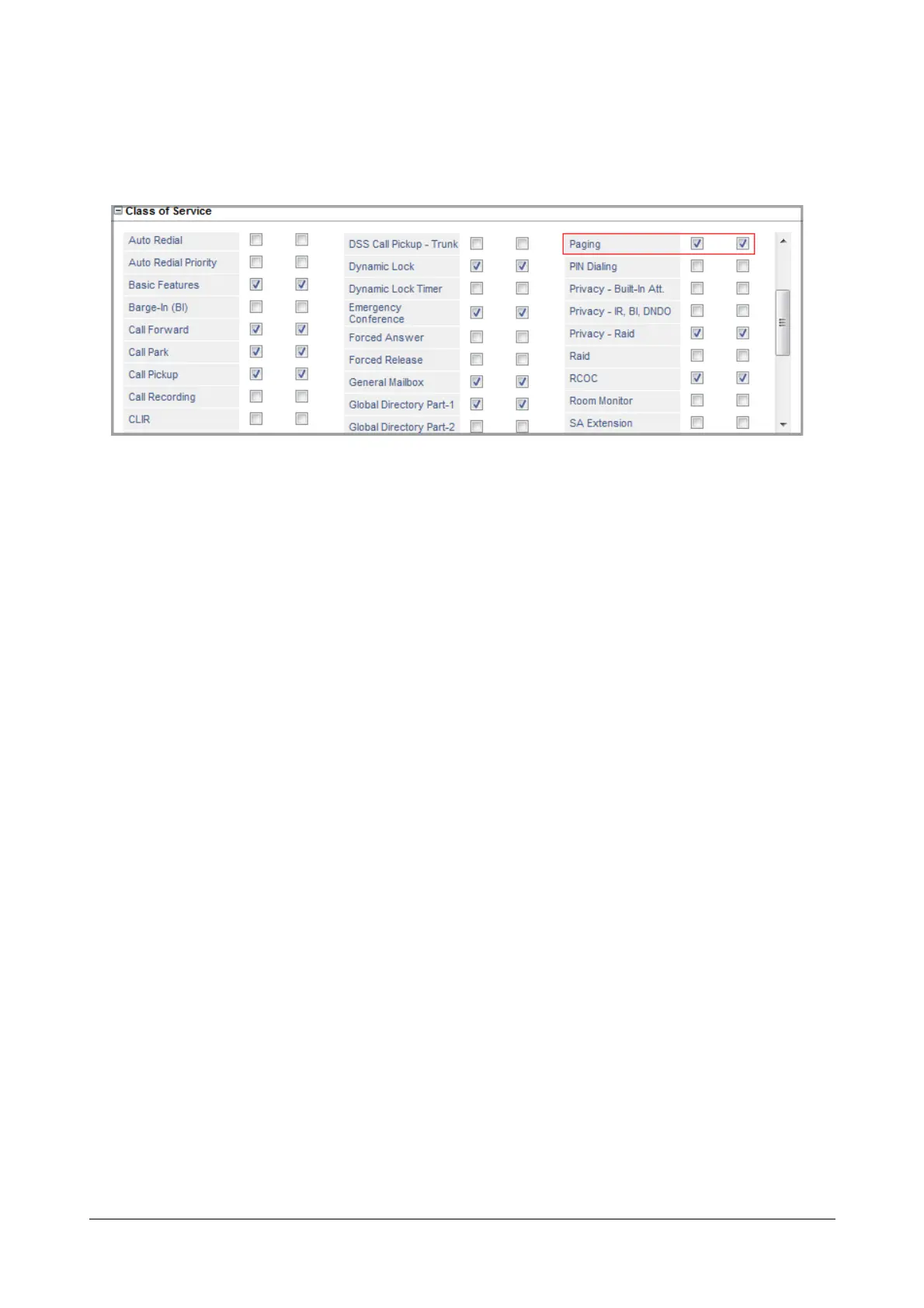
Configuring Paging in Class of Service
By default, Paging is enabled in the Class of Service for the Day and Night/Break. So, all extensions of SARVAM
UCS can page.
How to use
It is possible to page from SLT and SIP Extensions.
For Extended IP Phone Users
• Press DSS Key assigned to Paging.
OR
• Dial 1074
• Enter Page Zone Number on the prompt on your phone's display.
• On the prompt ‘Start Paging <Page Zone Number>’, make your announcement.
• Go ON-Hook at the end of your announcement.
For SLT Users
• Lift the handset.
• You get dial tone.
• Dial 1074-Page Zone Number.
• Start your announcement.
• Replace the handset after completing your announcement.



 To Next Page