Matrix ETERNITY NE System Manual 997
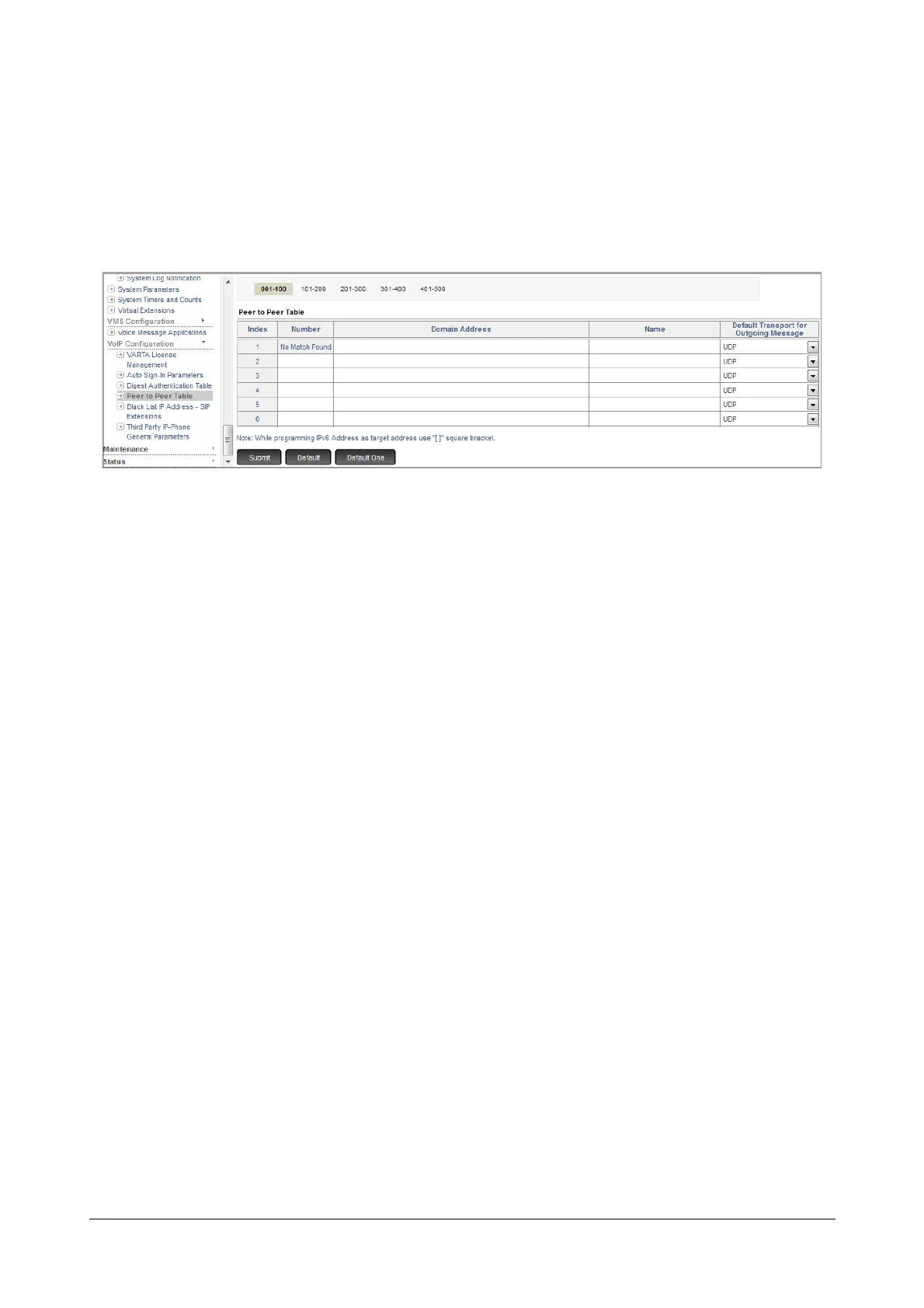
To configure the Peer-to-Peer Table,
• Login as System Engineer.
• Under Advanced Settings, click VoIP Configuration.
• Click Peer-to-Peer Table.
The first entry is reserved for No Match Found.
•In Number, enter the number string—prefix or entire number—that will be dialed. In this case, it would
be the Route Code in the CUG Table for calling the remote extension numbers. The number string must
not exceed 8 characters. Default: Blank.
•In Domain Address, enter the domain name or IP Address to where the call is to be placed. Both IPv4
and IPv6 addresses are supported.The Address may consists of up 48 characters (maximum). Default:
Blank.
The Domain Address can also be in the form of Address: Port number.
•In Name, enter a name to identify the number string you configured. The name may consist of 24
characters (maximum). Default: Blank.
The name you configure here will not be used in SIP signaling.
•In Default transport for Outgoing Message, select the option for transporting outgoing SIP
messages. You can select UDP, TCP or TLS. Default: UDP.
•Click Submit.



 To Next Page