Matrix ETERNITY NE System Manual 999
• Select the Outgoing Trunks and the type of LCR for the PIN’s, for each Toll Control Level from the SE
Mode. See “To configure Trunks and LCR”.
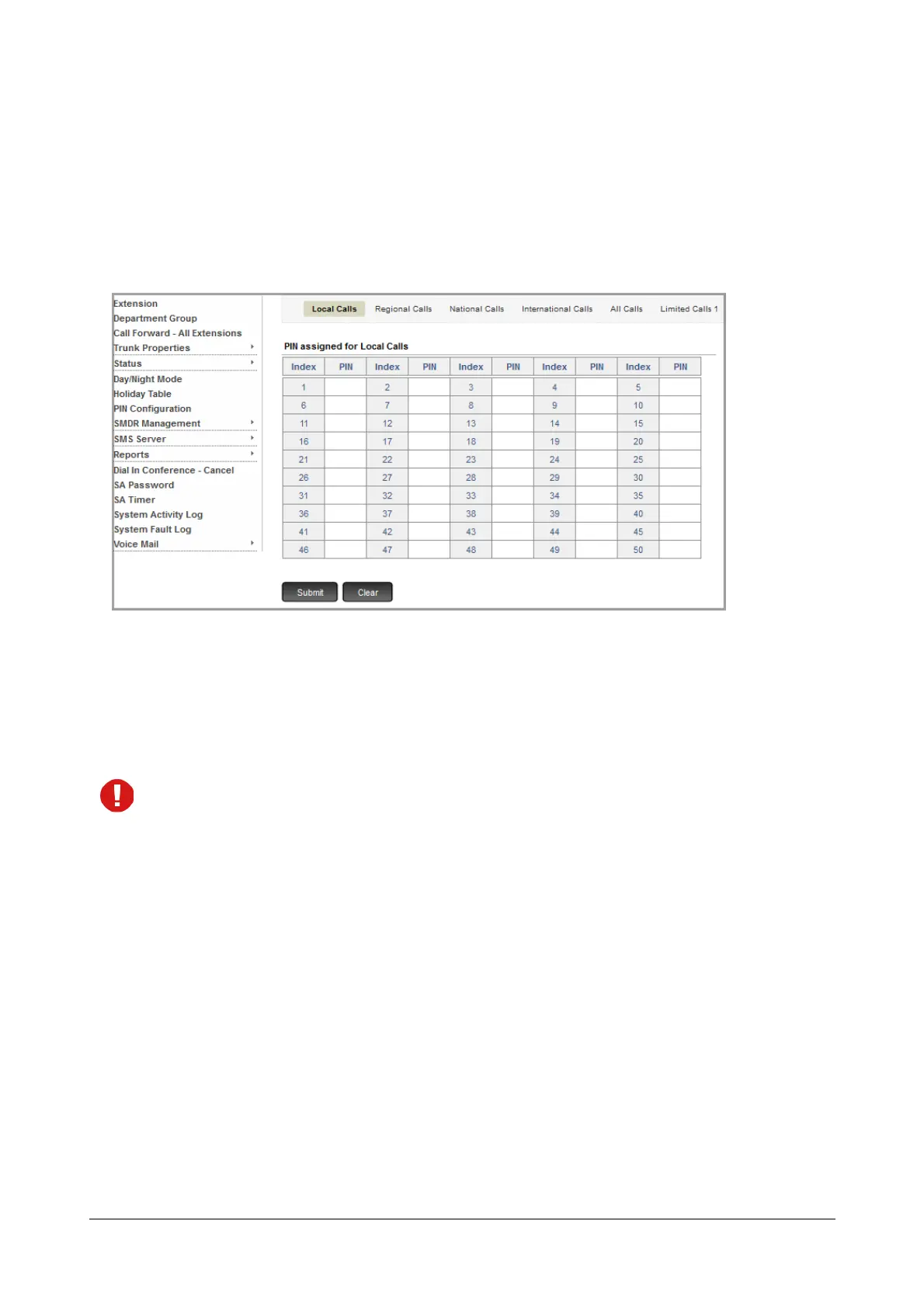
To configure PIN Table,
• Login as System Administrator.
• Click PIN Configuration.
• Select the desired Toll Control level.
Each Toll Control level includes the Allowed and Denied numbers as configured by the SE. See “Toll
Control” for more details.
• Configure the PIN at a desired index. The PIN must be of 4 digits. Valid digits are 0 to 9.
• Each PIN must be unique. You cannot assign same PIN to two different index within the same Toll
Control level.
• If you re-assign the same PIN to a different Toll Control Level, it will not be valid for the previously
assigned Toll Control Level.
• To avoid unauthorized access, we recommend you to change the PIN regularly. Make sure it is strong
and is kept confidential.



 To Next Page