Matrix ETERNITY NE System Manual 1015
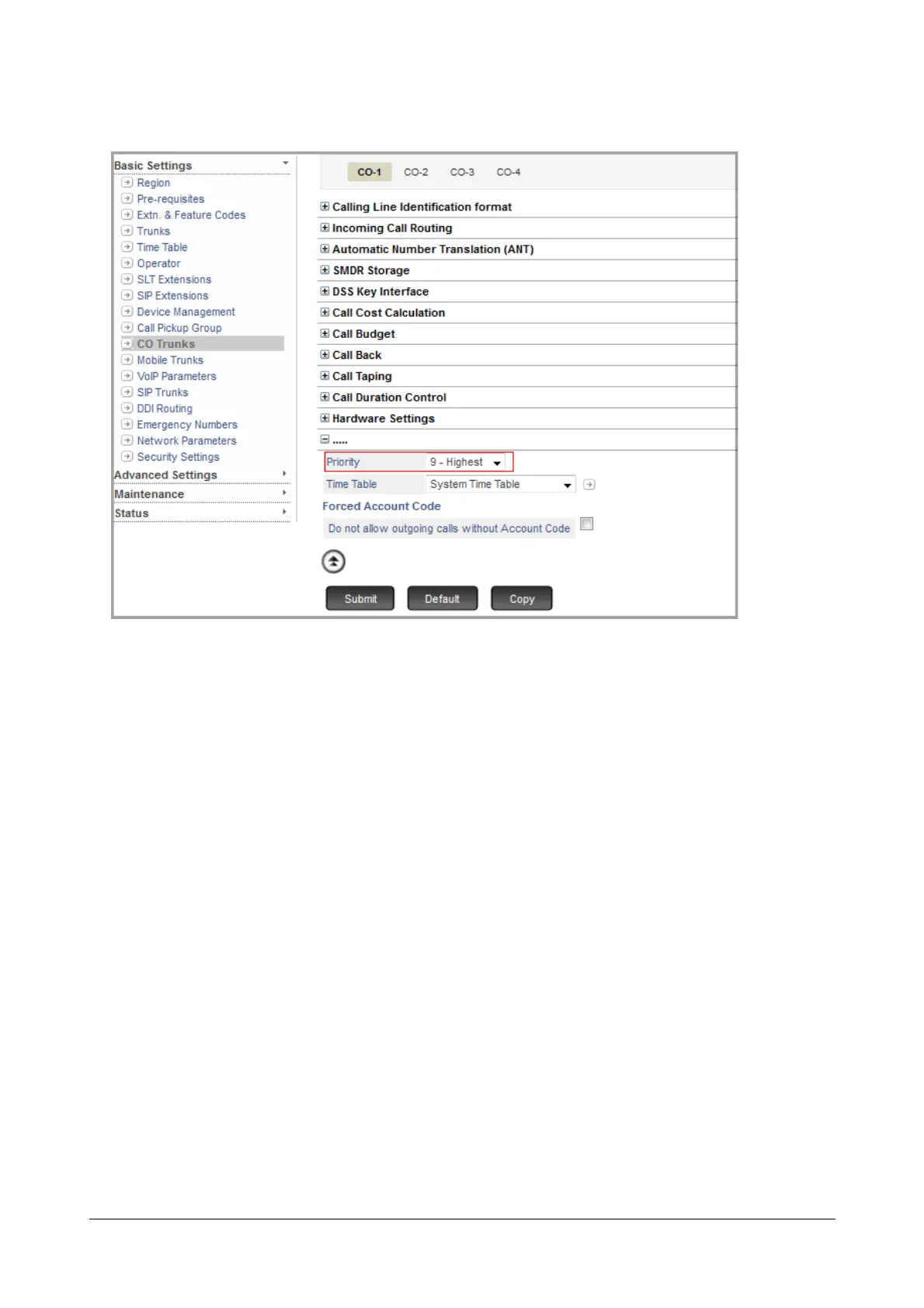
• On this page, click More.... to view additional parameters on this page.
• Select a Priority level from 1 to 9 for the Trunk. Default: 9-Highest for all Trunk Types.
• Click Submit.
Assigning Priority to Extensions
• Click the desired Extension type: SLT, SIP Extensions (for Extended IP Phone Settings).
• When the page of the respective Extension type opens, click the tab of the Extension number on which you
want to set Priority.



 To Next Page