Matrix ETERNITY NE System Manual 93
• Under For Programming from Extensions,
• Enter New Password. The new password can be a minimum of 4 digits to a maximum of 12 digits. The
valid digits are from 0 to 9.
•In Confirm New Password, re-enter the new password to confirm.
• Click Submit.
Once the SA password is set, you can now log into the SA mode through Jeeves.
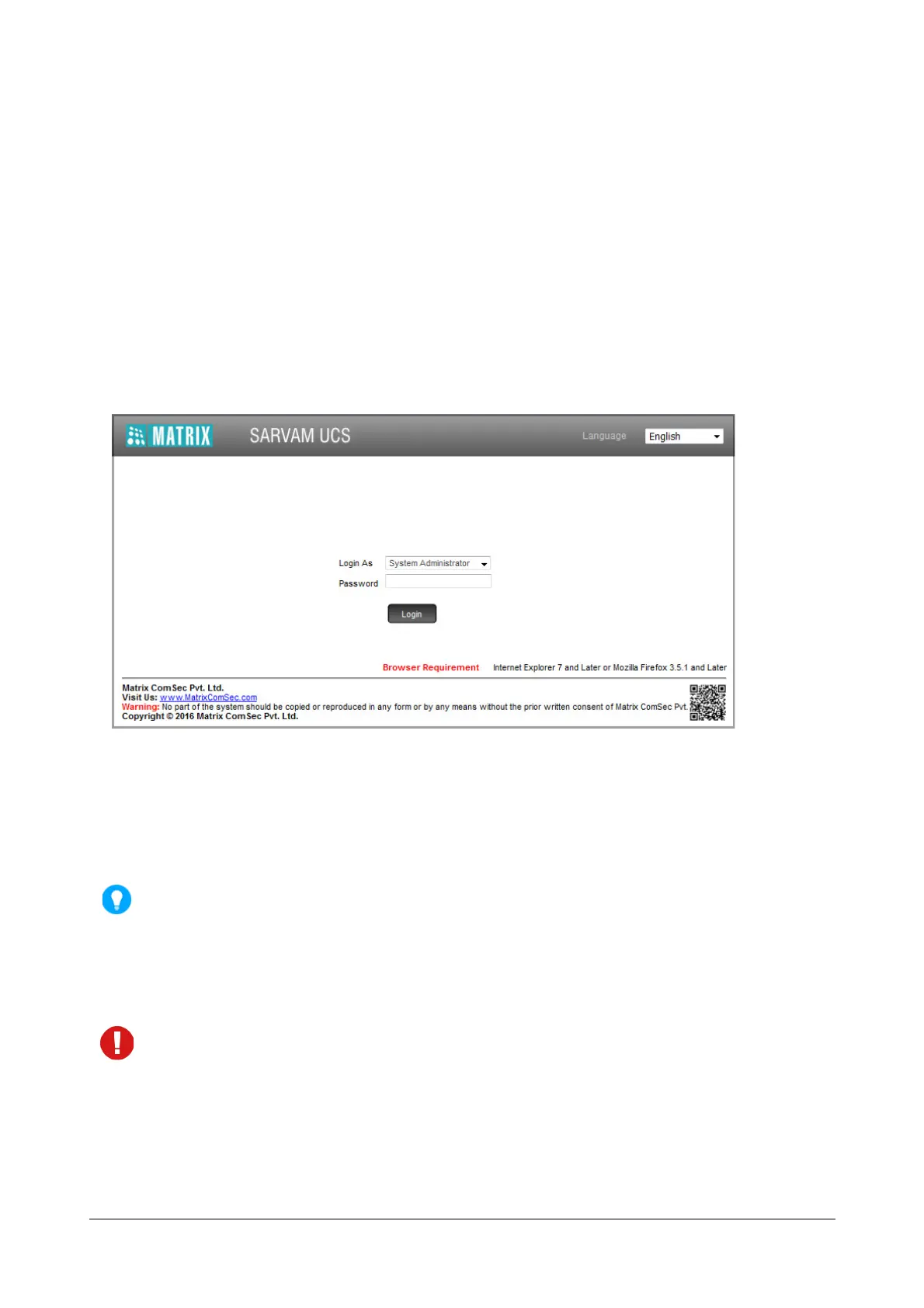
To enter the SA mode,
• Open the Login Page.
•In Login as select System Administrator.
•In Password, enter the New SA Password.
• Click Login.
The SA password is a code for preventing unauthorized access to the SA mode. As this password is meant
for restricting access to the SA mode, we strongly recommend you to:
• Keep the password confidential.
• Select a complex password that cannot be easily guessed.
• Change the password regularly. See “System Security”.
• Not to use the “Remember Password” property of your Web Browser.
To provide additional security,
• the password will be valid for 90 days only and you will not be able to login with the existing password
after 90 days. You will be prompted to change the password.
• if you enter a wrong password for five times consecutively within 10 minutes, the system will block the
source IP Address for 10 minutes. This activity will be logged in the “System Activity Log”.



 To Next Page