92 Matrix ETERNITY NE System Manual
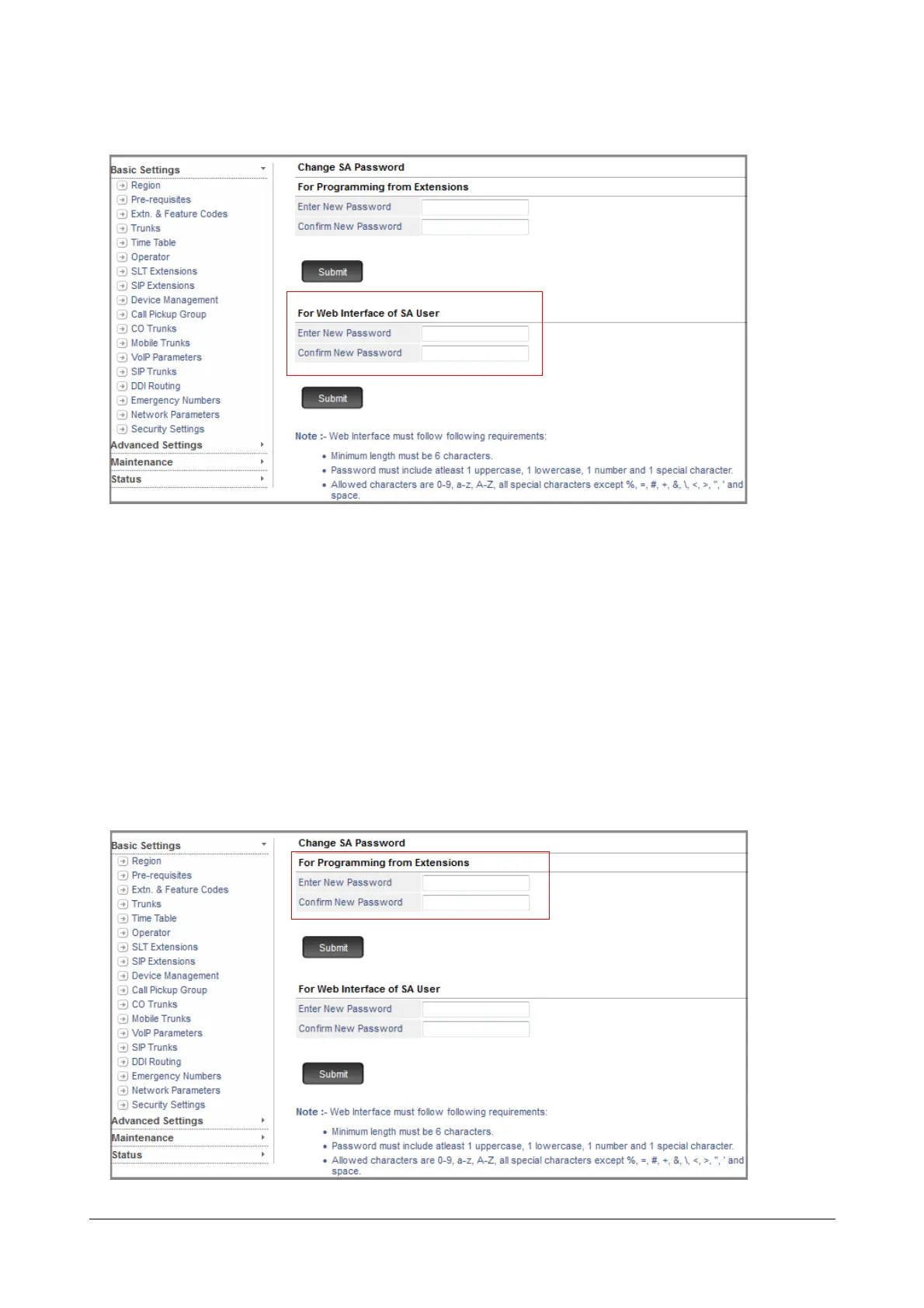
Set SA Password for Accessing Jeeves
• Under For Web Interface of SA User,
• Enter New Password. All ASCII characters (except Percentage %, Hash #, Equal to =, Plus +, And &,
Backslash \, Less than <, Greater than >, Apostrophe ’ , Double Quote " and Space) and digits 0 to 9
are allowed. The new password must be:
• a minimum of 6 characters to a maximum of 12 characters.
• include atleast one upper-case, one lower-case, one number and one special character.
•In Confirm New Password, re-enter the new password to confirm.
• Click Submit.
Set SA Password for Programming from Extensions



 To Next Page