Matrix ETERNITY NE System Manual 91
As many as four System Engineers can simultaneously login into SE Mode and configure the system.
However, it is recommended to avoid multiple login when using the Quick Installation Wizard. The use of
the Wizard must be restricted to a single person only.
System Administrator Mode
At the System Administrator level, the settings of the features for the Extension users can be changed, and various
system activity logs and reports such as Fault Log reports, Station Message Detail Recording reports, and System
reports, can be captured and printed.
The System Administrator may be a operator or receptionist, or any one responsible for the operation and
maintenance of the system.
The access to SA mode is protected by means of a password, referred throughout this documents as the SA
Password. Four persons can simultaneously login and change the system settings from the SA mode.
You can log into the SA mode through Jeeves or from extension only after you have set the SA Password
from the SE mode.
To log into the SA Mode,
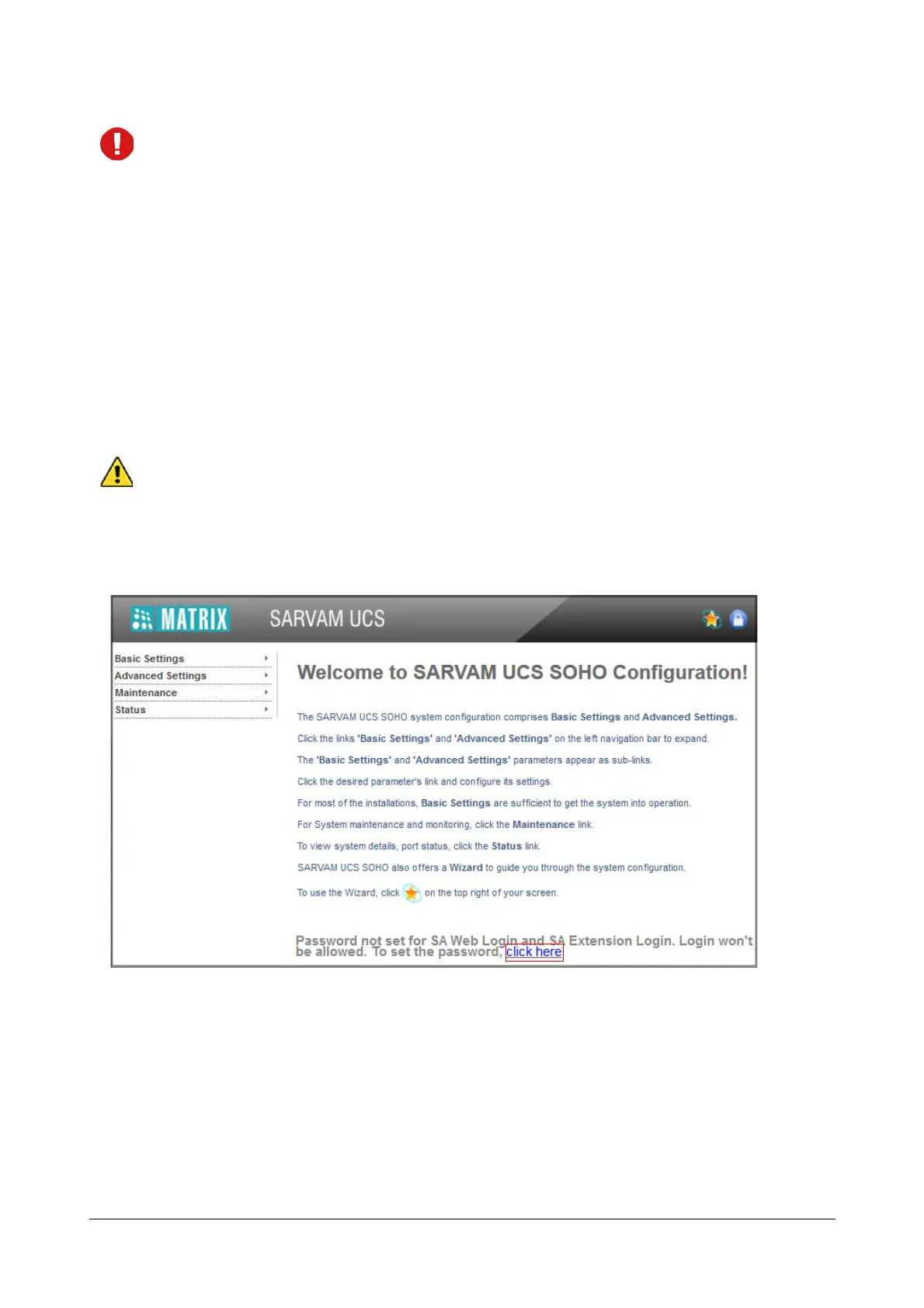
• Login as System Engineer. The Welcome page opens.
• To set the password for SA Web Login and SA Extension Login, click on the link.



 To Next Page