90 Matrix ETERNITY NE System Manual
• Click Submit.
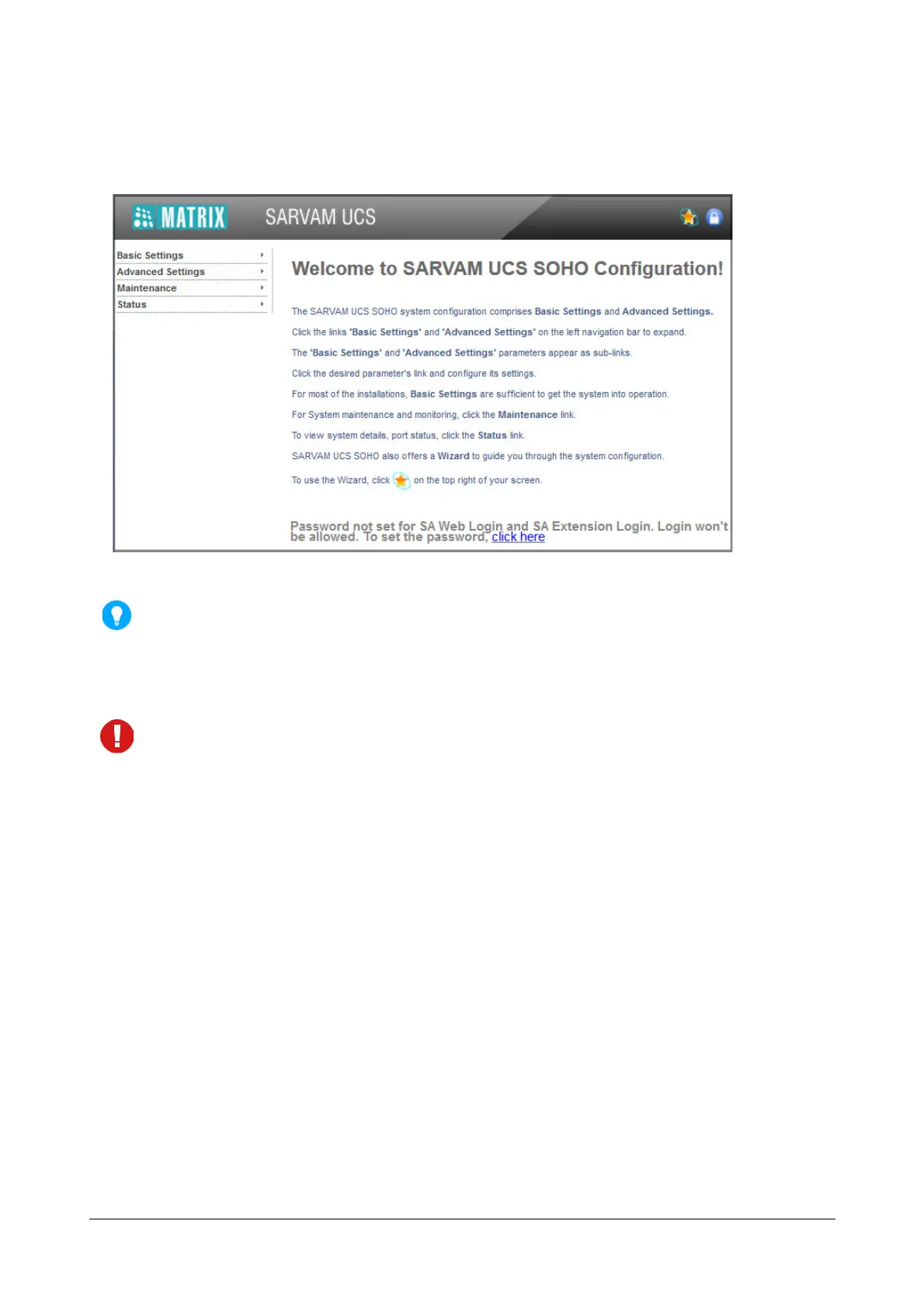
The Welcome page opens.
As this password is meant for restricting access to the SE mode, we strongly recommend you to:
• Keep the password confidential.
• Select a complex password that cannot be easily guessed.
• Change the password regularly. See “System Security”.
• Not to use the “Remember Password” property of your Web Browser.
• Each login session into the SE Mode is set to 60 minutes by default. So, the login session will expire at
the end of 60 minutes. The duration of the login session can be extended or shortened according to
your preference by changing the settings for the 'Web Configuration Timer'. Refer the topic “Changing
Login Session Time Out of Jeeves”.
• It is possible for four users to simultaneously log into the System Engineer Mode of Jeeves. It is also
possible to log out all of these users at once or log out any of these users selectively. Refer the topic
“Logging Out Users from Jeeves”.
Quick Installation Wizard
For the ease of installation, as well as to simplify and speed up the process of setting up SARVAM UCS, the
Jeeves offers Quick Installation Wizard. This wizard helps the Installer/System Engineer to quickly set-up the
system for the standard PBX Application.
Using this Wizard, the Installer/System Engineer can configure as much as 80 percent of the system configuration,
covering all the necessary parameters essential for the functioning of the system. For advanced configuration of
features and facilities, the Installer/System Engineer must use Basic Settings and Advanced Settings links of the
Jeeves.
While the Quick Installation Wizard provides a fast-track way for system configuration, detailed and advanced
configuration of the system can be done only from the Basic Settings and Advanced Settings links of the Jeeves.



 To Next Page