Matrix ETERNITY NE System Manual 1063
• As the SMDR Outgoing call storage buffer is limited, you may limit the storage of calls to a certain
numbers only by configuring Store Calls made to numbers matching with.
You may configure as many as 250 numbers. The system will store records of outgoing calls made to
these numbers only.
SARVAM UCS uses the best match logic for storing these numbers. For example, if you configure 0
here, the system will store all outgoing calls made to numbers starting with 0.
• Click Submit.
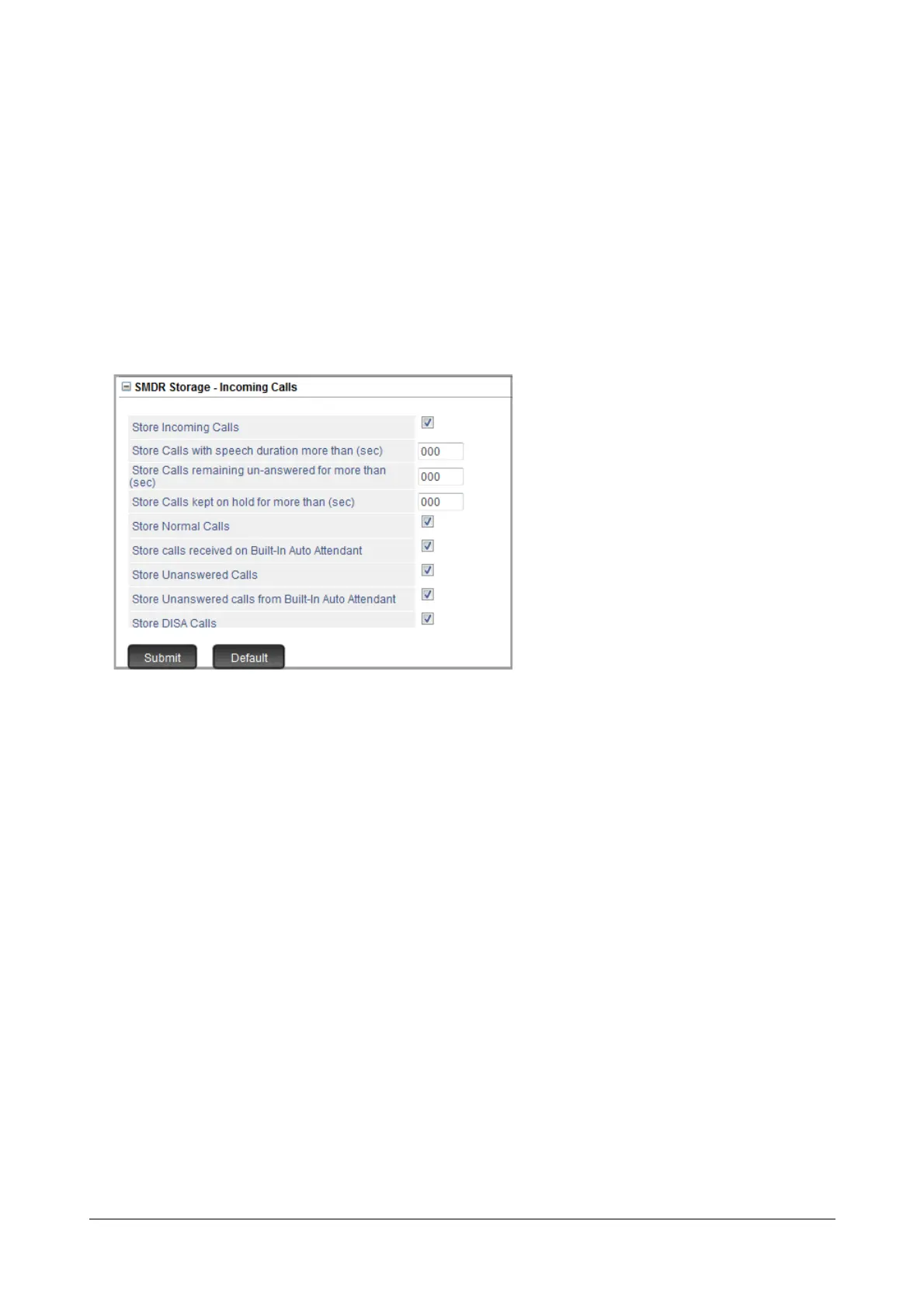
• To configure storage filters for incoming calls, click SMDR Storage - Incoming Calls to expand,
• Select the Store Internal Calls check box to enable storage of internal calls as per the filters you set.If
incoming call storage is disabled, no incoming call will be stored.
• If you want incoming calls that exceed as certain duration to be stored, set the filter Store Calls with
speech duration more than (sec) to the desired duration. All calls with duration greater than this
value, will be stored.
• If you want incoming calls that remain unanswered for certain duration to be stored, set the filter Store
Calls remaining un-answered for more than (sec) to the desired duration. All calls with duration
greater than this value, will be stored.
• If you want incoming calls that were kept on hold for a certain duration to be stored, set the filter Store
Calls kept on hold for more than (sec) to the desired duration.
• If you want all calls, except calls received using Auto Attendant to be stored, select the Store Normal
Calls check box.
• If you want calls received on Auto Attendant to be stored, select the Store calls received on Built-In
Auto Attendant check box.
• If you want all calls, that remained unanswered to be stored, select the Store Unanswered Calls check
box.



 To Next Page