1076 Matrix ETERNITY NE System Manual
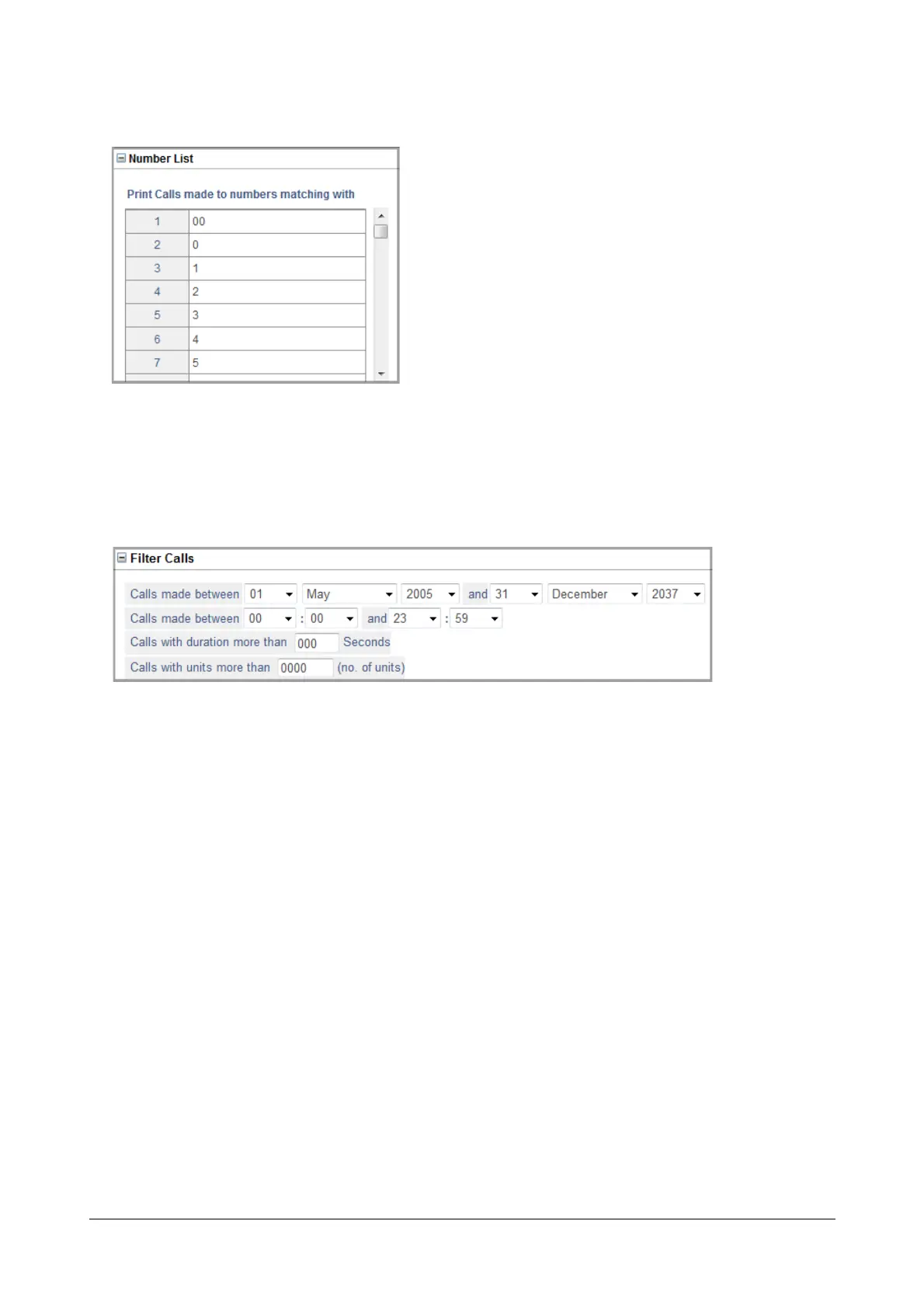
• Click Number List to expand.
• To print outgoing calls made to certain numbers, enter the desired numbers in the Print Calls made to
numbers matching with fields.
• Click Submit.
• Click Filter Calls to expand.
• To print outgoing calls made on a certain date or between a certain time period, set the filter Calls
made between. To print calls made on a particular date, select the same Date, Month and Year in both
fields.
• To print outgoing calls made at a particular time, set the Hours and Minutes in 24-hour format calI in the
filter Calls made between 00: 00 and 23:59.
• If you want outgoing calls that exceed as certain duration to be printed, set the filter Calls with
duration more than (sec) to the desired duration. All outgoing calls with duration greater than this
value, will be printed.
• If you want outgoing calls exceeding certain metering units to be printed, set the filter Calls with units
more than (units) to the desired value. All outgoing calls that have metering units greater than this
value will be stored.
• Click Submit.



 To Next Page