1086 Matrix ETERNITY NE System Manual
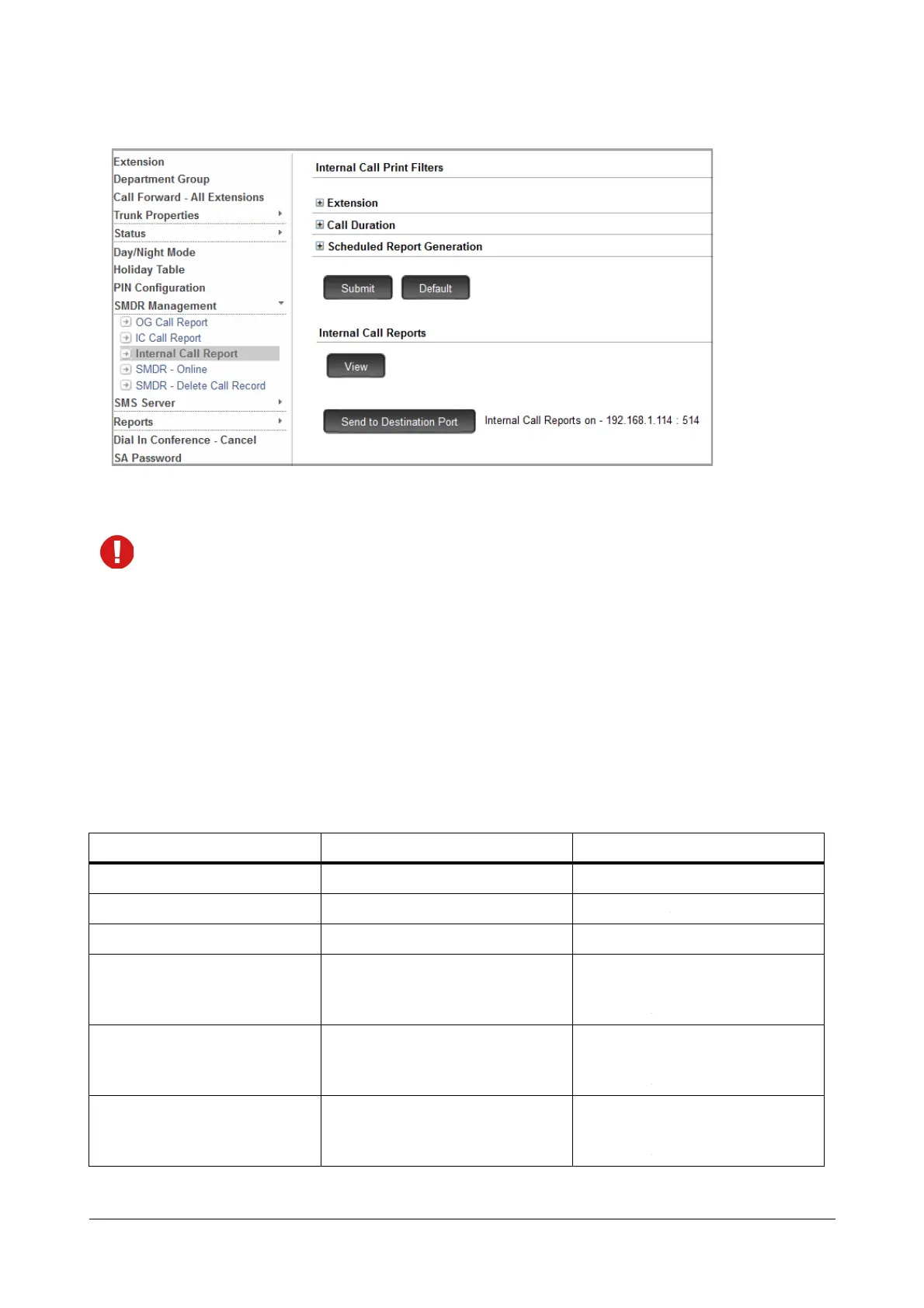
• Click Send to Destination Port.
• To stop printing, click Abort.
You may print the Online report captured on the Syslog Server after suitable modification of the format.
Print SMDR-Report using a Telephone
To generate SMDR-Report from an extension phone,
• Enter SA mode from SLT/Extended IP Phone.
Print Filter Settings - Incoming Calls
To set Print Filters for incoming Calls,
• Dial the Commands listed in the table for the desired filter.
Filter Commands Values
Calls received on CO Port 1072-161-CO-CO CO: 001 - 004
Calls received on Mobile Port 1072-165-Mobile-Mobile Mobile: 01-02
Calls received on SIP Trunk 1072-166-SIP-SIP SIP: 01 - 08
Print Normal Calls
1072-152-Flag
Flag:
0 = Disable
1 = Enable
Print Built-In Auto Attendant
Calls
1072-153-Flag
Flag:
0 = Disable
1 = Enable
Print Unanswered Calls 1072-154-Flag Flag:
0 = Disable
1 = Enable


 To Next Page