Matrix ETERNITY NE System Manual 1123
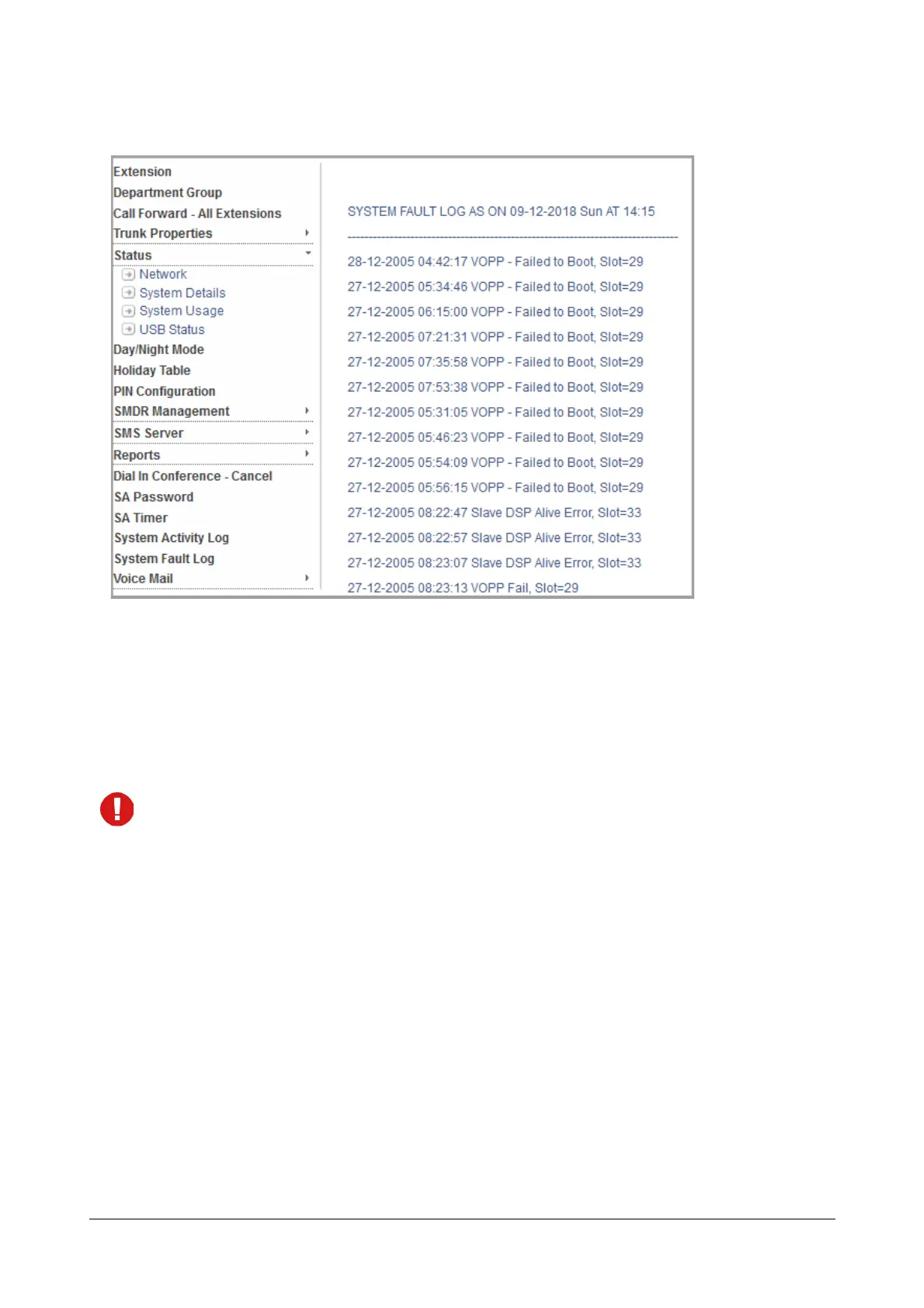
• To view System Fault Log on your computer screen, click View.
System Fault Log appears on your screen.
• To print this report on the local printer connected to your computer, click Print. An alert message
appears.
• Click OK. The System Fault Log - Report will be printed on the local printer connected to your
computer.
Make sure you have selected ‘NONE’ as the destination port to print the report on the local printer
connected to your computer.
To generate Fault logs from an extension phone,
• Enter SA mode from SLT/Extended IP Phone.
To start/stop Online fault log generation:
•Dial 1072-028-1 to start
•Dial 1072-028-0 to stop
To start/stop offline Report generation:
•Dial 1072-027-1 to start
•Dial 1072-027-0 to stop
• Exit SA mode.


 To Next Page