Matrix ETERNITY NE System Manual 1137
The default DND Text messages appear on your screen. You may customize messages 2 to 9 according to
your requirement. Text Message can be of maximum 16 alphanumeric characters. All ASCII characters except
< > and “ (double quote) are allowed.
Publish Message
• Click Publish Message to expand.
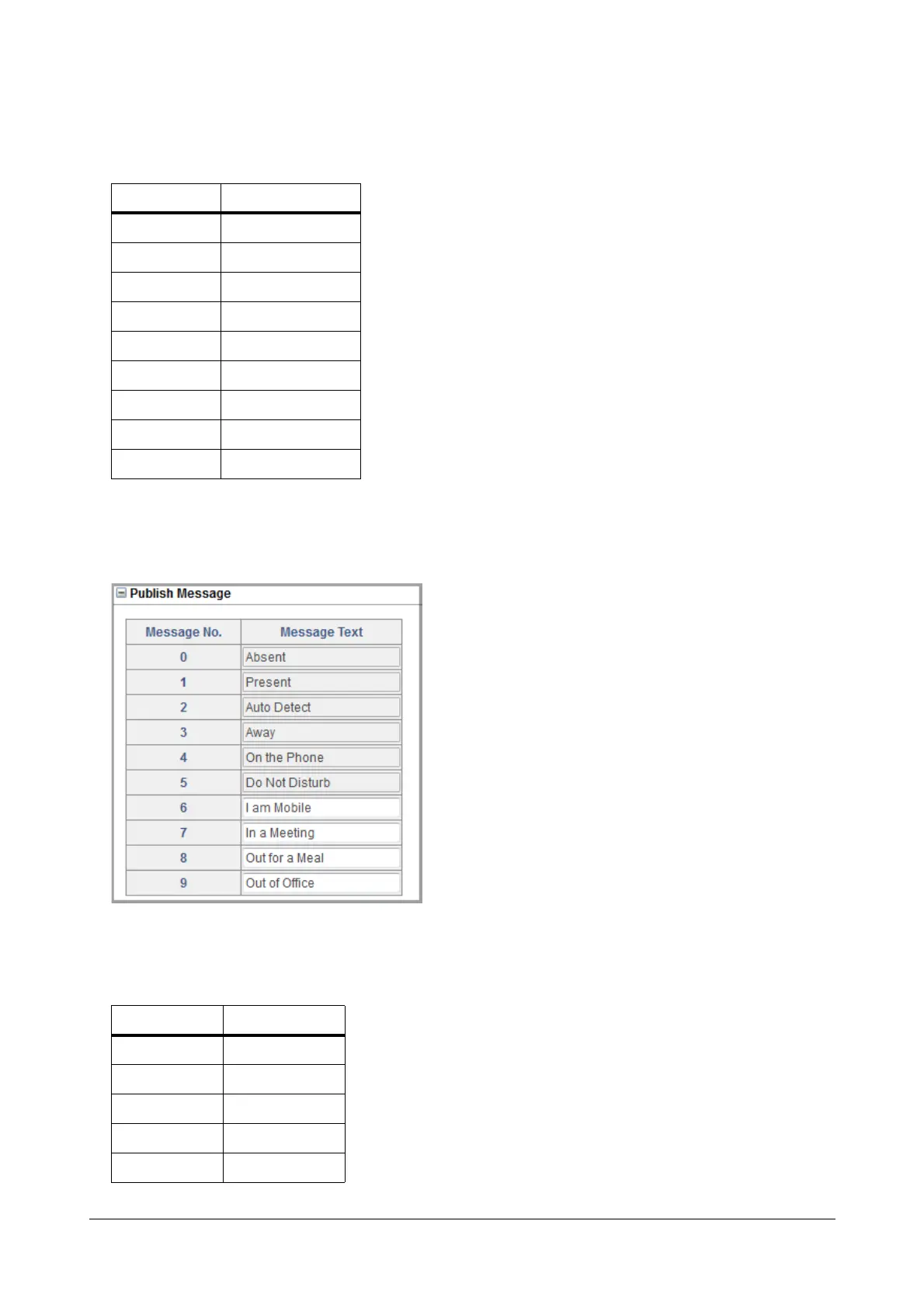
SARVAM UCS offers 10 different text Messages to Publish Presence, as listed in the table below. You can
customize message 6 to 9 to match your requirement. Text Message can be of maximum 16 alphanumeric
characters. All ASCII characters except < > and “ (double quote) are allowed.
Message No. Message Text
1 Do Not Disturb
2 Unavailable
3 In Meeting
4 In Conference
5 Try on Mobile
6 On Vacation
7 On Business Trip
8 Out of Office
9 With a Guest
Message No. Message Text
0 Absent
1Present
2 Auto Detect
3Away
4 On the Phone



 To Next Page