Matrix ETERNITY NE System Manual 1139
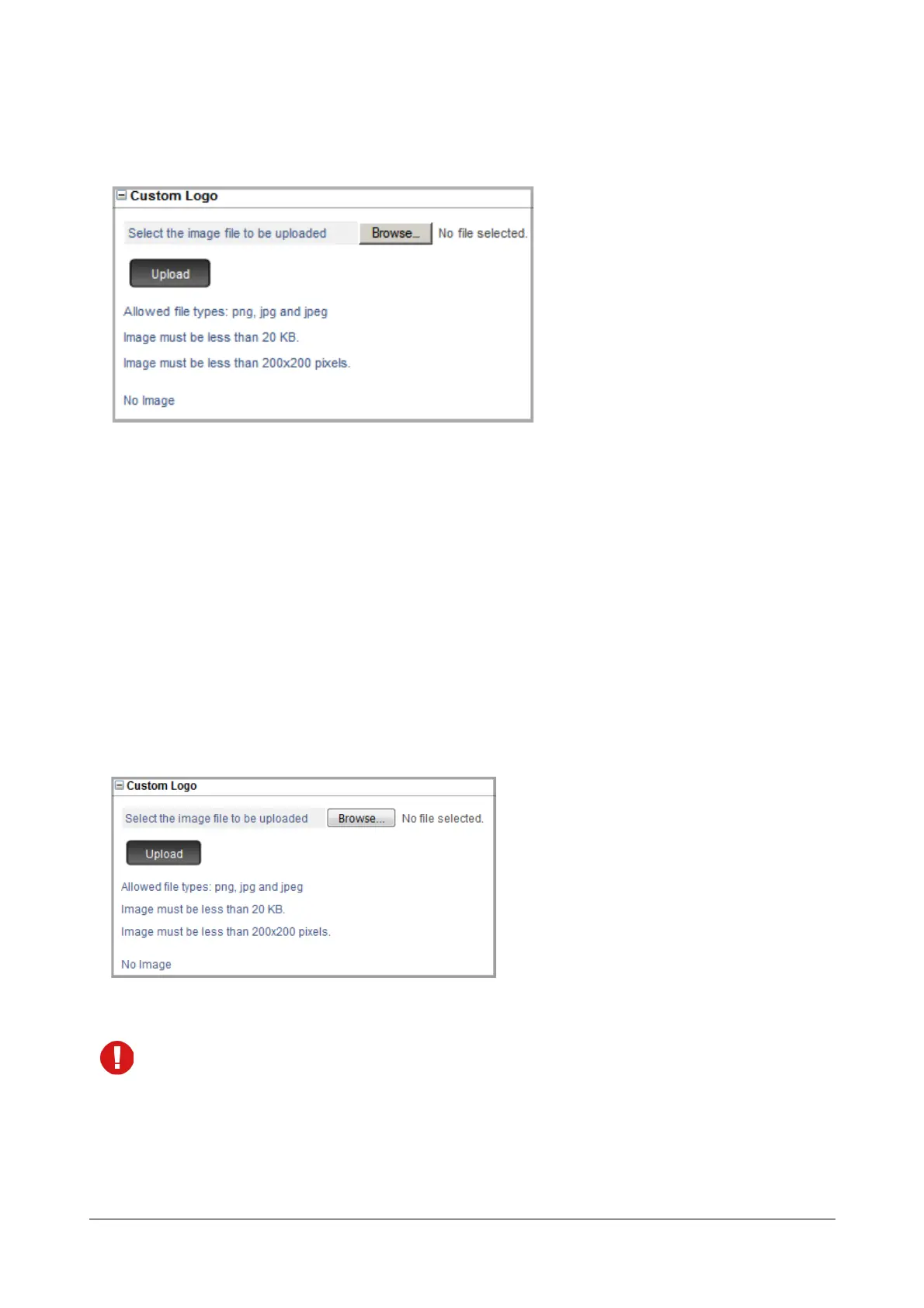
Custom Logo
• Click Custom Logo to expand.
For VARTA Mobile UC Clients — Android and iPhone — SARVAM UCS supports uploading of any
customized logo. This logo shall appear on the Home screen of VARTA ADR100 and VARTA AMP100.
Make sure the image you want to upload fulfills the following requirement:
• The image must be a JPEG, JPG or PNG file
• Maximum Dimension of the image : 200 x 200px
• Maximum File Size of the image : 20KB
To upload the file,
• Click Browse to Select the image file to be uploaded from the location on the local disk.
• Click Upload.
A preview of the image you uploaded appears.
• If you wish to remove the image, click Remove.
If you upload another image directly without removing the previous image, the system will automatically
overwrite the image.
• Click Submit.



 To Next Page