1232 Matrix ETERNITY NE System Manual
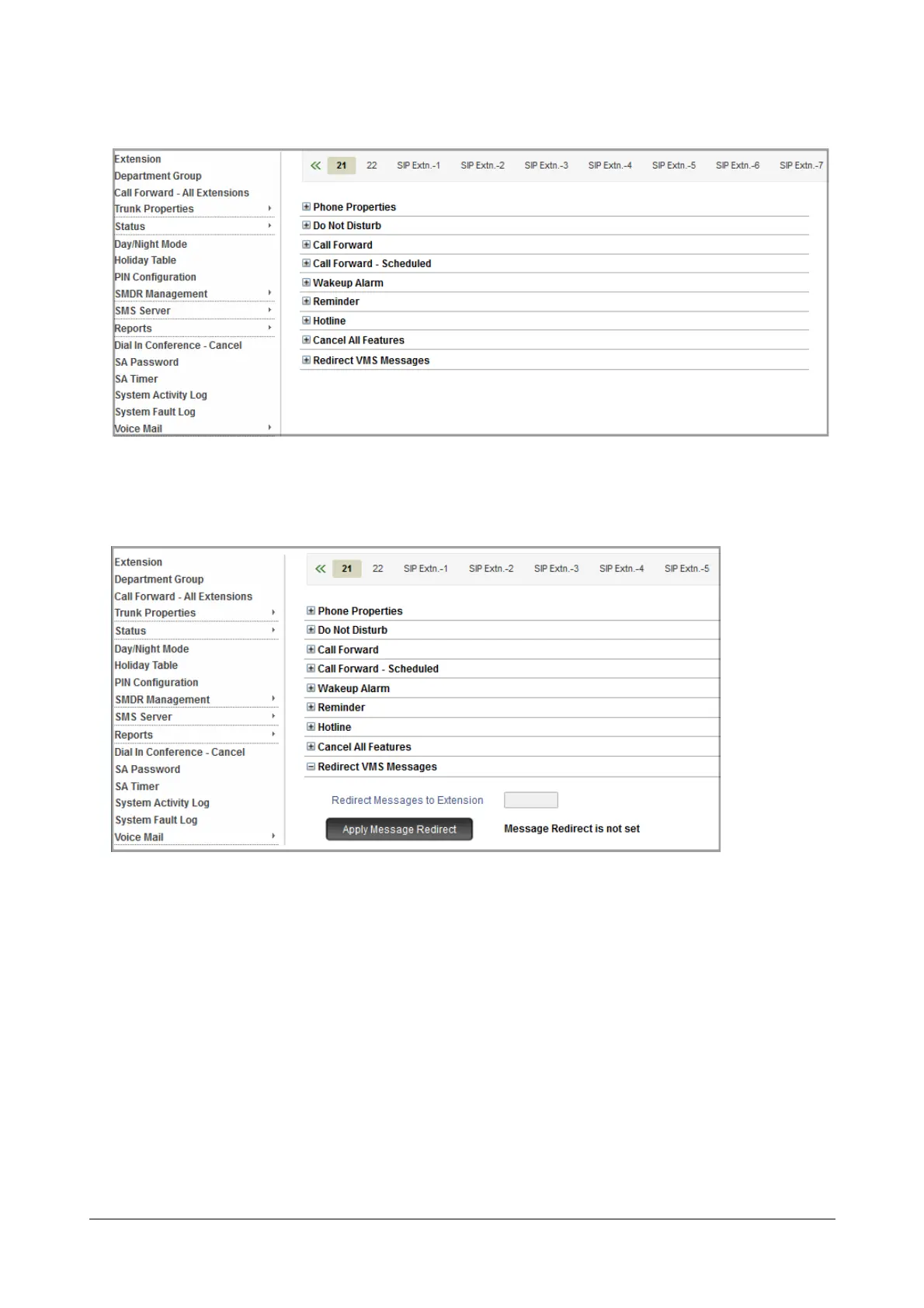
• Click Extension.
• Click the desired Extension tab.
• Click Redirect VMS Messages to expand.
•In Redirect Messages to Extension, enter the extension number on which you want the messages to be
redirected.
• Click the Apply Message Redirection button.
For Department Group
• Login as System Administrator.


 To Next Page