Matrix ETERNITY NE System Manual 1233
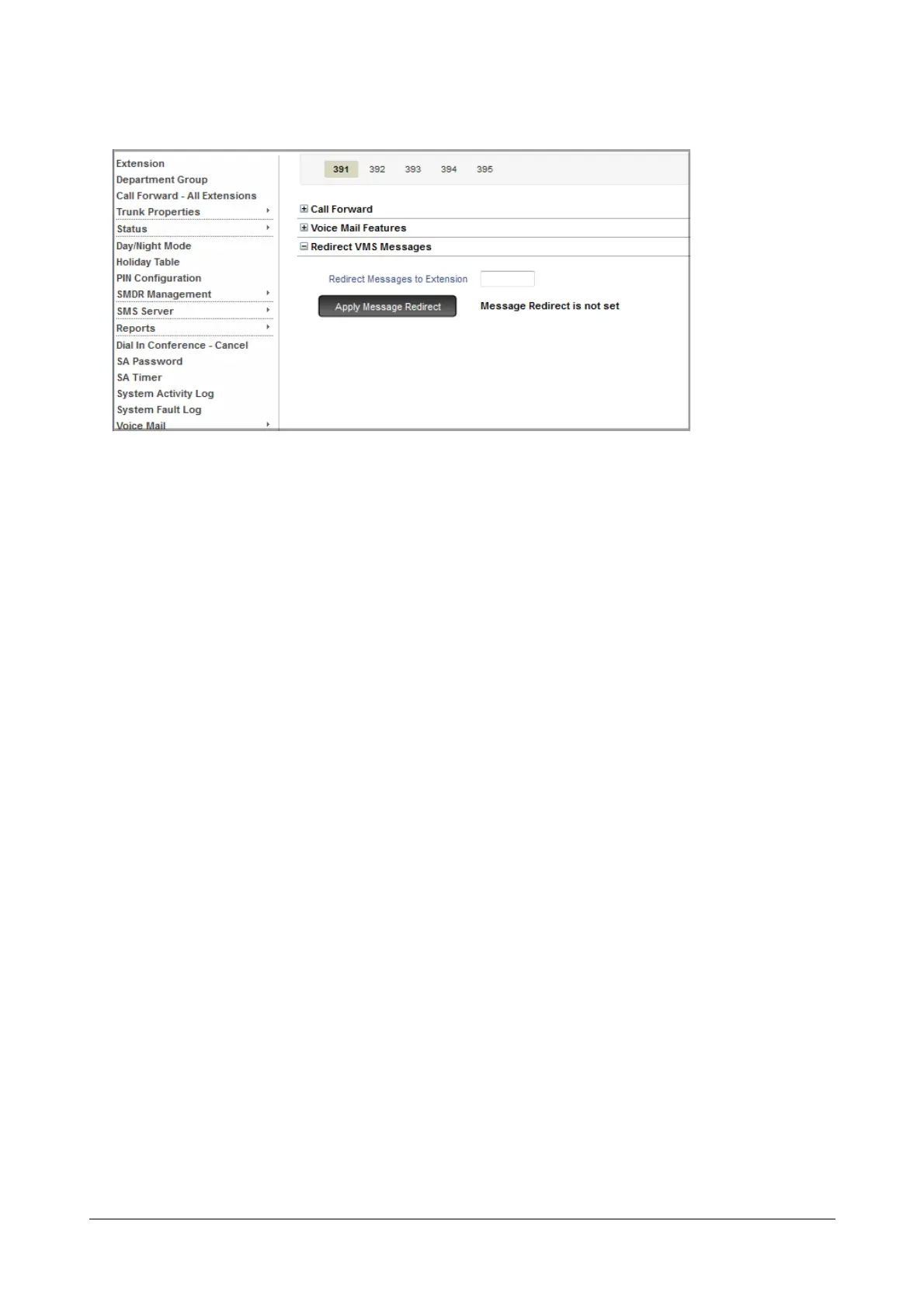
• Click Department Group Properties.
• Click the desired Department Group Number tab for which you want to set message redirection.
• Click Redirect VMS Messages to expand.
•In Redirect Messages to Extension, enter the extension number on which you want the messages to be
redirected.
• Click the Apply Message Redirection button.
Message Redirection using SA Commands
• Enter SA mode from a SLT.
To redirect Messages, dial:
• 1072-314-Source Station-Code-Destination Station
Where,
Source Station is the Access Code of any SLT, SIP Extension, Department Group.
Destination Station is the Access Code of any SLT, SIP Extension, Department Group or General
Mailbox.
Code is
0 to Cancel Message Redirection
1 is to Set Message Redirection
• Exit SA mode.


 To Next Page
 Loading...

