116 Matrix ETERNITY NE System Manual
To copy all SLT extension parameter values to another SLT extension, click Copy.
Follow the instructions provided below to configure the SLT extensions.
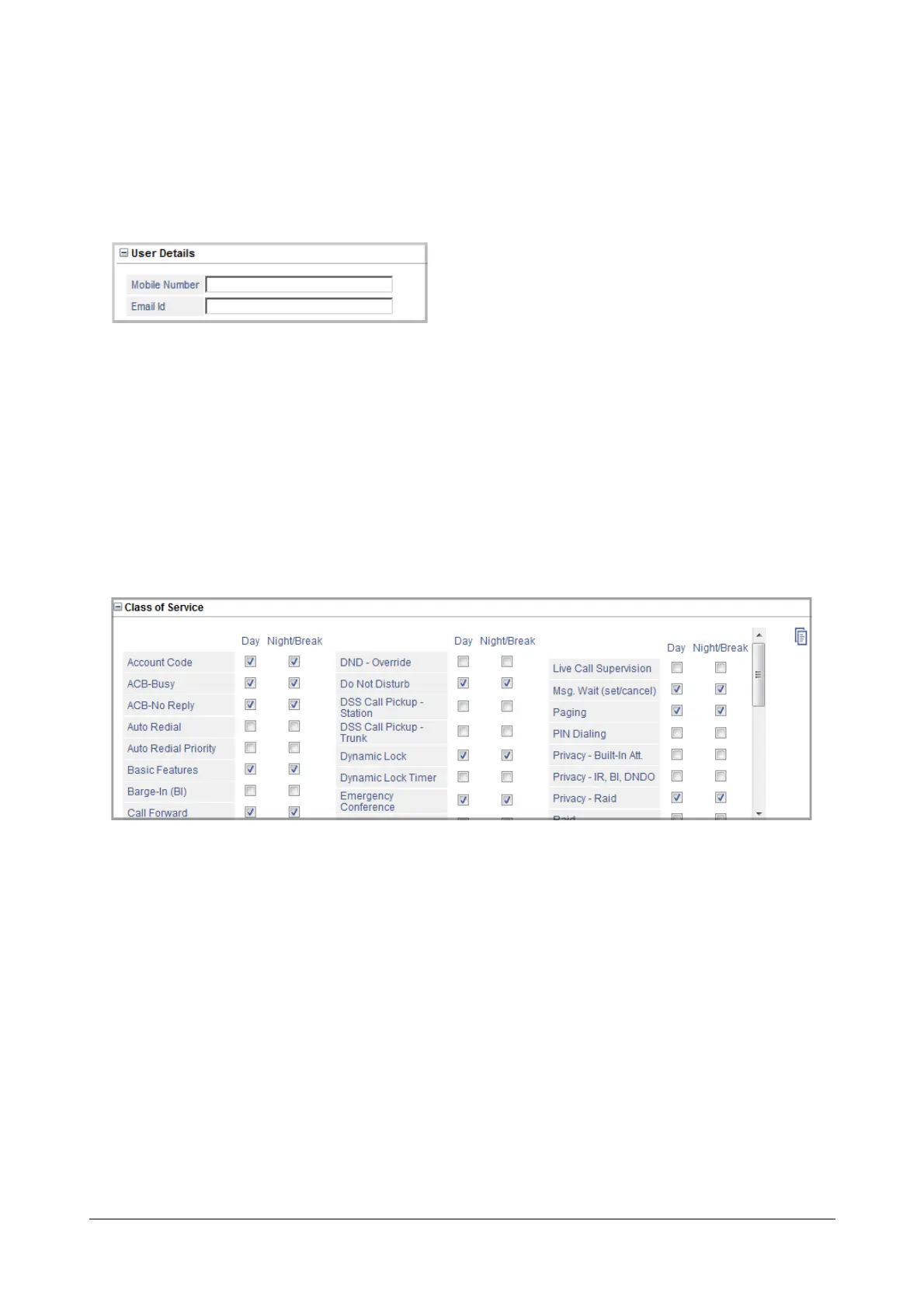
User Details
• Enter the Mobile Number of the extension user. The Number can be a maximum of 16 digits.Default:
Blank.
• Enter the Email ID of the extension user. The Email ID can be a maximum of 64 characters. Default:
Blank.
• Click Submit.
These parameters are used by the SMS Server application. To know more about this feature, see “SMS Server”.
Class of Service
• Click Class of Service to expand.
Define the Class of Service for the SLT extension for Day time and Night/Break time.
• To allow a feature, select the check box of the feature.
• To deny a feature, clear the check box.
• Click Submit.
See “Class of Service (CoS)” to know more.



 To Next Page