Matrix ETERNITY NE System Manual 1257
• The message Stop PCAP appears on your phone display.
• Press Enter key. You get the confirmation message: Stopped!
• Go idle.
Using PCAP Trace for Matrix SPARSH VP310 Extended IP Phone
PCAP Trace supported by the Matrix Extended IP Phone can capture up to 1 MB of packets and store them in the
embedded FTP server of the phone.
You are not required to set any filters; the phone captures all packets that it sends and receives.
To use PCAP Trace,
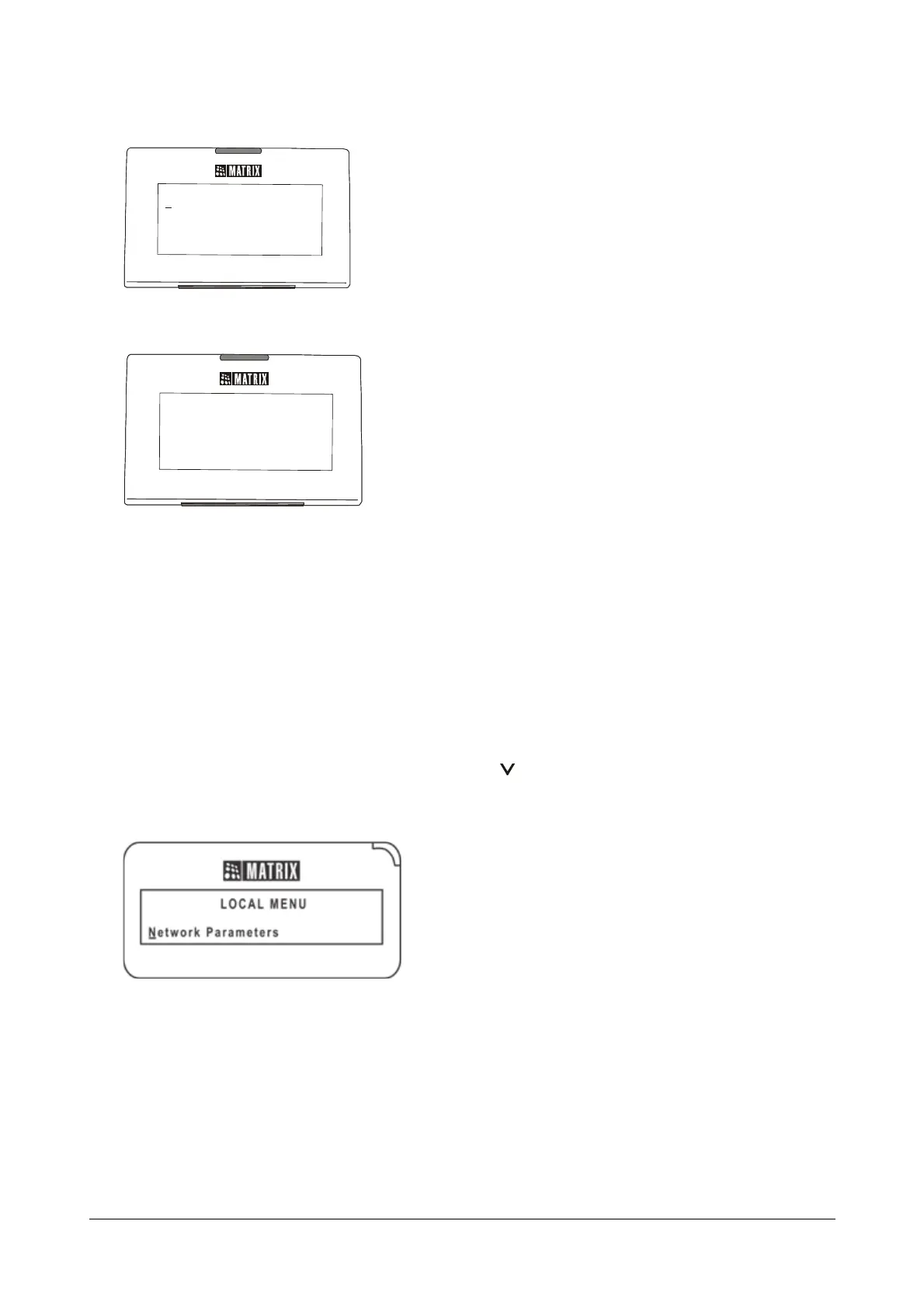
• When the phone is in idle state, press the DOWN key to access the Network Settings.
• The cursor appears under ‘Network Parameters’.
• Press Enter key to select ‘Network Parameters’.
• The Network Parameters submenu appears.
PCAP TRACE
PCAP TRACE



 To Next Page