1258 Matrix ETERNITY NE System Manual
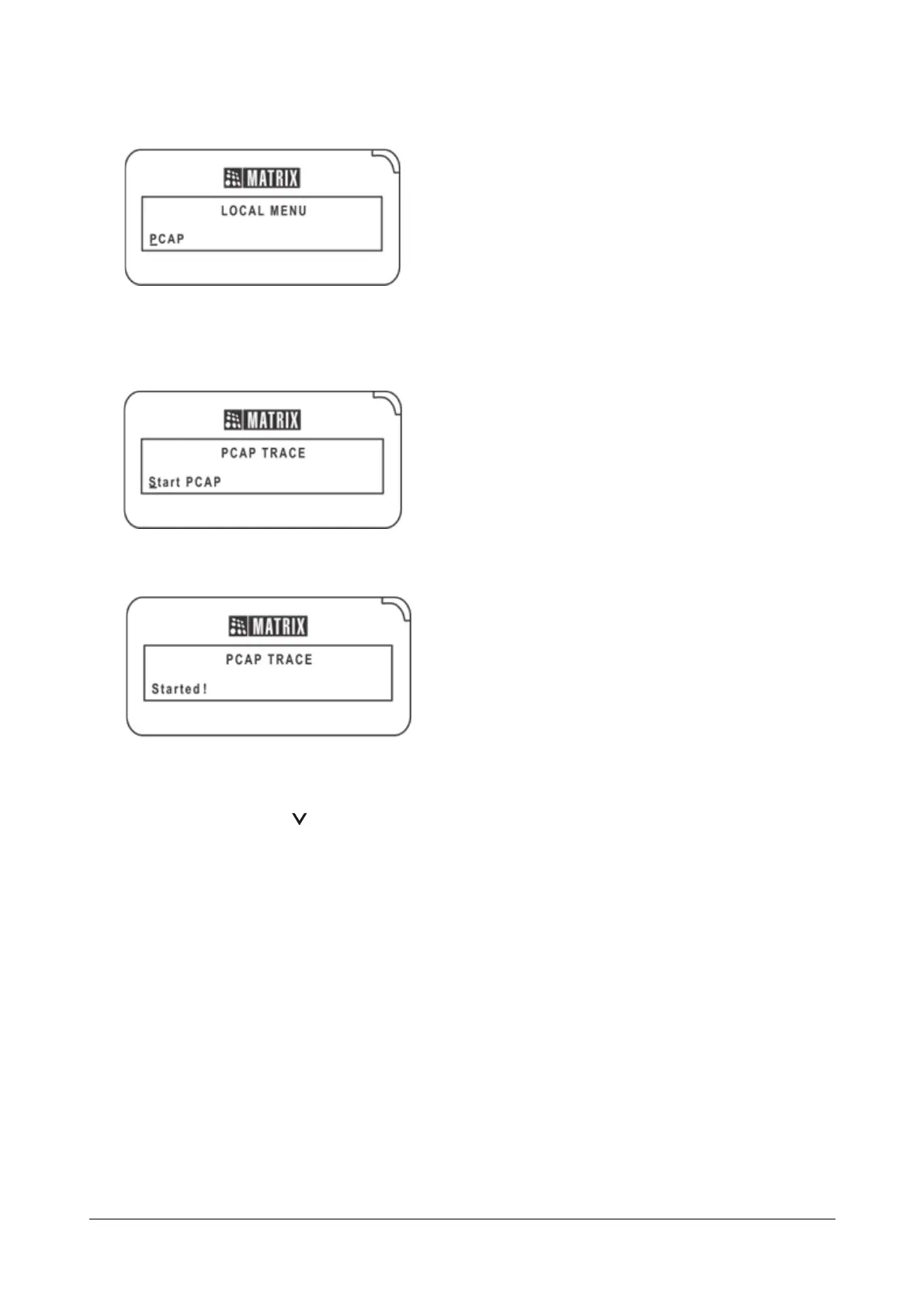
• Scroll with the DOWN navigation key to PCAP.
• Press Enter key.
• ‘Start PCAP’ appears on your phone display.
• Press Enter key. You get a confirmation message ‘Started!’
To stop PCAP,
• Press the DOWN key to access the Network Settings.
• The cursor appears under ‘Network Parameters’.
• Press Enter key to select ‘Network Parameters’.
• The Network Parameters submenu appears.
• Scroll with the DOWN navigation key to PCAP and press Enter key.



 To Next Page