Matrix ETERNITY NE System Manual 127
• Display Number of Transferring Extension when call is transferred on this extension.
• Display Number of Party kept on Hold when call is transferred on this extension.
• Click Submit.
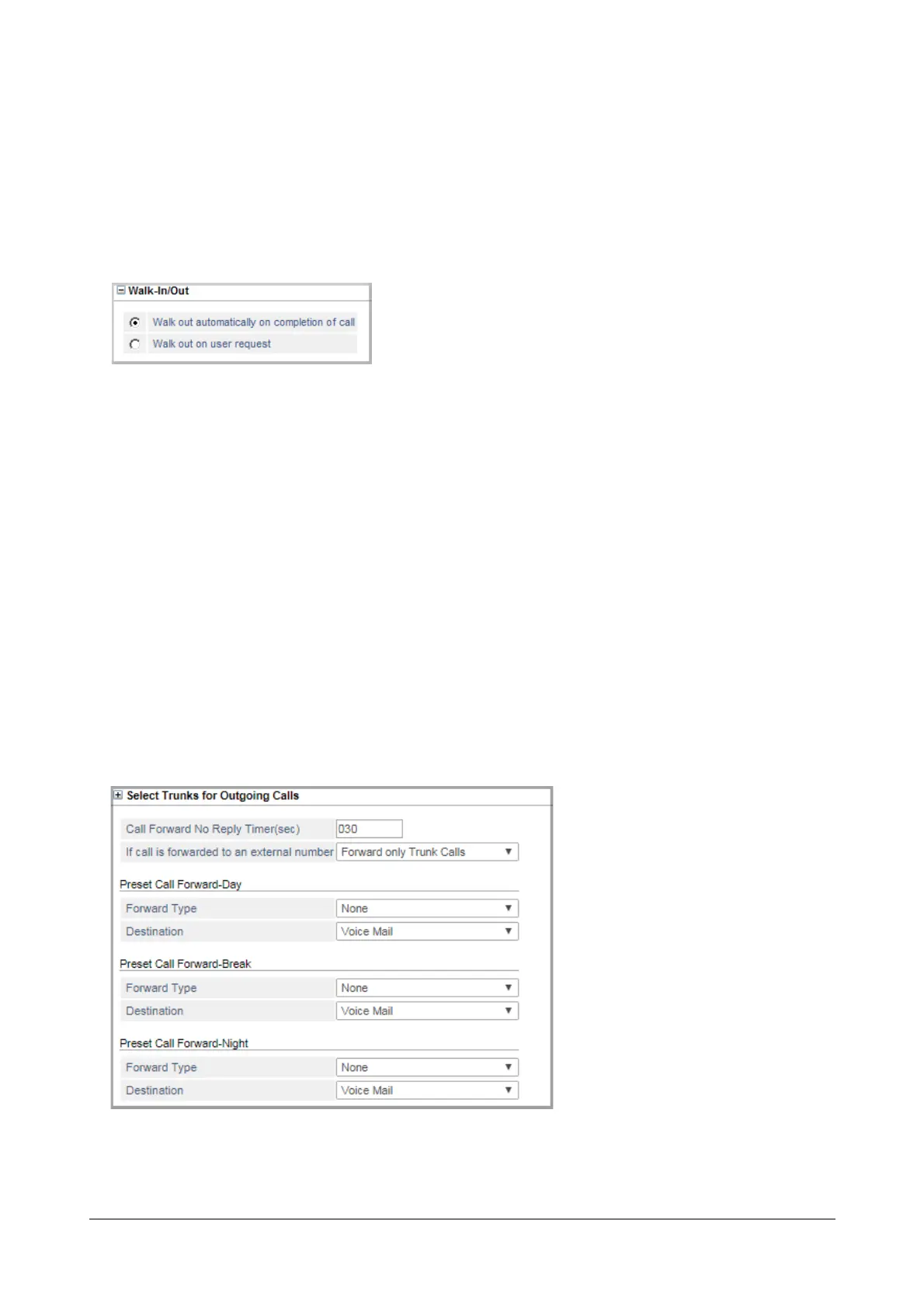
Walk-In/Walk-Out
This parameter is related to the feature Walk-In Class of Service. SARVAM UCS offers two types of Walk-In: i)
One-Call per Walk-In, where the extension user is automatically logged out after a call. ii) Walk-In until Logout,
where the extension user remains logged on until s/he manually walks out or a second user walks into the same
extension. To know more about this feature, see “Walk-In Class of Service”.
• Click Walk-In/Walk-Out to expand.
• Select the radio button of the type of Walk-Out mode you want to assign to the extension:
• Walk-Out automatically on completion of call: Select this option, if you want to assign One-Call per
Walk-In to the extension.
• Walk-Out on user request: Select this option, if you want to assign Walk-In until Logout to the
extension.
• Click Submit.
Call Forward
• Click Call Forward to expand.


 To Next Page
 Loading...

