126 Matrix ETERNITY NE System Manual
• To store details of outgoing calls made by the extension user to external numbers, select Store Outgoing
Calls. Default: selected.
• Click Submit.
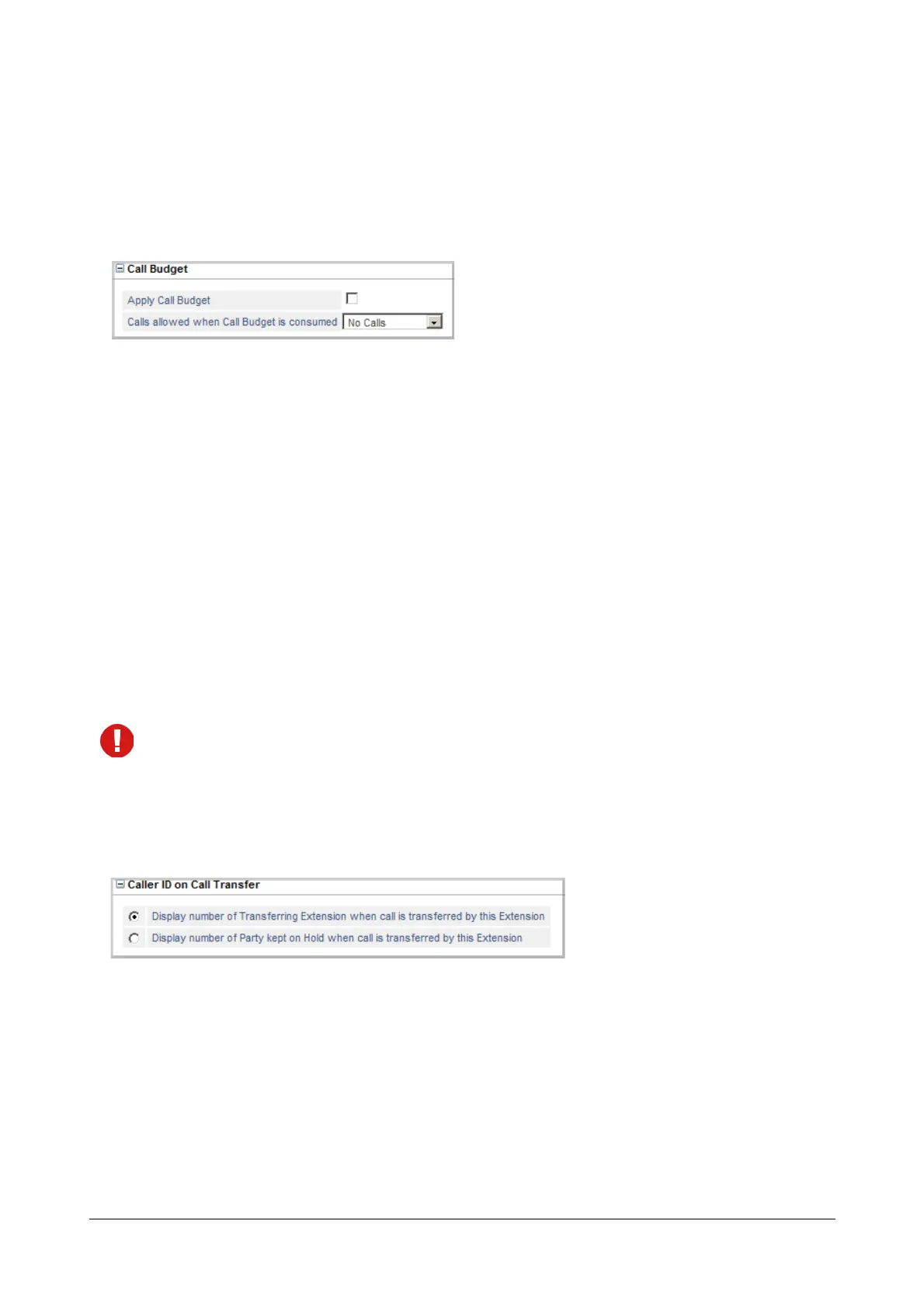
Call Budget
Using the Call Budget feature, you can allot a 'budget' limit for outgoing calls made by the extension. See “Call
Budget on Extension” for more information. If you want to enable this feature on this extension,
• Click Call Budget to expand.
• Select the Apply Call Budget check box.
• You may define the calling permission for the extension, after it has consumed the call budget allotted to it.
Select the type of Calls to be allowed when Call Budget is consumed from the following:
•No Calls
• Local Calls
• Regional Calls
• National Calls
• International Calls
• All Calls
Default: No Calls.
Click the Settings icon to view the Toll Control - Allowed-Denied Numbers page. This icon does not
appear when you select No Calls or All Calls option.
• Click Submit.
Caller ID on Call Transfer
This parameter is related to the CLIP feature. It allows you to choose whether the system should display the CLI of
the ‘Held Party’ or the CLI of the ‘Transferring Party’ to the transfer destination extension while the call is being
transferred.
See the feature description for “Calling Line Identification and Presentation (CLIP)” to know more.
• Click Caller ID on Call Transfer to expand.
• Select the radio button of the desired option:


 To Next Page
 Loading...

