136 Matrix ETERNITY NE System Manual
Configuring SIP Extensions using Jeeves
You need to configure the following parameters for SIP Extensions:
• General Parameters, see “Configuring SIP Extension General Parameters”.
• SIP Extension Settings and the Extended Phone Settings as per the type of Extended Phone you have
connected. See “Configuring Matrix SPARSH VP248” or “Configuring Matrix SPARSH VP310” or
“Configuring Matrix SPARSH VP510” or “Configuring Matrix SPARSH VP330” or “Configuring Matrix
Extended SPARSH VP710” or “Configuring Matrix VARTA ADR100/AMP100 UC Clients” or “Configuring
MATRIX VARTA WIN200 UC Client” or “Configuring Open SIP Phones” respectively as per the type of
Extended Phone you have connected.
Configuring SIP Extension General Parameters
To configure,
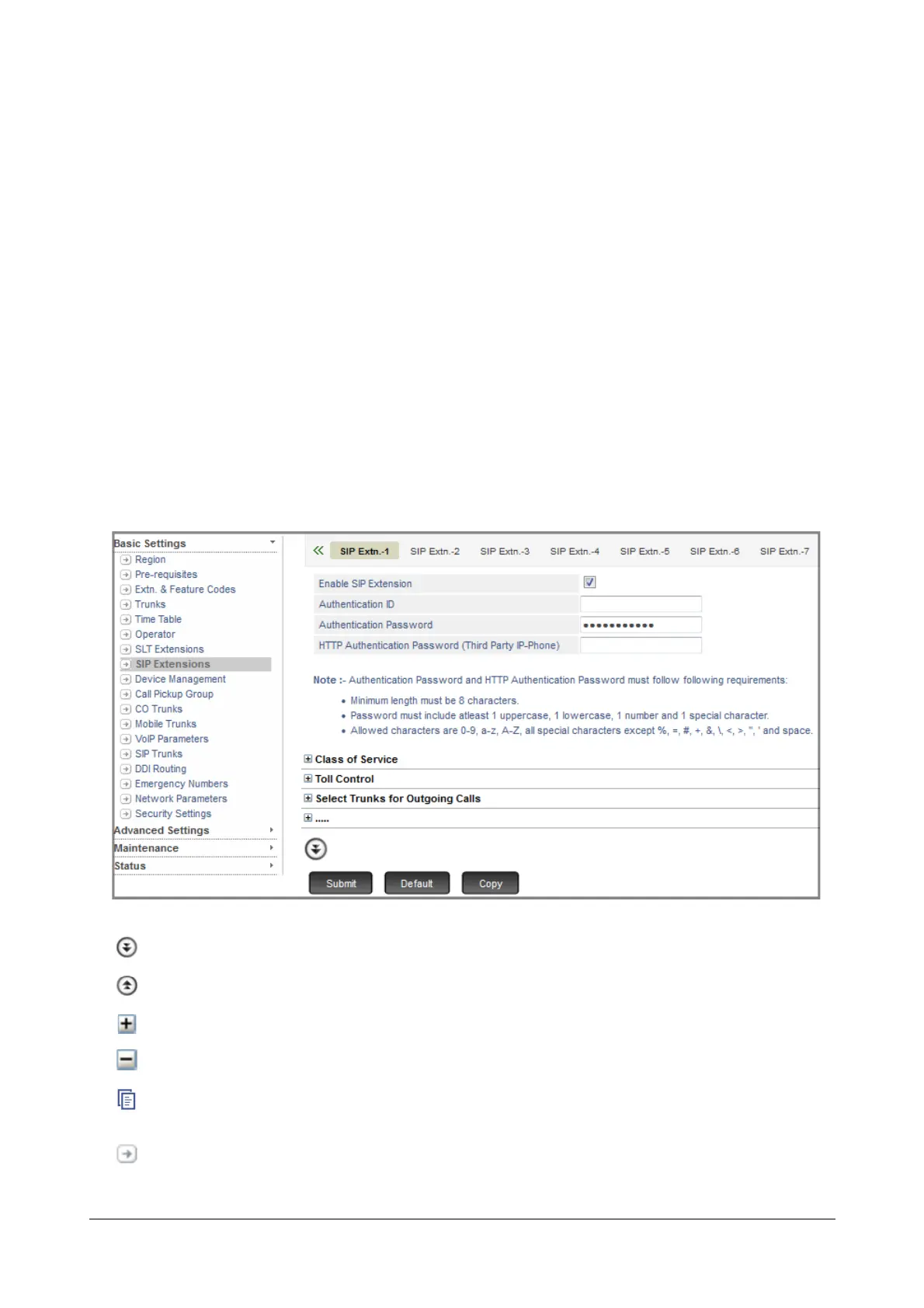
• Click SIP Extensions.
On this page,
More: Click this button to view all parameter links on the page.
Less: Click this button to view only the essential parameter links on the page.
Expand: Click to expand a link to display all parameters under the link.
Collapse: Click to collapse a link. Hides all parameters under the link.
Copy: Click to copy the parameters under a specific link of a page to the same link under any other extension
page.
Settings: Click to configure the settings of a parameter further.



 To Next Page